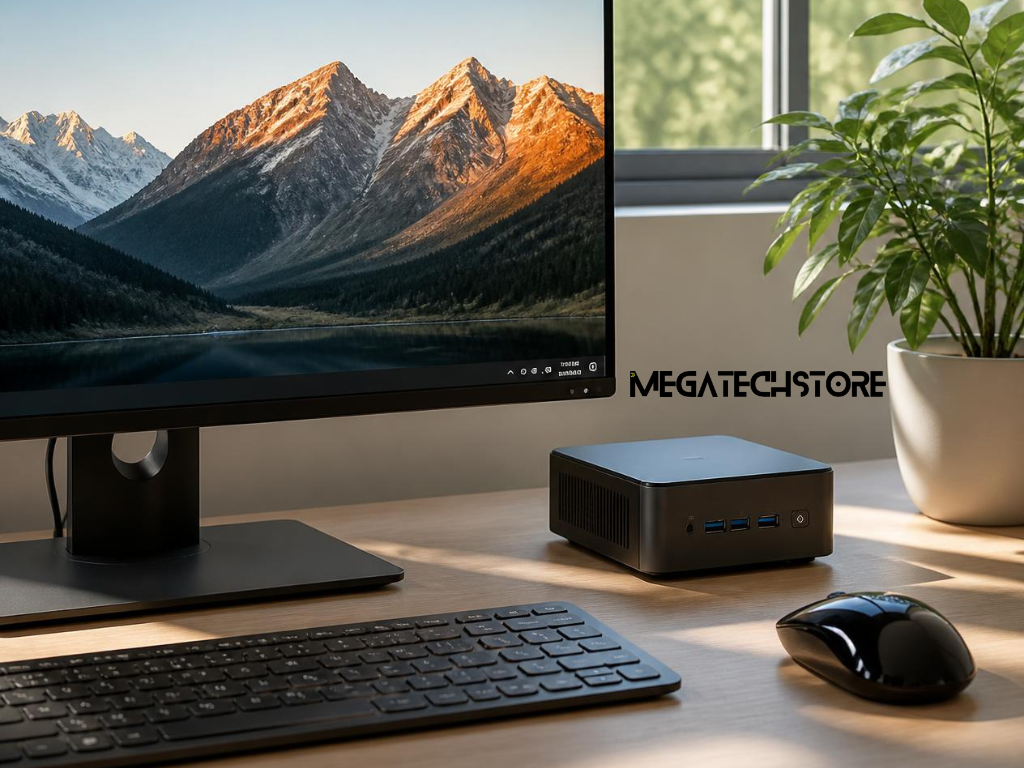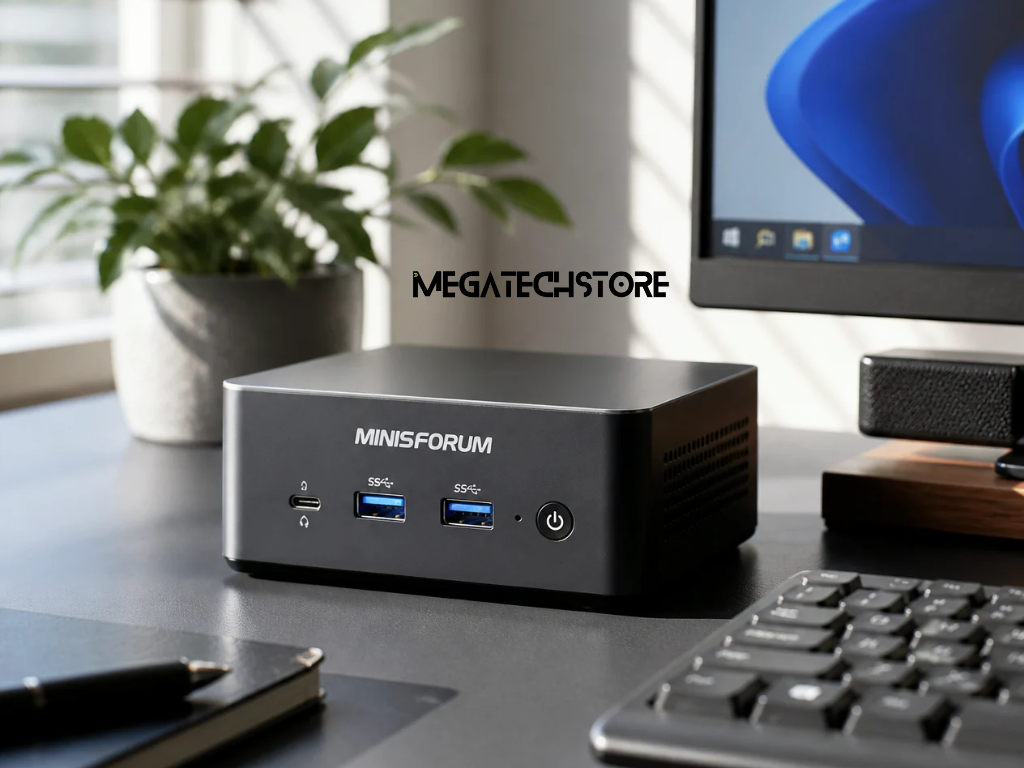

Gaming on a minisforum mini pc is becoming more popular due to its compact size and solid performance. These mini PCs pack impressive hardware, making them capable of running many modern games. With high-performance PC parts like AMD Ryzen and Intel Core processors, some models can handle demanding titles with ease.
For casual gamers and esports enthusiasts, minisforum offers models with integrated or dedicated GPUs, providing smooth gameplay in competitive games like CS:GO, Valorant, and League of Legends. However, more demanding AAA games may require models with higher-end processors and external GPU support.
When choosing a minisforum mini pc for gaming, the CPU and GPU are the most critical components. PC parts like the processor determine how fast the system can handle game logic, while the GPU is responsible for rendering graphics smoothly.
Many minisforum models come with integrated graphics, which work well for older games and indie titles. However, gamers who want to play AAA games or experience higher refresh rates may need a model that supports external GPUs (eGPU).
Not all minisforum models are built the same, and choosing the right mini pc depends on the type of games you play. Some models are optimized for lightweight gaming and everyday use, while others support more powerful PC parts for high-end gaming.
Entry-level minisforum mini PCs come with integrated graphics and are best for casual gaming and retro emulation. Mid-range models feature higher clock speeds and better cooling systems, making them suitable for esports titles like Fortnite, Rocket League, and Apex Legends.
While many minisforum mini PCs work great out of the box, some games require extra upgrades for better performance. Games with detailed environments, ray tracing, and complex physics demand more RAM, faster storage, and higher GPU power.
Upgrading certain PC parts like RAM and SSDs can make a significant difference in game load times and overall smoothness. Many models in minisforum australia allow users to expand storage or install more memory, making them more future-proof for gaming.
To get the most out of a minisforum mini pc, tweaking in-game graphics settings is essential. Lowering settings like shadow quality, anti-aliasing, and texture resolution can significantly improve frame rates without sacrificing too much visual quality.
For users with integrated graphics, enabling performance mode and lowering resolution can help maintain smooth gameplay. If using an external GPU, optimizing settings based on the card’s capabilities ensures higher frame rates and better visual effects.
Gaming performance isn’t just about the CPU and GPU—RAM and storage also play a crucial role. More RAM helps in games that rely on fast data access, reducing lag and improving stability. Upgrading to at least 16GB of RAM is recommended for smooth gaming on a minisforum mini pc.
Fast storage is another key factor. Many minisforum models come with NVMe SSDs, which are much faster than traditional hard drives. Upgrading to larger-capacity SSDs ensures that games load quickly, reducing waiting times and improving the overall gaming experience.
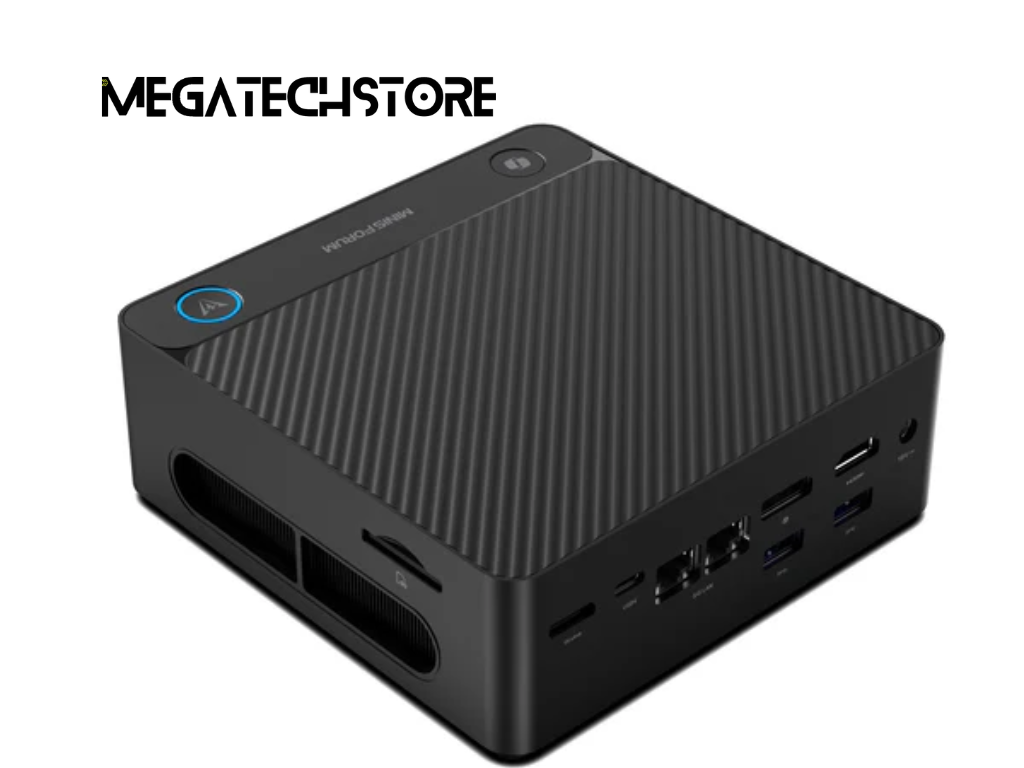
One of the biggest concerns with compact gaming systems is heat management. Since a minisforum mini pc is much smaller than a traditional desktop, it has less room for cooling fans and heat dissipation. However, minisforum has designed its mini PCs to handle demanding workloads without overheating.
Many models come with efficient cooling solutions, including high-performance heat sinks, built-in fans, and thermal management systems. These features help prevent thermal throttling, which can slow down a system when temperatures get too high. Gamers can also improve cooling by keeping vents clear, avoiding enclosed spaces, and regularly cleaning dust from the system.
For gamers in minisforum australia, external cooling solutions can help keep temperatures under control. Some users choose laptop cooling pads or external fans to improve airflow, especially when playing graphically demanding games for long hours.
Another important factor is placement. A mini pc should be positioned in an open, well-ventilated area, allowing heat to escape easily. Proper ventilation ensures the CPU and GPU can perform at their best without throttling, leading to smoother gameplay and better frame rates.
Not every game requires high-end PC parts to run smoothly. Many minisforum models are perfect for lightweight games and esports titles, which don’t need excessive GPU power. Competitive games like Valorant, CS:GO, League of Legends, and Rocket League run well on a mini pc, even with integrated graphics.
Since these games prioritize fast frame rates over visual effects, a minisforum mini pc with a modern processor and sufficient RAM can easily deliver a smooth and lag-free experience. Gamers who enjoy casual and indie games will also find that these systems handle platformers, puzzle games, and older classics without issues.
While minisforum mini PCs can run some AAA games, performance depends on the model and hardware configuration. Higher-end models with dedicated GPUs or external GPU (eGPU) support can handle demanding games like Cyberpunk 2077, Red Dead Redemption 2, and Assassin’s Creed Valhalla at lower settings.
For gamers in minisforum australia looking for AAA gaming, choosing a model with expandable storage, extra RAM slots, and eGPU compatibility will make a big difference. Upgrading to a dedicated graphics card via an eGPU dock can turn a minisforum mini pc into a powerful gaming machine while maintaining a small and efficient setup.
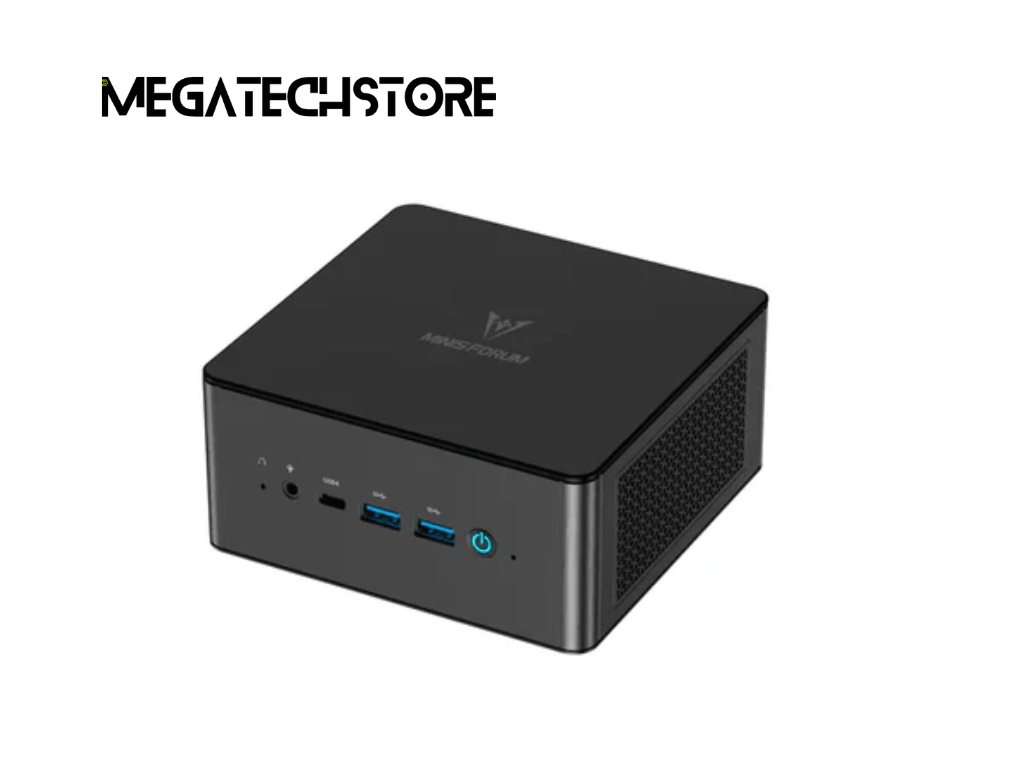
The world of mini PCs is constantly evolving, and minisforum continues to push the boundaries of compact computing. Newer models are featuring more powerful processors, better cooling solutions, and increased compatibility with high-performance GPUs.
With faster SSDs, more RAM options, and improved CPU-GPU integration, minisforum mini PCs are becoming more capable of handling modern gaming requirements. As hardware technology advances, these compact systems will become even more efficient, delivering desktop-like performance in a fraction of the space.
Gamers in minisforum australia are embracing mini PCs for their portability, energy efficiency, and sleek designs. Many players prefer a space-saving gaming setup that doesn’t compromise on performance. With external GPU support, faster processors, and advanced cooling, minisforum is proving that compact gaming systems can be just as powerful as traditional desktops.
As more PC parts become optimized for small form factors, gaming on a minisforum mini pc will only get better and more accessible. Whether playing casual games or pushing the limits with AAA titles, the future looks bright for compact gaming solutions.