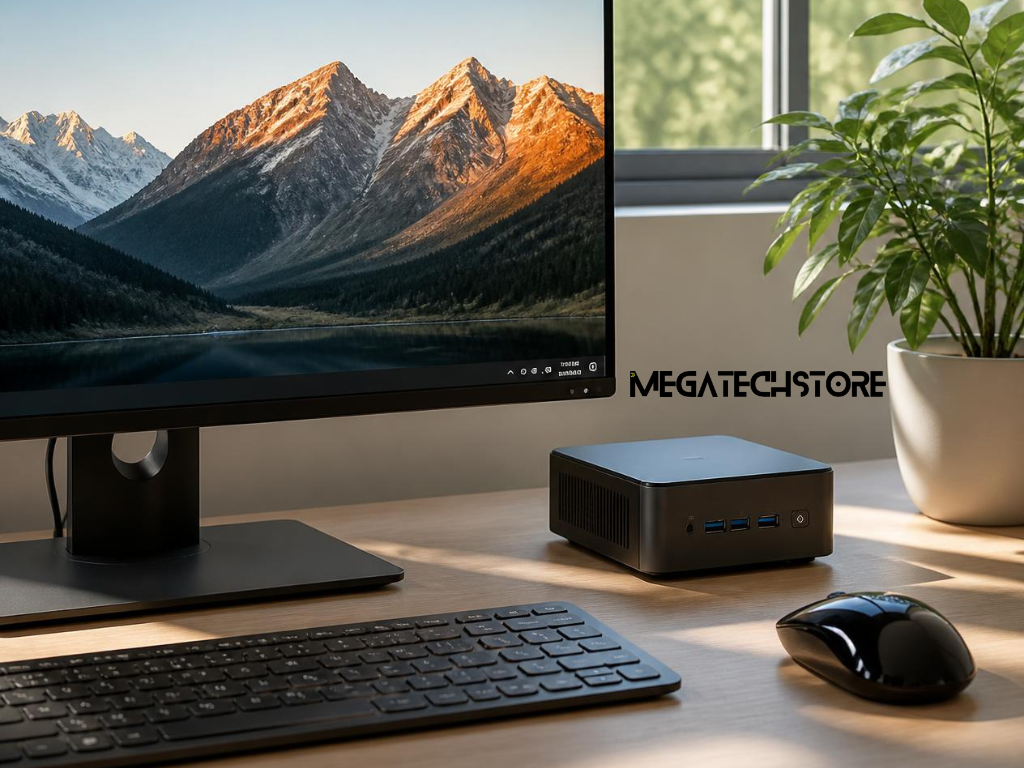

Before diving into specs and numbers, ask yourself: What will I actually use this PC for? If it’s for emails, browsing, or schoolwork, you don’t need a high-end gaming machine. The right pre build pc depends entirely on your lifestyle and daily use.
If you’re not editing videos or playing intense games, you’ll find that even an entry-level desktop can handle your needs without breaking a sweat—or your wallet.
The great thing about buying a pre build pc is that you don’t need to be a tech expert. Many come ready to go with solid performance for everyday tasks like video calls, Netflix, and spreadsheets. They’re perfect for people who just want something that works, without the stress of building from scratch.
So don’t overthink it. You might be surprised how much you can get for a reasonable price, especially if your needs are basic.
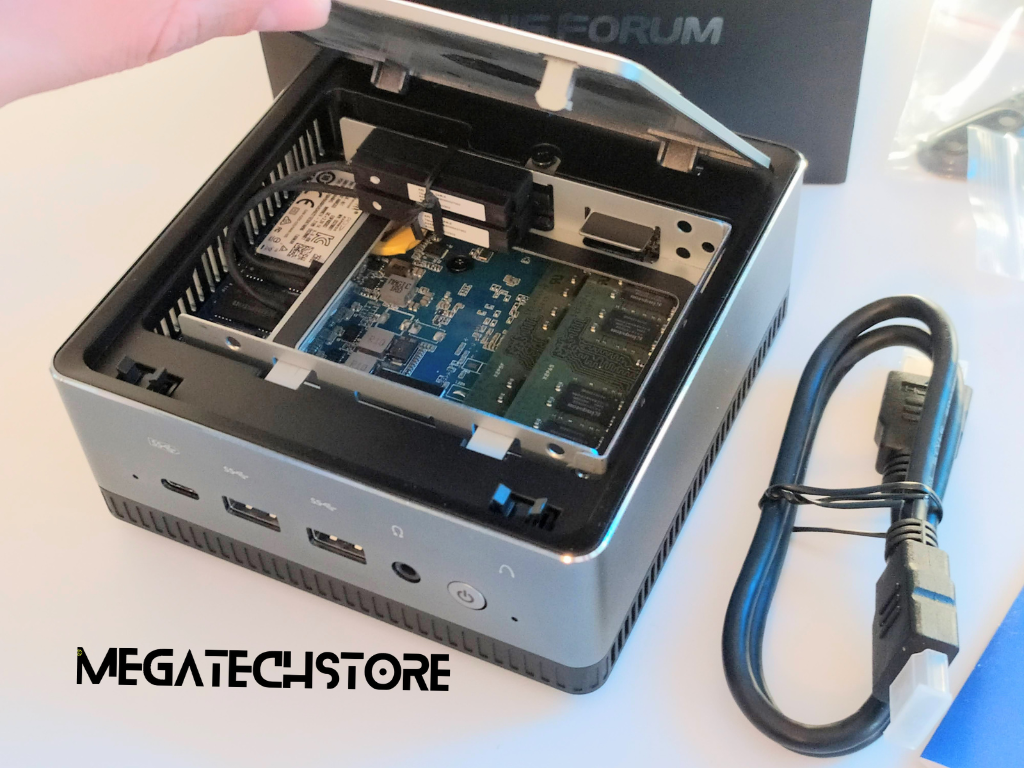
Let’s keep this simple. The CPU is your computer’s brain—it affects how fast things load. RAM is your short-term memory—it helps you multitask. And storage is where all your files and apps live.
You don’t need to memorise specs. Just know that for general use, an Intel i5 or AMD Ryzen 5 CPU, 8GB of RAM, and a 256GB SSD is a great starting point. These pc parts will make sure your pre build pc feels snappy and smooth.
It’s easy to get caught up in numbers. But here’s the truth: higher specs don’t always mean better performance for your needs. A solid combo of computer parts that work well together is more important than chasing the highest figures.
Stick to trusted models and read real user reviews. You’ll learn a lot more from how a PC actually performs day-to-day than from a long list of technical specs.
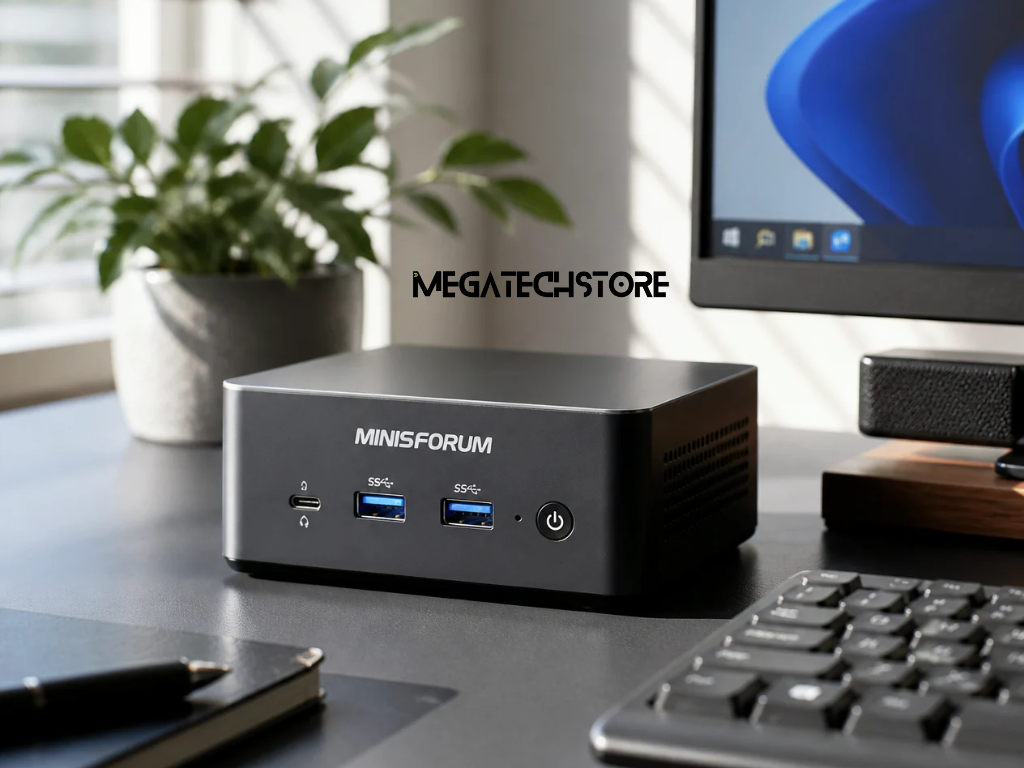
If you want something compact that doesn’t take up much room, a mini pc could be just what you need. Brands like minisforum offer tiny computers that are great for desks, home offices, or media setups where space is limited.
They still come with decent pc parts, and they’re often surprisingly powerful—more than enough for web browsing, streaming, and office work.
Mini pc setups are quieter and cooler than traditional towers. They’re perfect for people who want a clean, minimalist space or simply don’t want the hum of fans while working or watching videos.
Of course, they’re not built for heavy gaming or large design projects—but for daily tasks, a minisforum or similar model is more than capable.
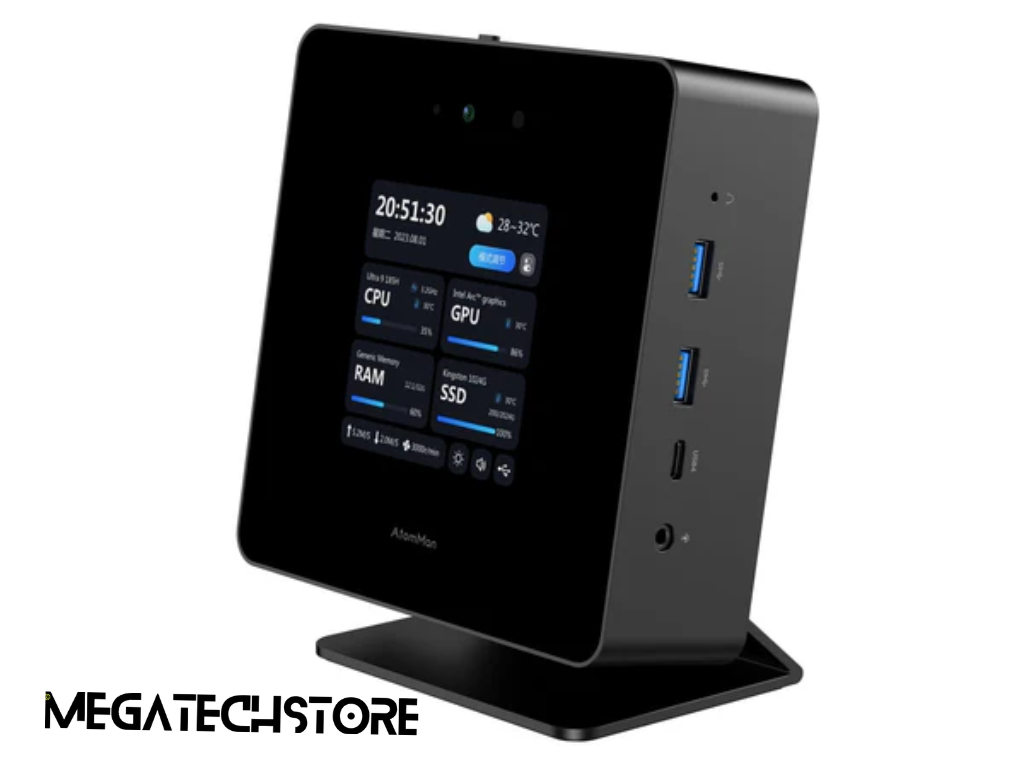
It’s easy to fall into the trap of thinking “bigger is better.” But unless you’re doing something super demanding—like video editing or gaming at ultra settings—you probably don’t need the highest-tier specs. Take RAM, for example. 16GB is great, but if you’re mostly checking emails, watching videos, or using Google Docs, 8GB is plenty.
The same goes for storage. You don’t need a massive hard drive if you’re mostly working from the cloud or storing a few photos and documents. Stick to what fits your everyday life, not what sounds impressive on paper.
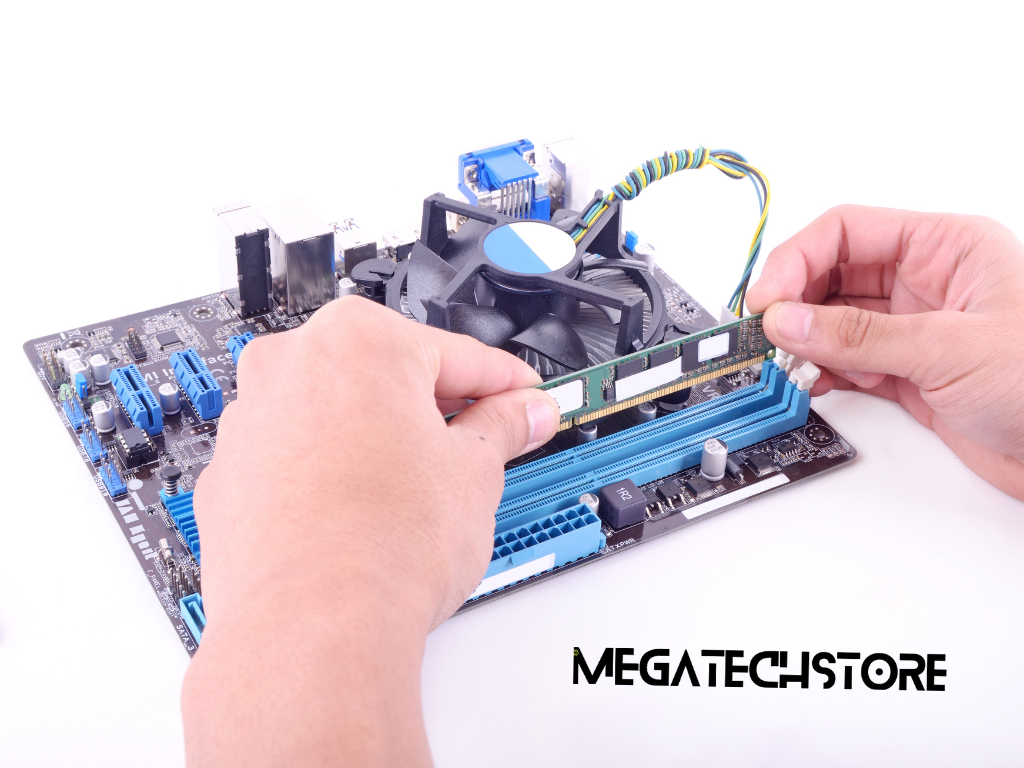
Here’s a reassuring thought: many pc parts can be swapped out or upgraded down the track. RAM, storage drives, and even some graphics cards can be replaced when needed. So if you’re unsure about maxing out everything now, don’t worry—you can always improve later as your needs change.
That’s one of the great things about a well-built pre build pc. You get flexibility without the pressure to go “all in” right away.
It’s not just what’s inside the box—it’s how it’s all put together. A good pre build pc should feel solid, run quietly, and stay cool even during long hours of use. You don’t want something that sounds like a jet engine or heats up like a toaster.
Quality builds are easier to live with, and they last longer. Look for proper airflow, neat cable management, and well-known brands that care about durability as much as performance.
Things happen. A part might fail, or you might need help setting things up. That’s why it’s important to buy from a brand or store that offers a decent warranty and actual human support.
Even mini pc brands like minisforum often include great after-sales help, which makes your experience a lot smoother if you run into a problem. So don’t just focus on how fast the machine is—think about how well it’s supported, too.
If you’re stuck between two or three options, try comparing them using a simple side-by-side tool. Sites like PCPartPicker or even retail websites let you view specs next to each other.
Seeing each pre build pc laid out clearly helps you spot differences without digging through technical jargon. You’ll quickly see which model gives you the most value for what you actually need.
Sometimes the best advice comes from other people who’ve already bought the same PC. Check reviews—especially the ones with photos and real experiences. You’ll find helpful insights on noise levels, ease of setup, and overall feel.
And if you’re looking at a mini pc, searching reviews for something like minisforum can show you how it performs in daily use, not just on paper.