
Just like a car, your mini pc runs better with regular check-ups. Over time, dust builds up, programs slow things down, and updates get missed. This can make your device feel sluggish — or worse, lead to crashes. With a bit of simple maintenance, you can keep your mini pc running fast and quiet. No need to be a tech whiz. Just a few small habits go a long way.
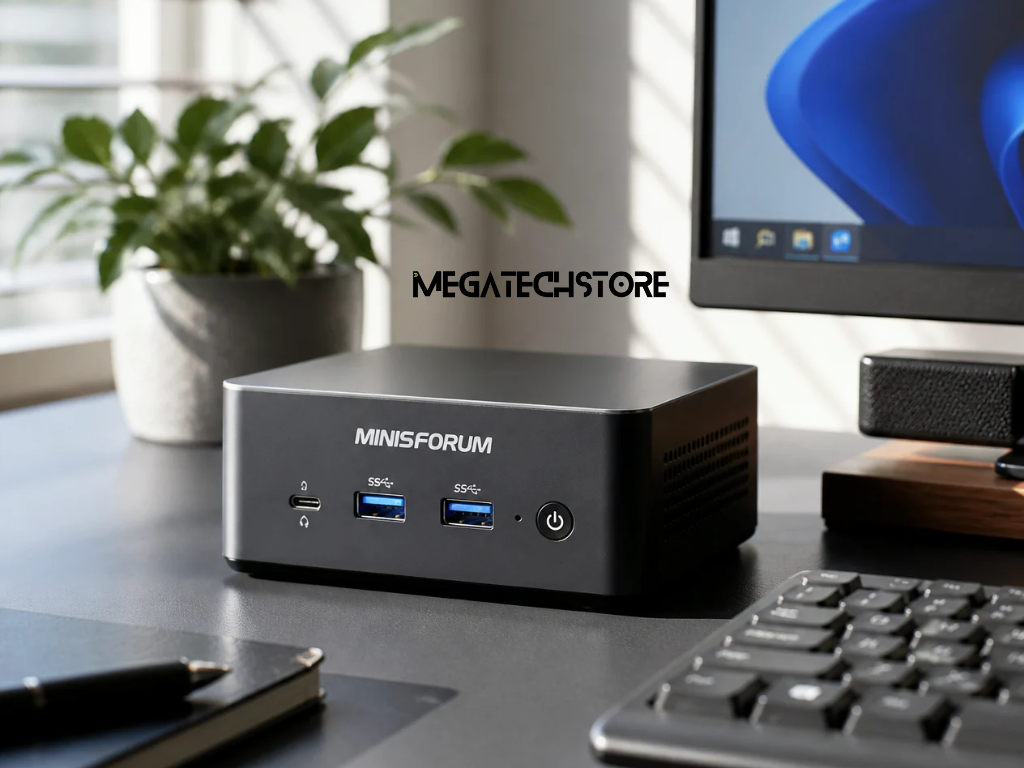
Ignoring small issues can lead to expensive repairs. Overheating, clogged fans, and bloated storage can all shorten the life of your pc parts. But if you stay on top of basic care, you can avoid breakdowns and keep everything running smoothly. This is especially true if you’re using a pre build pc or compact system like a minisforum model, where airflow and space are tighter.
Dust is the number one enemy of a mini pc. It blocks airflow, increases heat, and wears out internal parts faster. Luckily, it’s easy to clean your machine without needing to open it completely.
Here’s a quick cleaning checklist:
Turn off and unplug your mini pc
Always power down and let it cool first.
Wipe the exterior with a soft cloth
Remove fingerprints and surface dust.
Use compressed air for vents
Short bursts clear the dust without damage.
Avoid liquid cleaners or sprays
Moisture and electronics don’t mix.
If you feel confident, you can gently open the case and clean inside — but be careful. If you’re unsure, it’s best to ask a professional or visit trusted pc builders sydney for help.
Tip: Clean your device every 2–3 months, or more often if your space is dusty or you use your mini pc daily.
Many people skip software updates, but they’re essential. Updates fix bugs, patch security holes, and improve performance. If your mini pc is running an old version of Windows or drivers, it could be at risk or working harder than it should. Regular updates protect your system from viruses, speed things up, and help your pc parts work more efficiently together.
You don’t have to check manually every week. Most systems allow automatic updates — just make sure they’re turned on:
For Windows: Go to Settings > Windows Update
For software and drivers: Use built-in update tools
For branded systems like minisforum: Check the manufacturer’s website for firmware or BIOS updates
If you’re using a pre build pc, it may come with software to help manage updates automatically. Let your system do the work while you focus on getting things done.
Storage is one of the first things that can slow down your mini pc. Unlike big desktop towers, a mini pc has less space inside — both for files and cooling. So keeping your drive clean and your memory in check is a must.
Here’s how you can manage things better:
Remove unused programs
Go through your apps and uninstall what you no longer need.
Empty the recycle bin
Forgotten files can take up gigabytes of space.
Use storage tools
Windows and Mac both have built-in disk clean-up tools.
Keep your desktop tidy
Too many files on your desktop can slow boot times.
If your system still feels slow, it might be time to upgrade your pc parts. A simple RAM or SSD upgrade can bring your mini pc back to life. Some models — including certain pre build pc and minisforum units — allow easy upgrades without tools. Always check your system specs first. And if you’re not sure what part fits, local pc builders sydney can guide you through it.
You don’t have to do everything yourself. If your mini pc is crashing often or just not performing like it used to, don’t waste time guessing. A quick check from a local tech expert can save you hours of frustration.
Here’s when it’s worth talking to pc builders sydney:
Your system won’t turn on or keeps freezing
You’re thinking about upgrading parts but aren’t sure how
You’re setting up a new pre build pc and want to transfer data safely
You need help installing a custom OS or software
A trusted local builder can also recommend parts that fit well with your system — especially if you’re using a brand like minisforum that has specific upgrade limits.
Your mini pc might be small, but it plays a big role in your day — whether you use it for work, gaming, streaming, or study. A few minutes of care every couple of months keeps it fast, cool, and reliable.
To wrap up:
Clean your device inside and out
Keep software and drivers up to date
Watch your storage and delete junk
Don’t be afraid to ask for help
If your system is beyond repair or simply outdated, it might be time to move on. Look into a pre build pc or upgrade to something newer, like a modern minisforum model with faster performance and lower power use. Just remember — taking care of your device saves money, improves performance, and makes your digital life smoother.