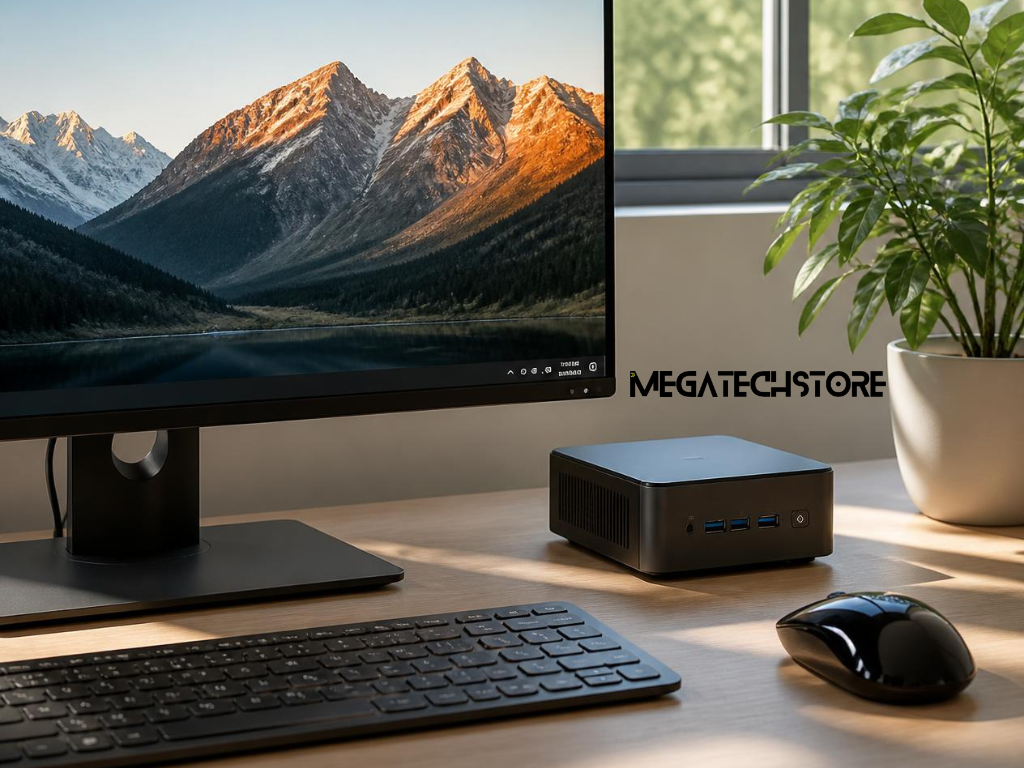

Finding the right computer is no longer just about choosing the biggest desktop tower or the most powerful processor. Many Australians are now looking for systems that offer a balance of performance, efficiency, and practicality. This shift has contributed to the growing popularity of compact computing solutions, particularly within the mini PC market.
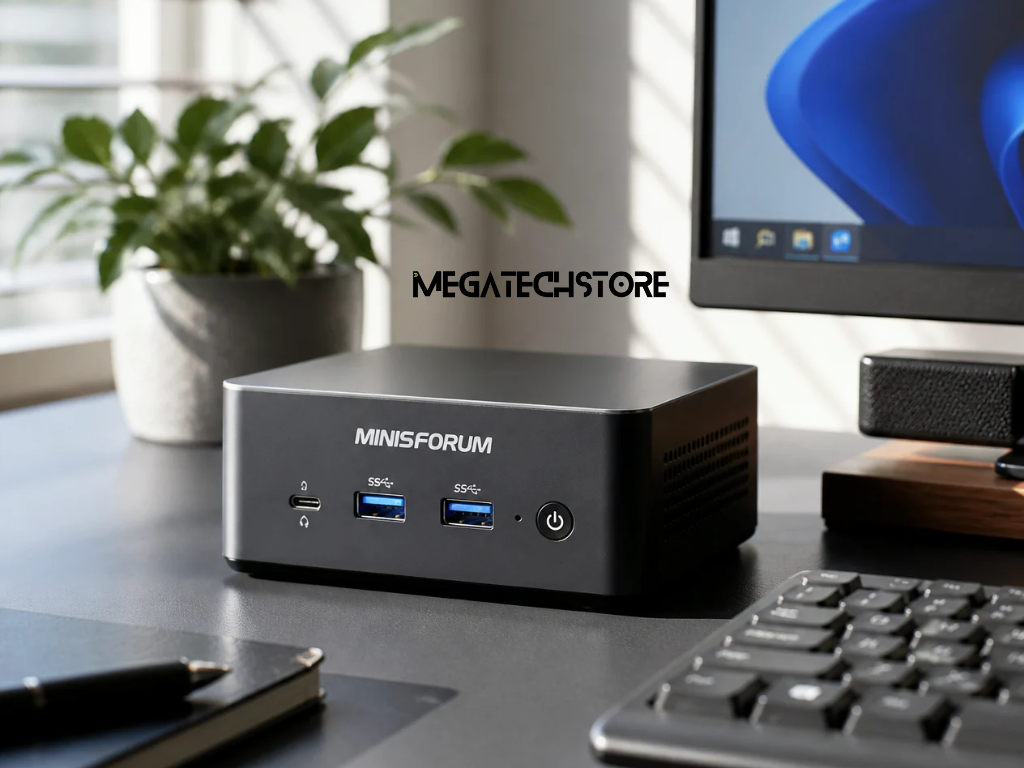
As demand for flexible workspaces, home offices, remote learning, and space-saving technology continues to grow, minisforum Australia has become a topic of interest for users seeking alternatives to traditional desktop computers. Compact systems are now capable of handling many everyday tasks while occupying only a fraction of the space required by conventional PCs.
Whether you are a student, professional, small business owner, or home user, understanding what to look for in a compact computer can help you make a more informed buying decision.
The way Australians use technology has changed significantly over the past few years. More people now work from home, study online, manage businesses remotely, and create flexible workspaces within their homes.
Traditional desktop computers can occupy significant desk space and often require larger work areas. Compact systems provide a practical alternative by delivering modern computing performance in a much smaller footprint.
This shift toward efficient use of space has helped increase interest in compact computing solutions across homes, offices, and educational environments.
Many users no longer require large desktop towers for everyday tasks. Activities such as web browsing, document creation, video conferencing, streaming, and multitasking can often be handled effectively by smaller systems.
Compact computers also offer benefits such as:
These advantages make compact systems appealing to a wide range of users.
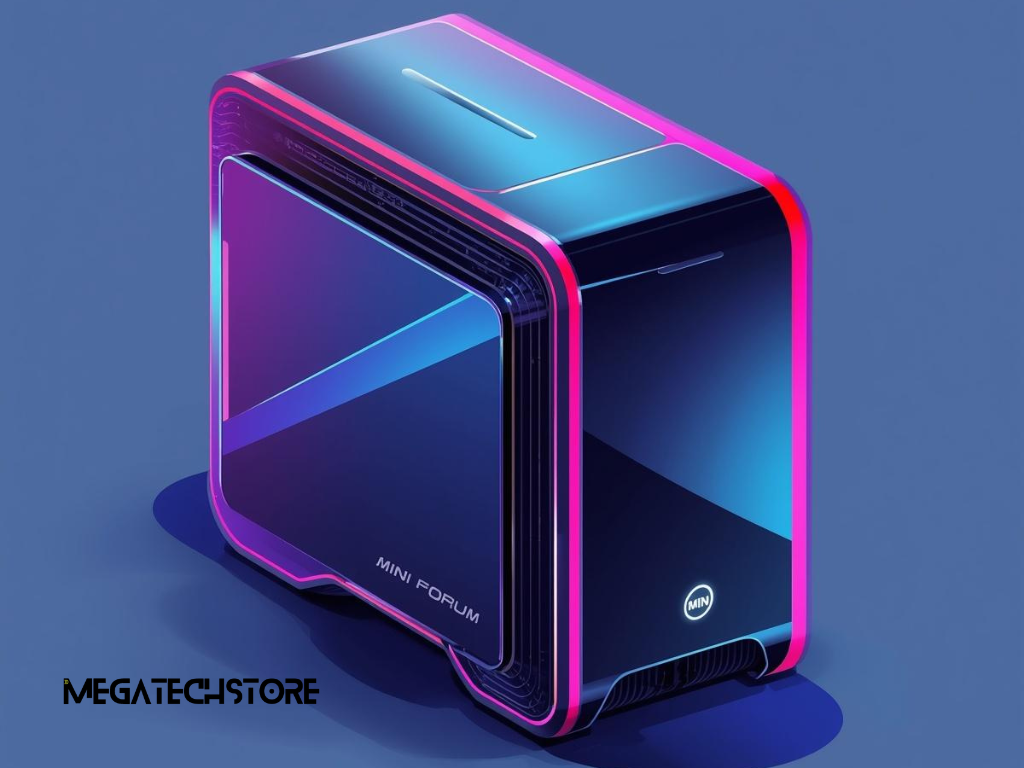
Minisforum is a manufacturer that focuses on compact computer systems designed for both personal and professional use. Its products are intended for users who want capable computing performance without dedicating large amounts of space to their hardware.
The range appeals to:
Different models offer varying levels of performance, allowing users to select a system that matches their specific requirements.
Advancements in processor technology, storage solutions, memory capacity, and cooling systems have significantly improved the capabilities of compact computers.
In the past, many small computers were limited to basic tasks. Today, modern mini PC systems can support multitasking, business applications, creative software, video conferencing, and entertainment workloads that were once reserved for larger desktops.
These improvements have helped compact systems become a realistic option for a much broader audience.
A modern minisforum pc can support a wide variety of everyday computing activities. Depending on the model selected, users can comfortably perform tasks such as:
Many users find that compact systems provide more than enough performance for their daily needs.
Space efficiency is one of the most attractive benefits of compact computing. A smaller device can be placed on a desk, mounted behind a monitor, or integrated into workstations where space is limited.
This flexibility allows users to create cleaner, more organised environments without sacrificing functionality. For people working in apartments, shared offices, or home study areas, compact systems can significantly improve workspace management.
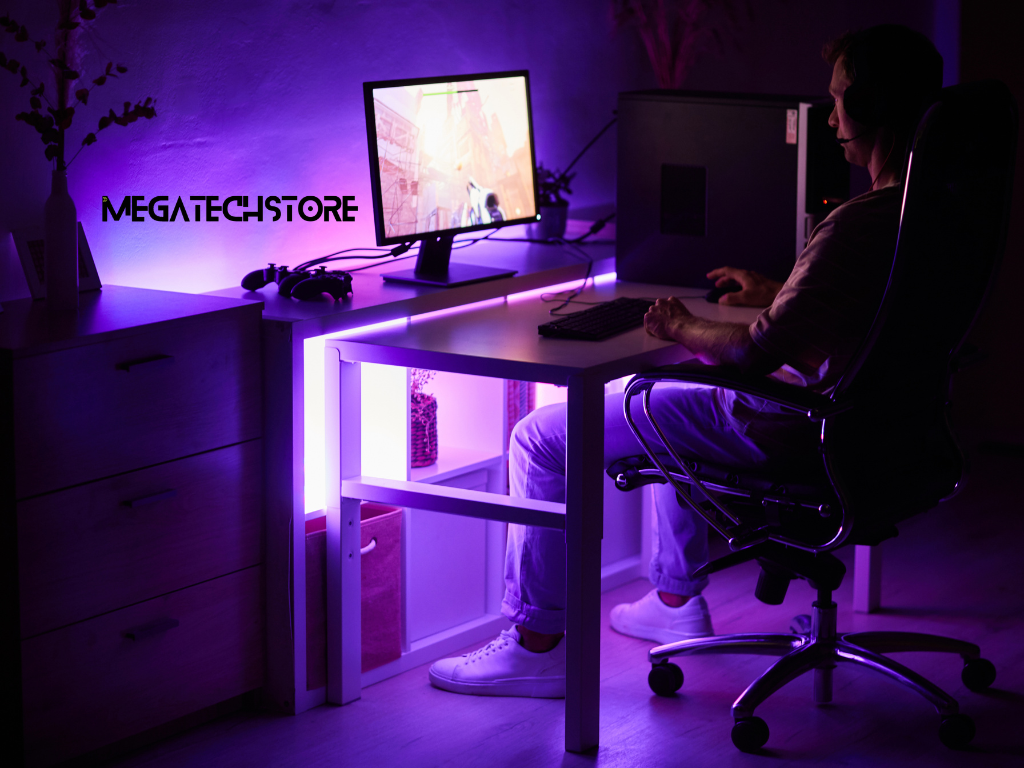
A mini pc and a traditional mega computer serve many of the same purposes but differ in design priorities.
Mini PCs focus on:
Traditional desktop towers often prioritise:
The right choice depends largely on how the computer will be used.
Students, office workers, home users, and many small businesses may find compact systems perfectly suited to their needs.
Users requiring advanced gaming performance, specialised engineering software, or highly demanding creative workloads may still benefit from larger desktop configurations.
Understanding your workload requirements is often the most important step when choosing between compact and traditional computing solutions.
Even though compact computers are smaller, the quality of their computer parts remains extremely important.
Key specifications to consider include:
Evaluating these components helps ensure the system can comfortably handle intended workloads.
Choosing the right hardware configuration can extend the useful life of a computer. A system that meets current needs while allowing room for future demands often delivers better long-term value.
For example, selecting additional memory or larger storage capacity may reduce the likelihood of needing an early replacement as software requirements evolve.
When researching mini pc near me options, buyers should focus on practical considerations rather than specifications alone.
Important factors include:
Comparing these areas can help narrow the field and identify the most suitable solution.
Purchasing from a local supplier can provide benefits such as faster support, easier warranty assistance, and the opportunity to discuss requirements with experienced staff.
For buyers exploring compact computing solutions, mega tech store can provide guidance on available systems, specifications, and configuration options that align with different performance requirements and budgets.
Many buyers seek assistance when they are unsure about:
Professional advice can help reduce uncertainty and improve purchasing confidence.
Before buying a compact computer, consider asking:
These questions can help ensure the selected system meets both current and future needs.
The growing popularity of minisforum Australia reflects a broader shift toward flexible, efficient, and space-saving computing solutions. Modern compact computers are capable of supporting many everyday business, educational, and personal tasks while requiring significantly less space than traditional desktop systems.
By understanding your workload requirements, evaluating important specifications, and comparing available options carefully, you can choose a system that delivers reliable performance and long-term value. Whether you need a compact workstation for productivity or an efficient home computing solution, taking the time to research your options can lead to a better purchasing decision.