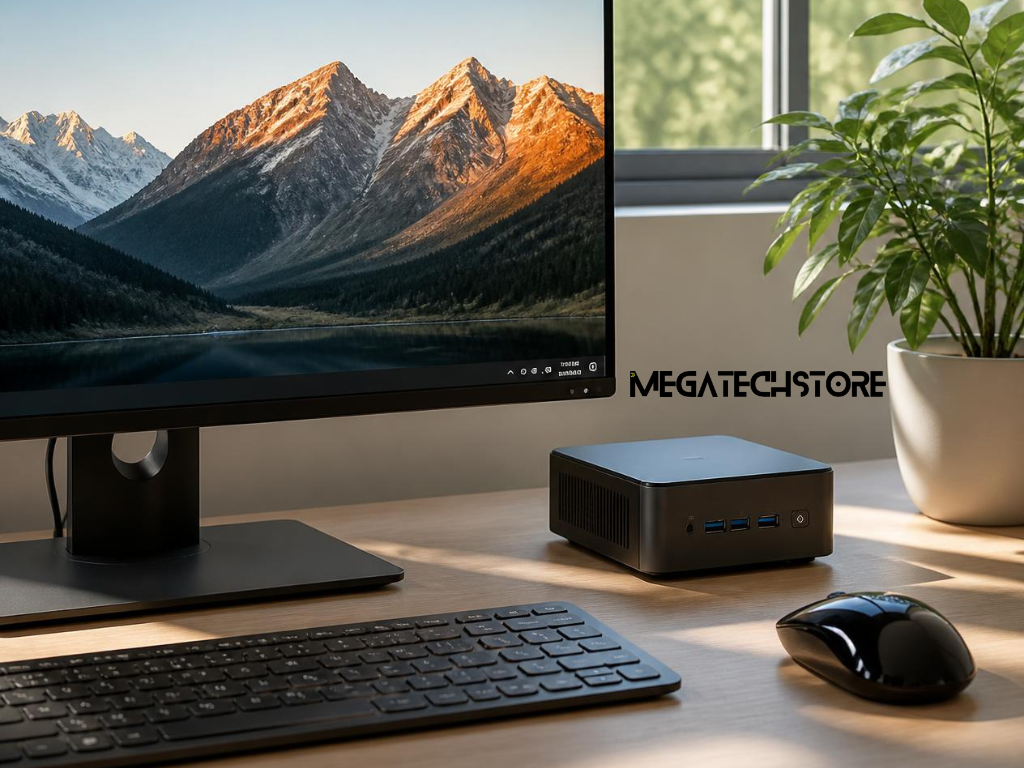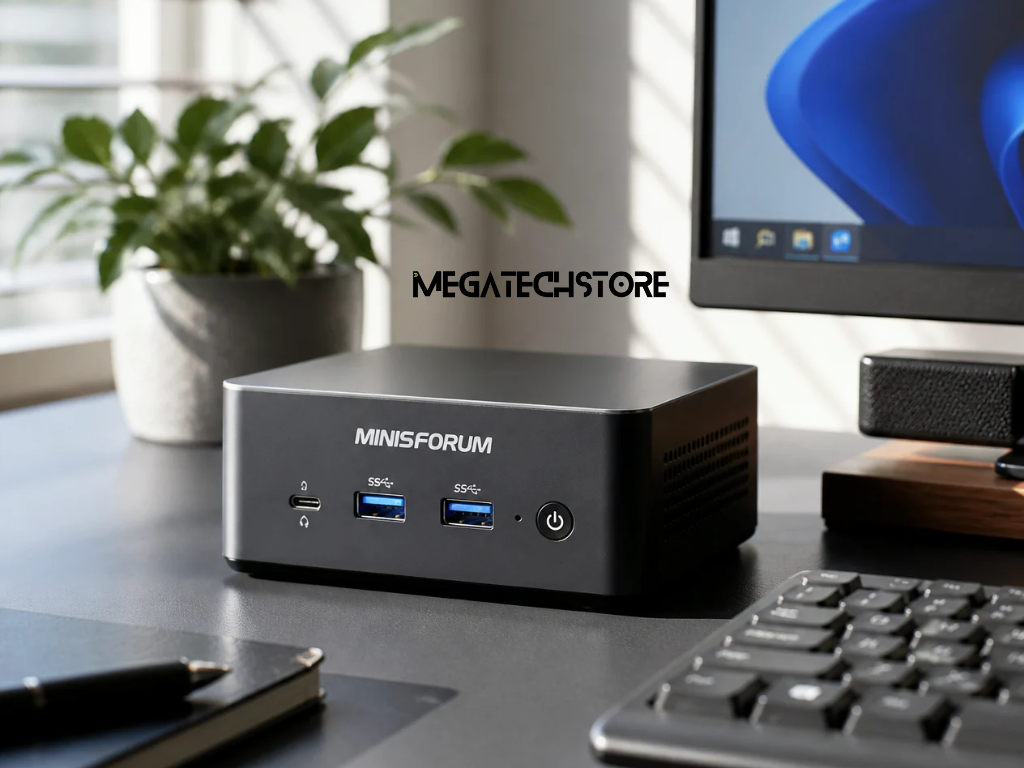

A mini PC can be a practical choice if you want strong computing performance without using the space of a full desktop tower. For many Australian buyers, the appeal is simple. A mini pc can fit neatly on a desk, behind a monitor, in a reception area, or in a small office where space is limited.
Minisforum is one of the better-known mini PC brands, offering compact systems for home, office, creator, gaming, workstation, and NAS-style use through its Australian online store. The official Minisforum AU store currently describes its product range as mini PCs, workstations, AI PCs, and NAS solutions, with free shipping, 30-day returns, and a 3-year warranty for eligible purchases.
This guide explains what to check before buying minisforum Australia products, how to compare models, and when it may help to speak with a local tech store before choosing a system.
Mini PCs are becoming more relevant because many homes and workplaces now need compact, flexible computers. People are using them for home offices, front desks, study rooms, meeting rooms, digital signage, media setups, and small business workstations.
Industry coverage also points to growing demand for compact, energy-efficient computers, especially for business and workspace use. Recent business PC guides continue to highlight compact systems as useful options for professional environments where space and efficiency matter.
However, a mini PC is not automatically the right choice for everyone. Some users need a simple computer for everyday tasks, while others need more RAM, stronger graphics, faster storage, or better cooling. That is why comparing the right model matters.
This guide is for Australian buyers who are comparing Minisforum models, checking mini PC specs, or searching for a mini pc near me because they want local advice or support.
It is also useful for small business owners, home office users, students, remote workers, and buyers who are comparing a Minisforum PC with a laptop, desktop tower, or all-in-one computer. The goal is to help you choose based on real use, not just price or product photos.
A Minisforum PC is a compact computer designed to deliver desktop-style performance in a much smaller body. Instead of taking up the space of a full tower, it can sit on a small desk, mount behind a monitor, or fit into a compact workstation area.
Many models use laptop-style processors and compact internal layouts, while still offering practical ports, memory options, storage, and display support. Higher-performance models may suit heavier workloads, but the right choice depends on the exact model and configuration.
The main difference is size. A traditional desktop tower usually has more space for large graphics cards, multiple drives, cooling hardware, and future upgrades. A mini PC is much smaller, so it is designed around efficiency, compact parts, and a cleaner setup.
This makes a mini PC ideal when space is limited. It can be useful for a reception counter, home office, classroom, retail counter, or workstation where a large tower would be inconvenient. However, some mini PCs may have fewer upgrade options than a full desktop, especially for graphics cards or internal expansion.
For this reason, buyers should check the model carefully before purchasing. If you need long-term upgrade flexibility, a tower may still be better. If you need compact performance for everyday work, a Minisforum PC may be a strong fit.
A Minisforum system can be used for web browsing, email, Microsoft 365, accounting software, online meetings, study, streaming, and general office work. Higher-spec models may also support light creative work, multi-monitor setups, coding, business systems, and selected workstation tasks.
Some Minisforum models are designed for more advanced uses. For example, the Minisforum MS-01 is described by Minisforum as a mini workstation with Intel Core i9-13900H, i9-12900H, or i5-12600H processor options, depending on the configuration.
Before buying, always match the model to the software and tasks you actually use. A basic office setup does not need the same specifications as a workstation, creative system, or gaming setup.
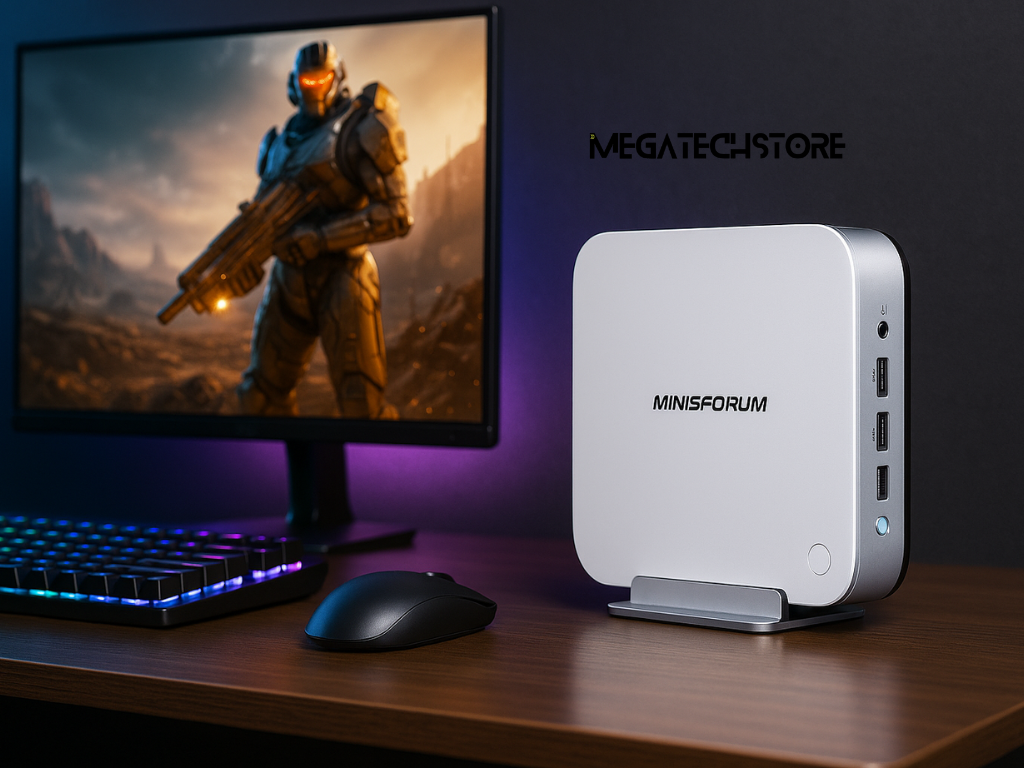
Specs matter, but they only matter when they match your workload. A buyer using a mini PC for email, admin, and browser-based tools may not need the same system as someone running design software, multiple displays, virtual machines, or large data files.
Instead of choosing only by price, compare the processor, RAM, storage, ports, warranty, and support. These details will affect how the computer performs day to day.
The processor affects how quickly the mini PC handles tasks. For general office use, a modern mid-range processor may be enough. For heavier workloads, such as creative software, coding, virtual machines, or business multitasking, a stronger processor may be more suitable.
RAM affects how many tasks the system can handle at once. If you regularly keep many browser tabs, spreadsheets, online tools, and communication apps open, more RAM can make the system feel smoother. Storage is also important because it affects how much space you have for files, apps, and future updates.
As a practical guide, buyers should think about what they use every day. A simple home office user may prioritise reliability and value, while a business or power user may need more RAM, faster storage, and stronger processing performance.
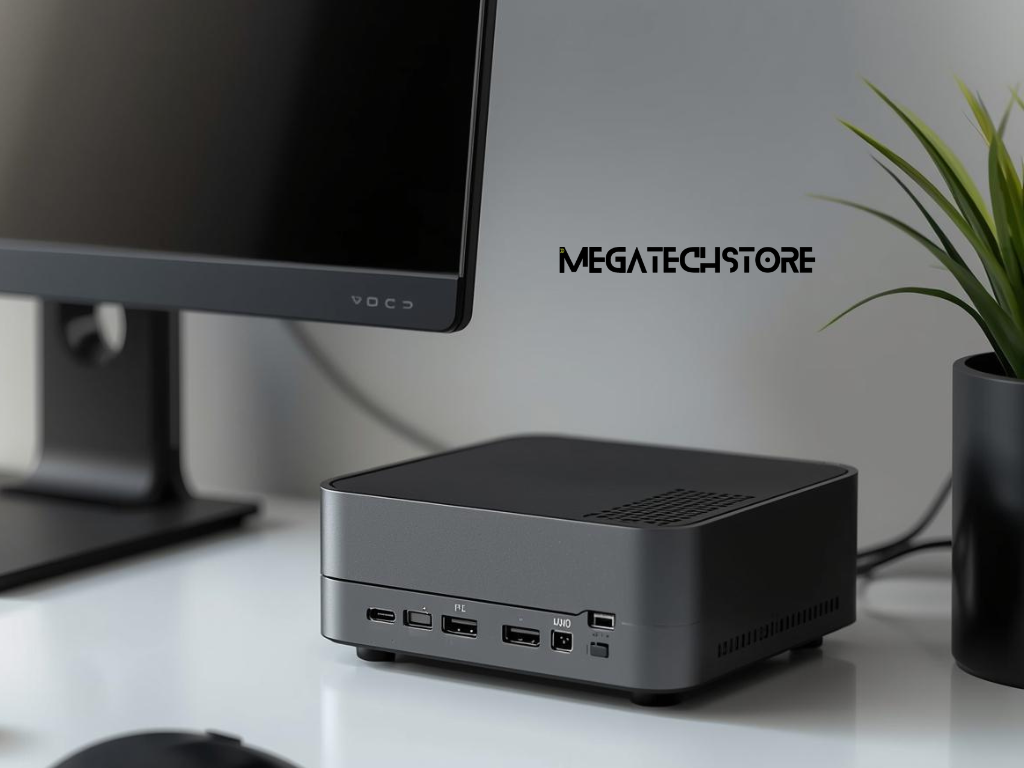
Ports are one of the most important details to check before buying a mini PC. Look at how many monitors you want to connect and whether the model supports the display outputs you need, such as HDMI, DisplayPort, or USB-C.
You should also check USB ports, Ethernet, Wi-Fi, Bluetooth, audio output, and any specialist ports your setup requires. If you use wired internet, multiple monitors, external drives, webcams, printers, or docking accessories, port selection can make a big difference.
Upgrade options also matter. Some mini PCs allow RAM or storage upgrades, while others may be more limited. If you plan to keep the system for several years, ask whether the RAM and storage can be upgraded and what the limits are.
Choosing the right mini PC starts with your daily tasks. The best model is not always the most expensive one. It is the one that gives you enough performance, the right ports, suitable warranty, and practical support for your situation.
This is especially important for buyers comparing minisforum Australia options because there may be several models with different processors, memory options, storage sizes, and intended uses.
For everyday home or office use, focus on smooth performance, enough RAM, reliable storage, and the ports you need for your monitor and accessories. This type of user may not need the highest-end model.
For business use, think about software requirements, monitor setups, support needs, and how long the system should last. If the computer will be used every day by staff, it may be worth choosing a better configuration rather than the cheapest option.
For creative work, coding, heavier multitasking, or advanced workstation tasks, check the processor, RAM limit, storage speed, thermal design, and display support carefully. If you are using demanding software, check the software provider’s recommended system requirements before buying.
It is easy to overspend on specs that sound impressive but do not improve your daily work. For example, a buyer who only needs email, web browsing, video calls, and documents may not need a high-end workstation model.
At the same time, buying too low can create problems later. If the system has limited RAM, small storage, or not enough ports, you may outgrow it quickly. The better approach is to choose a mini PC that suits your current use and gives you some room for future needs.
A good supplier should help you compare options clearly instead of pushing the most expensive model.
When buying a mini PC in Australia, check more than the product specifications. Warranty, delivery, returns, stock availability, and support can affect the buying experience after the sale.
The official Minisforum AU store states that eligible purchases made through the AU Official Store on or after March 9, 2026 receive a 36-month warranty. Buyers should still check the exact warranty terms for the specific product and seller before purchasing.
Warranty terms can vary depending on where you buy the product. Some buyers prefer the official store, while others prefer buying through a local or Australian-based tech store that can provide product advice and support.
Before ordering, check who handles warranty claims, how returns work, whether the item is in stock, and whether the model is supplied with Australian-compatible power requirements. If a supplier makes a claim about warranty, delivery time, or authorised reseller status, confirm it before purchase.
This is especially important for business buyers who cannot afford long downtime if a computer needs support or replacement.
Buying online can be convenient because it allows you to compare models, prices, and specifications quickly. It may also give access to a wider range of Minisforum models.
Buying from a local tech store can be useful when you need advice before purchasing. This may help if you are unsure about RAM, storage, display support, business use, or whether a mini PC will suit your current setup.
For buyers searching for a mini pc near me, the intent is often not just location. They may also want help choosing the right product, checking compatibility, or getting after-sales support.
The supplier you choose can affect the experience as much as the mini PC itself. A good supplier should clearly explain what is included, what is in stock, what warranty applies, and whether the model suits your needs.
If you are comparing a mega computer, a compact workstation, or a Minisforum PC, ask practical questions before making a purchase.
Before buying, ask whether the model is in stock, what configuration is available, and whether RAM or storage can be upgraded. You should also confirm what warranty applies, who handles returns, and whether the system comes ready to use.
It is also helpful to ask about monitor support, included accessories, Windows licensing, power supply details, and whether the model is suitable for your software. If the computer is for business use, ask whether multiple units can be supplied and whether advice is available for choosing a consistent setup.
These questions help you avoid buying a system that looks suitable online but does not match your real needs.
Mini PCs can be easy to underestimate because they are small. However, different models can have very different performance levels, ports, cooling designs, and upgrade options.
A knowledgeable tech store can help you compare models based on actual use. For example, mega tech store describes itself as specialising in compact computers from brands including Minisforum and MINIX, with mini PCs tailored to different needs.
This type of supplier may be useful if you want help choosing between a basic mini PC, a higher-performance Minisforum PC, or a compact workstation-style system.
You should contact a tech store when you are unsure which model suits your work, your monitors, your software, or your budget. This is especially useful if the computer will be used for business, staff workstations, remote work, or more demanding software.
A short conversation before buying can help you avoid ordering the wrong configuration.
You may need help if you are choosing a mini PC for multiple monitors, accounting software, design programs, video meetings, office work, or a shared business workstation. You may also need advice if you are replacing an older desktop and want to know whether a compact system will perform well enough.
It is also worth asking for help if you are comparing several Minisforum models and the differences are not clear. Processor names, RAM options, storage sizes, and display outputs can be confusing, especially when models look similar.
Before asking for help, prepare details about how the computer will be used. Include the main software, number of monitors, preferred storage size, budget range, internet connection, and whether the system is for home, study, or business.
You should also mention whether you need a keyboard, mouse, monitor, Windows setup, delivery, or pickup. These details help the supplier recommend a system that fits your actual setup, not just a generic product listing.
A Minisforum PC can be a practical choice for Australian buyers who want compact performance, a cleaner workspace, and flexible setup options. Before buying, compare the specs, ports, warranty, support, and supplier knowledge. The right mini PC should match your workload, your space, and your long-term needs.