
Choosing PC builders in Sydney is easier when you know what you need the computer to do. Some buyers want a gaming system. Others need a reliable office computer, workstation, mini PC, content creation setup or pre build PC that is ready to use.
The right choice depends on your workload, budget, space, upgrade plans and support needs. A powerful build may look impressive, but it may not be the best value if you only need everyday office work. In the same way, a basic system may feel limiting if you plan to use demanding design, editing, gaming or business software.
Sydney buyers also have several options. They can buy a prebuilt system, order a custom PC, purchase computer parts, or choose a compact mini PC. This guide explains what to check before speaking with a tech store or PC builder.
A custom PC is built around specific needs. The buyer can usually choose the processor, graphics card, memory, storage, case, cooling, power supply and other computer parts. This can be useful when the computer needs to support gaming, design, editing, business software or a specific budget.
A standard computer or prebuilt system is already assembled. It may suit buyers who want a faster and simpler purchase. Many Sydney providers offer both custom and prebuilt PCs, including gaming systems, workstation-style builds and ready-to-use desktops.
The main difference is control. A custom build gives more control over parts and performance. A prebuilt option can reduce the time and effort needed to choose every component.
Local advice can help when you are unsure which system suits your actual workload. A Sydney-based tech store may be able to explain the difference between a gaming PC, workstation, office desktop, mini PC or compact business computer.
This matters because many buyers know the result they want, but not the parts needed to achieve it. For example, a student may need a quiet and reliable system. A gamer may need stronger graphics. A business may need several matching units with good support. A designer may need fast storage and enough memory for creative software.
Good advice can help prevent overspending. It can also reduce the risk of buying a system that looks powerful but does not suit the main task.
A custom build may suit buyers who have specific performance needs. This can include gaming, streaming, video editing, 3D work, coding, business applications or multi-monitor setups.
Custom builds also make sense when you want control over future upgrades. For example, you may want a stronger power supply, better cooling or a larger case so the system can be upgraded later. You may also want a specific balance between processor, graphics card, memory and storage.
However, custom building requires more planning. The parts need to be compatible, the system needs proper cooling, and the final setup should match the software you plan to use. Any claim that one build can handle every demanding task should be marked as.
A pre build PC may be the easier choice when you want a ready-to-use computer without comparing every part. It can suit home users, students, office users, gamers and small businesses that want a clear package.
Prebuilt PCs can also reduce decision fatigue. The supplier has already selected the main components, assembled the system and prepared it for use. This can be helpful if you need a computer quickly or do not want to manage part compatibility yourself.
The main point is to check the specifications carefully. A prebuilt system should still match your workload. Look at the processor, memory, storage, graphics, ports, warranty and upgrade options before buying.
The processor affects how quickly the computer can handle tasks. For everyday office work, a mid-range processor may be enough. For gaming, editing, rendering or heavy multitasking, a stronger processor may be more suitable.
Memory affects how smoothly the computer can run multiple apps at the same time. Storage affects how quickly files, programs and the operating system load. SSD storage usually feels faster than older hard drive storage for everyday use.
Graphics performance matters for gaming, video editing, 3D work and some creative software. If you only need browsing, emails and documents, integrated graphics may be enough. If you use demanding visual software, check the software requirements before buying.
Computer parts need to work together. The processor must match the motherboard. The memory must suit the system. The graphics card must fit the case and work with the power supply. Cooling also needs enough space and airflow.
This is why buying Sydney computer parts without checking compatibility can become costly. A part may be good on its own but unsuitable for the build.
Before buying computer parts Sydney suppliers offer, confirm the full system plan. A reliable tech store should help check whether the parts suit each other and whether the setup matches your workload.
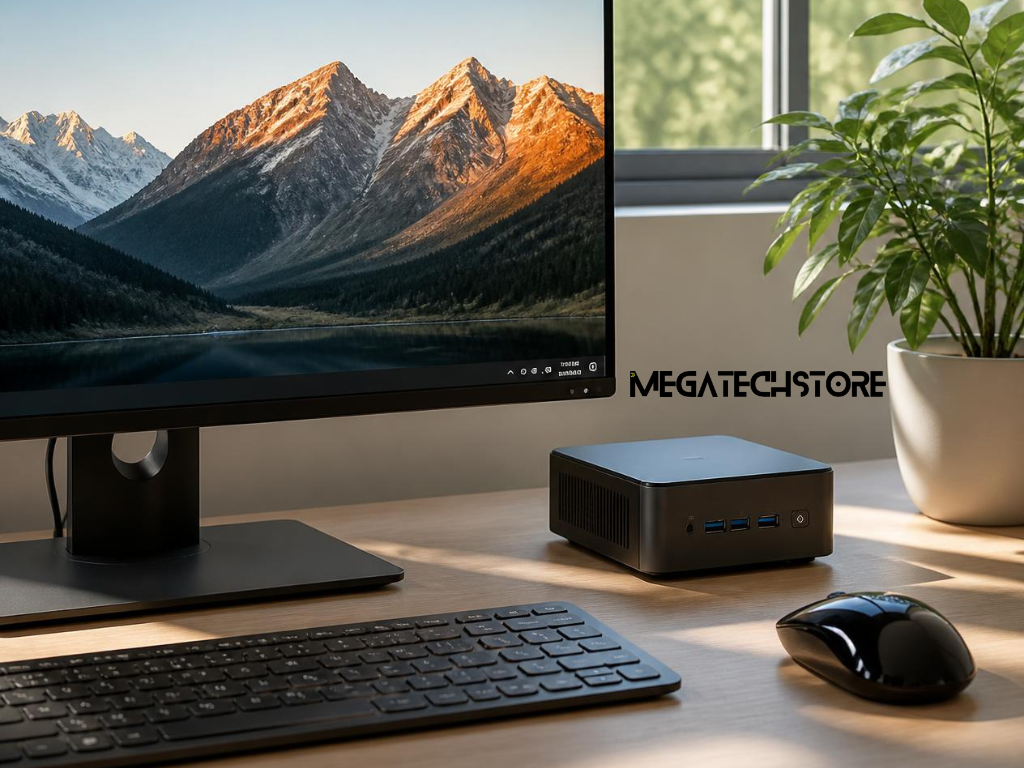
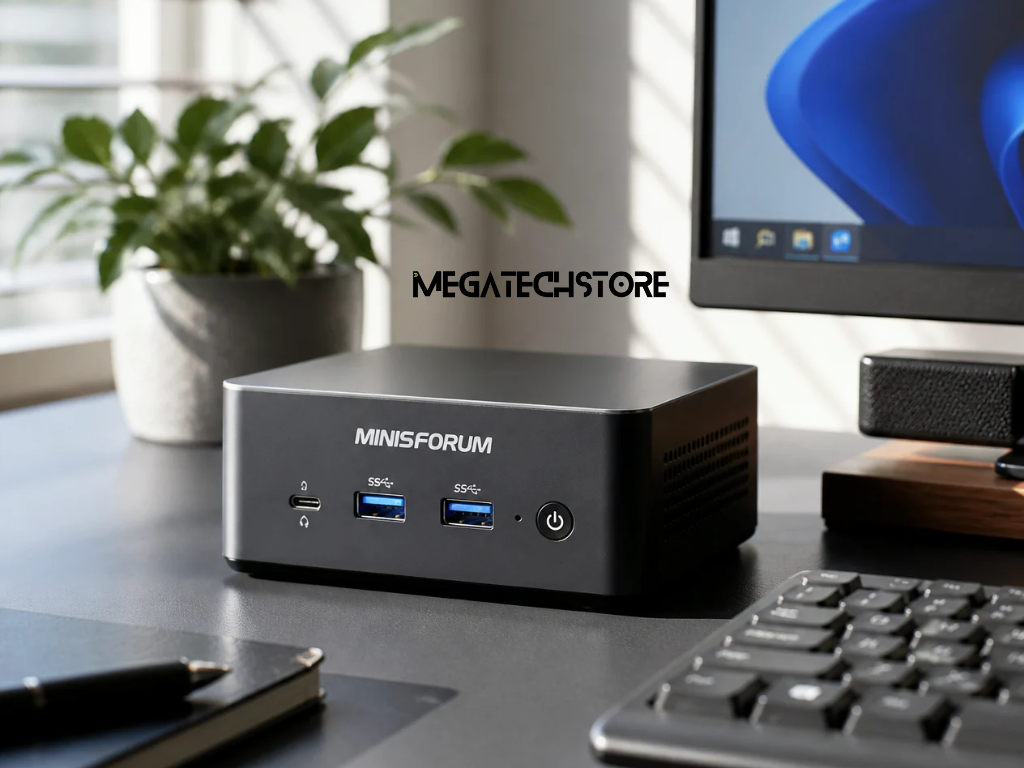
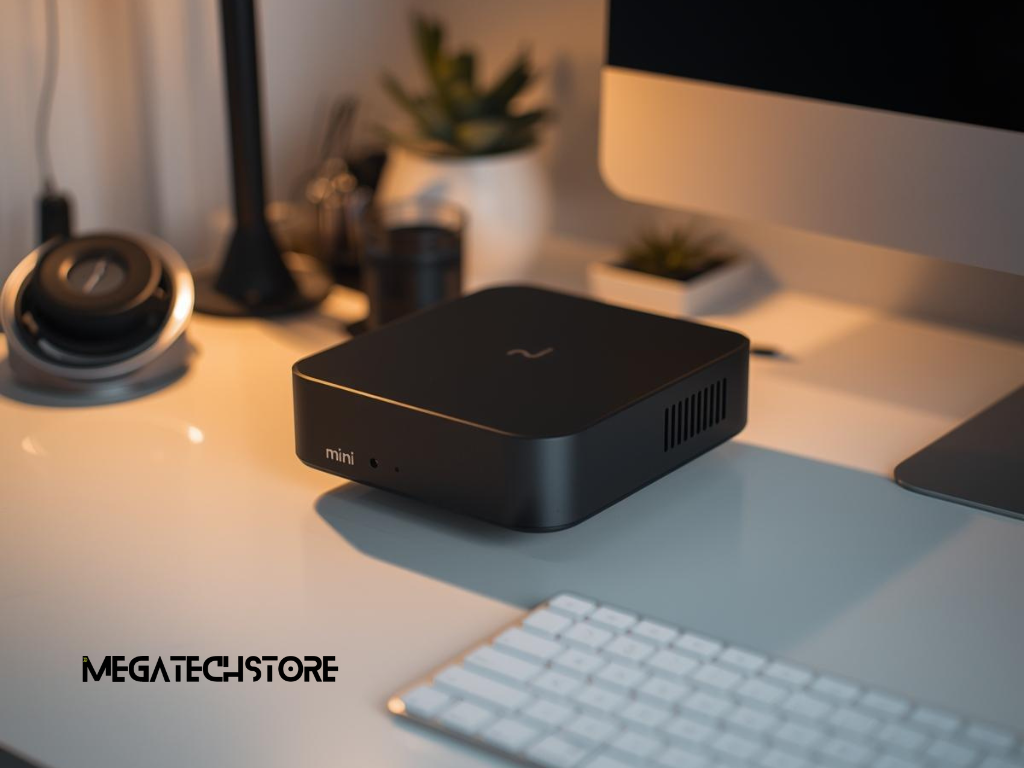
A mini PC may suit buyers who want a compact computer for everyday tasks. It can work well for home offices, study areas, reception desks, digital displays, browsing, documents, video calls and light business use.
Mini PCs are popular because they save space. They can sit behind a monitor, on a small desk or in a compact workspace. Current Australian mini PC guides often focus on value, thermals, repairability and practical home-office use, which reflects strong interest in compact systems for everyday buyers.
However, a mini PC may not suit every workload. Some models have limited upgrade options and may not support large graphics cards or heavy creative work. Check the specifications before choosing one over a full desktop.
A larger desktop or workstation may be better when performance, cooling and upgrades matter more than size. This can apply to gaming, rendering, video editing, 3D design, software development, engineering work or multi-monitor business setups.
Larger desktops often provide more room for stronger graphics cards, better cooling and extra storage. They may also allow easier upgrades over time.
PC makers are also paying more attention to creative users who need systems that sit between gaming and workstation machines. These buyers often need strong CPUs, GPUs and storage without necessarily wanting a flashy gaming design.
Before buying from a tech store, explain how you plan to use the computer. Mention whether it is for gaming, office work, study, retail, design, editing, development, streaming or business systems.
Ask whether a custom PC, pre build PC or mini PC is the better option. Also ask what is included in the price. The answer should cover the operating system, warranty, assembly, testing, cables, accessories and after-sales support.
It is also useful to ask about upgrade paths. A cheaper system may be fine today, but it may become limiting if you plan to upgrade the graphics card, memory or storage later.
Price matters, but it should not be the only factor. A cheaper PC may use lower-quality parts, limited cooling or fewer upgrade options. A more expensive PC should clearly justify the cost through better performance, support, components or build quality.
Support is also important. If something goes wrong, local help can be valuable. Ask how warranty claims work, how long support takes and whether the store can assist with upgrades or repairs later.
When comparing pc builders Sydney options, look for clear communication. A good provider should explain what the system can do, what it cannot do and where your budget is best spent.
Mega Tech Store can be mentioned naturally when a buyer wants help choosing a mini PC, prebuilt system, custom computer or suitable setup for home, office or business use.
This can help when the buyer knows they need a computer but is unsure which parts, size or configuration makes sense. It can also help when comparing computer parts, prebuilt desktops, compact systems or accessories.
A helpful supplier conversation should start with the task. The right recommendation depends on software, workload, budget, workspace and future upgrade needs.
A supplier can help with practical setup choices such as monitor support, storage capacity, memory, cable needs, cooling, networking and accessories.
For example, an office user may need a quiet and reliable system with dual monitor support. A gamer may need stronger graphics and better cooling. A business may need several systems that are easy to maintain. A home user may prefer a mini PC with a clean desk setup.
If the setup includes specific software, business systems or performance requirements, check those details before purchase and mark them as.
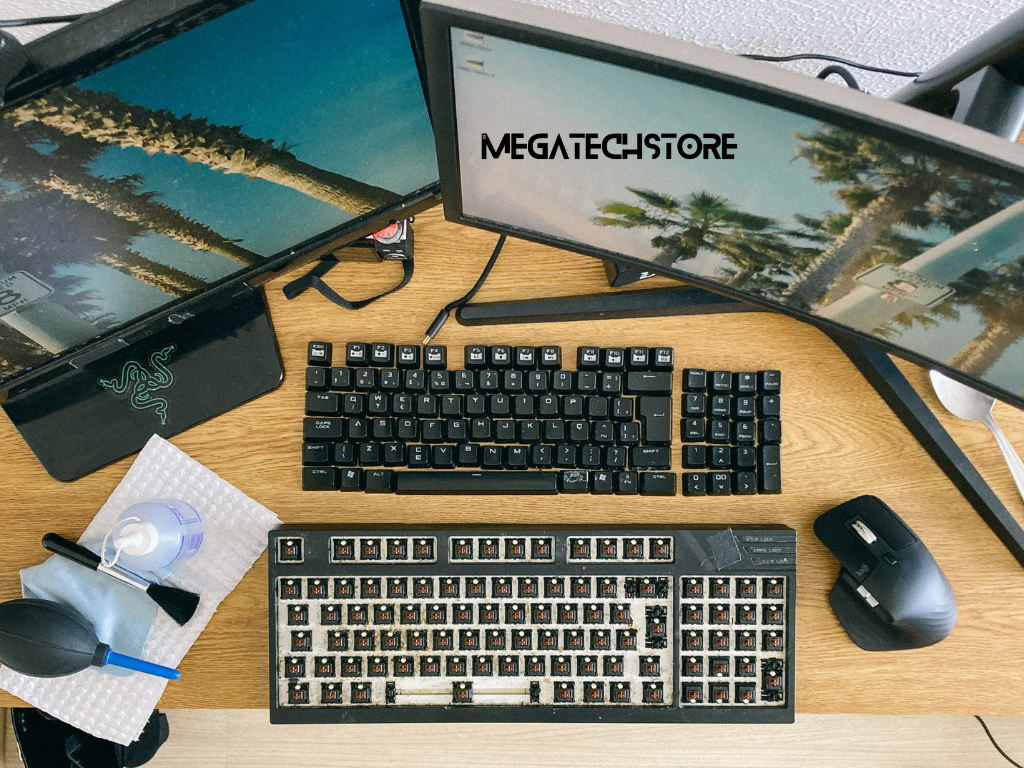
A good PC setup is not only about the computer itself. Cooling, cables, desk space, monitor support and network connections also matter.
Cooling should match the parts inside the system. A high-performance PC needs enough airflow. A compact system needs careful placement so vents are not blocked. If the PC will run for long periods, this becomes even more important.
Cables and accessories also affect daily use. Think about monitors, keyboard, mouse, webcam, speakers, Ethernet, Wi-Fi, USB hubs and external storage before buying. Planning these items early can make the final setup easier to use.
This article can naturally link to related pages such as computer parts, computer parts Sydney, Sydney computer parts, pre build PC, mini PC, tech store, Mega Computer, gaming PC, workstation PC and business computer setups.
The next step is to define your main use. Decide whether you need a compact mini PC, a ready-to-use prebuilt system or a custom desktop built around specific performance needs. Then compare pc builders Sydney options based on parts, support, warranty, upgrade paths and clear advice.
A well-chosen PC should support your daily tasks, fit your workspace and give you room to use the system with confidence.