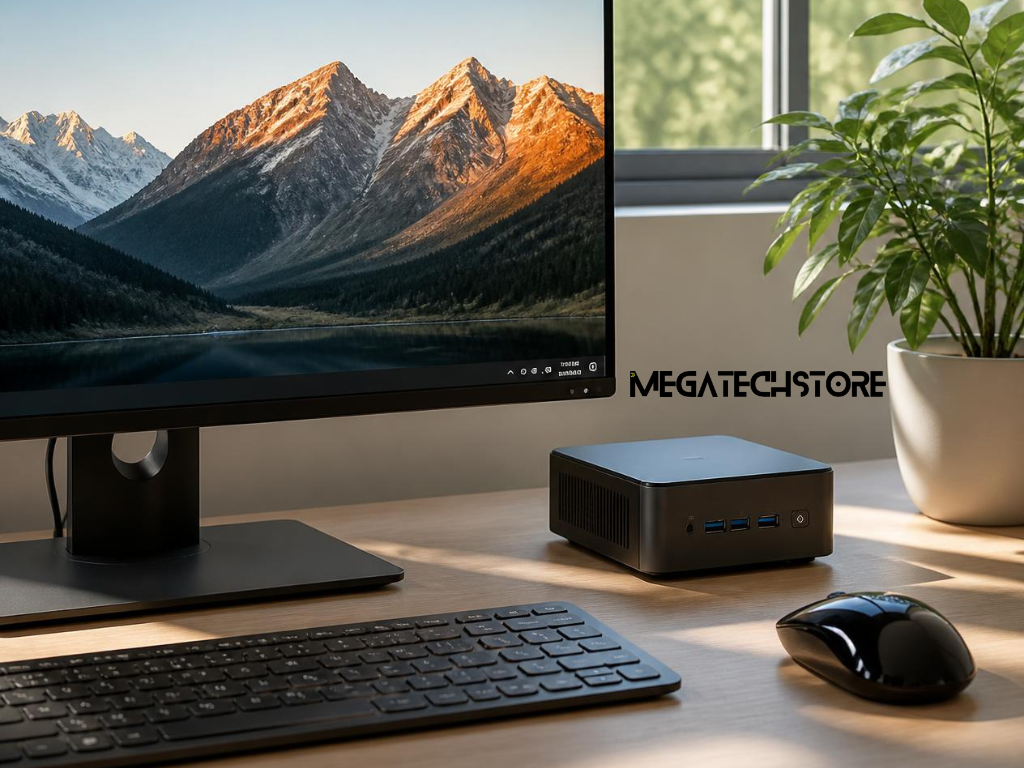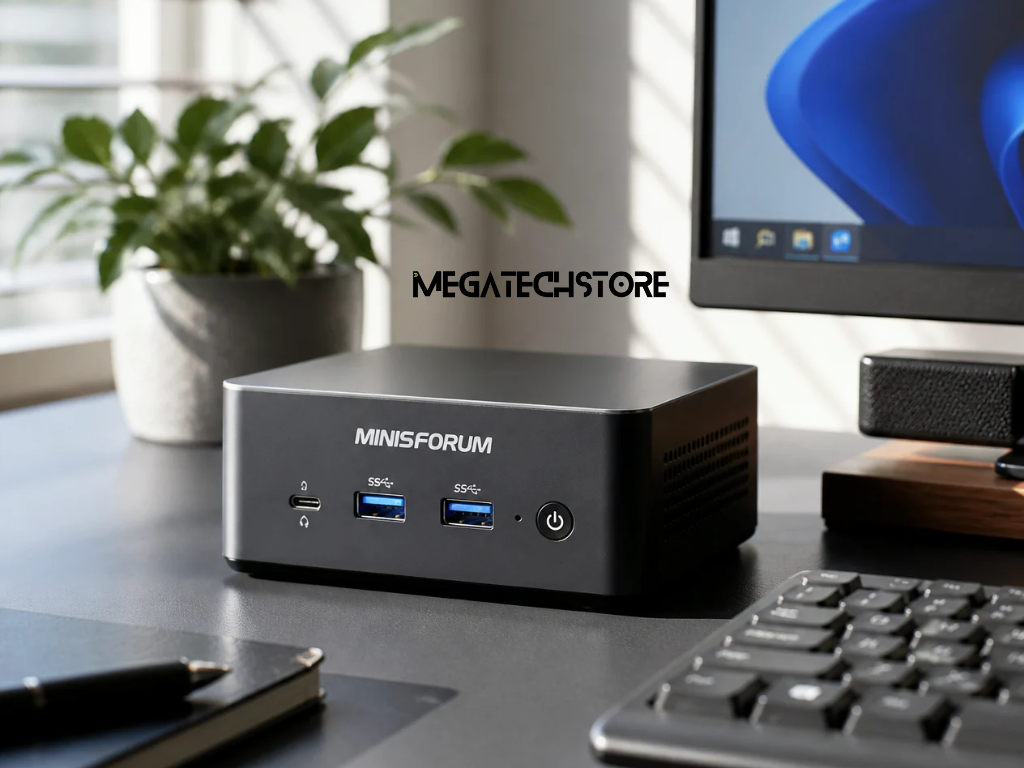

A Minisforum PC gives you desktop computing power in a compact format, but the right upgrades can make an existing system more useful for longer. Depending on the model, improving RAM, adding SSD storage or adjusting your setup can help with multitasking, large applications, gaming, creative work and everyday productivity.
Before purchasing any mini PC parts, however, it is important to understand what your particular system supports. Minisforum produces different configurations, and upgrade options can vary considerably between models. The most effective approach is to identify what is currently limiting performance, check compatibility and then spend money only where an upgrade will make a noticeable difference.
For Australian users comparing computer parts or considering whether to upgrade rather than replace a system, the following guide explains the main areas worth checking.
Not every Minisforum PC has the same internal layout or upgrade options. Checking your model specifications first can prevent unnecessary purchases and help you focus on components that will actually improve your system.
RAM and storage are among the most common upgradeable components in a Minisforum PC, although accessibility and supported configurations vary by model. Some systems provide multiple storage slots, while others have more limited internal expansion.
Before opening the case, find the exact model number and review the manufacturer specifications or documentation. Confirm whether the memory is removable, how many memory slots are available and what storage interfaces the system supports.
It is also worth checking whether opening the case or replacing particular computer parts affects warranty conditions. An upgrade that looks straightforward may not be worthwhile if the system is still covered and the work could affect that protection.
Compatibility should come before performance claims. A faster-looking component is not necessarily useful if your Minisforum PC cannot support its specification.
For memory, check the required DDR generation, supported speeds, maximum capacity and whether the system uses SO-DIMM modules. For storage, identify whether the machine supports M.2 NVMe drives, SATA storage or another configuration.
The Minisforum Australia product information for your specific model can be a useful starting point, but the exact specification of the machine you own should always be confirmed before ordering parts.
Once you know what can actually be changed, you can decide which upgrade is most likely to solve your performance issue.
Increasing memory is one of the most practical Minisforum PC upgrades when performance slows during multitasking. More RAM will not automatically make every application faster, but it can reduce performance problems caused by running out of available memory.
A Minisforum PC with insufficient memory may begin to struggle when several browser tabs, office applications, communication tools or larger programs are open together. The operating system may need to rely more heavily on storage as temporary memory, which can make the computer feel less responsive.
Additional RAM can be particularly useful for people working with large spreadsheets, photo editing applications, development environments, virtual machines or other memory-intensive workloads.
Before upgrading, check current memory usage while carrying out your normal work. If your existing RAM is consistently close to capacity, increasing it is more likely to provide a worthwhile improvement.
If memory usage remains comfortably below the installed capacity, another component may be the real performance limitation.
When selecting RAM for a Minisforum PC, compatibility matters more than simply choosing the highest advertised speed. Confirm the required memory generation and supported module type for your particular Minisforum model.
If the machine has two memory slots, matching compatible modules can also help provide a balanced configuration. Avoid mixing specifications unless you have confirmed that the combination is supported.
Australian buyers should also consider warranty coverage and return policies when ordering mini PC parts. Buying compatible components from an established tech store can make it easier to resolve a problem if the memory does not work correctly with the system.
After memory, storage is often the next area where an upgrade can make the computer more practical.
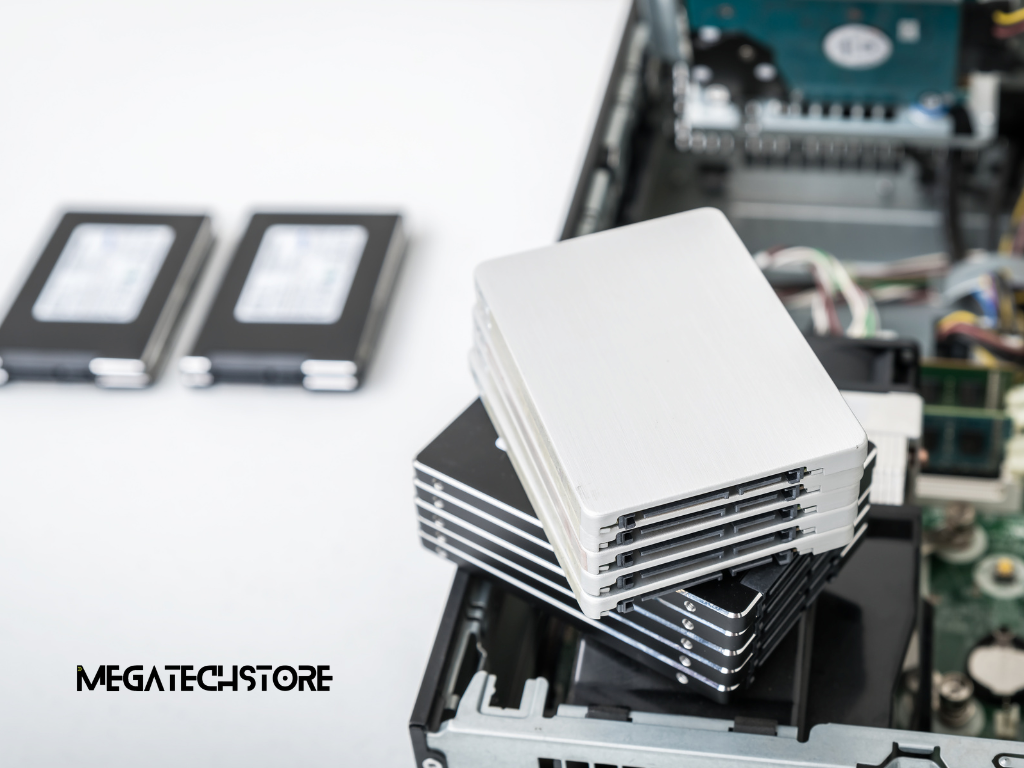
A Minisforum PC can quickly run short of storage if it is being used for games, media, business files or large applications. Upgrading the SSD can provide additional capacity and, in some situations, improve storage performance.
If your Minisforum PC is regularly close to full capacity, adding storage can make day-to-day use easier. Operating systems and applications need free space for updates, temporary files and normal operation, so constantly working with an almost-full drive can become inconvenient.
Additional SSD capacity may be worthwhile for users storing large photo and video libraries, installing multiple games, working with creative projects or keeping substantial business data locally.
Before replacing an existing drive, check whether your mini PC has an unused storage slot. Adding another compatible SSD may allow you to retain the original system drive while increasing capacity.
If no additional slot is available, replacing the existing drive may be necessary. In that situation, make sure important files are backed up and plan how the operating system and data will be moved to the new drive.
The first question when buying an SSD for a Minisforum PC should be whether it physically and electrically fits the system. Check the supported M.2 form factor, interface and storage capacity before purchasing.
An NVMe SSD may offer strong performance, but buying the fastest drive available does not guarantee that the mini PC can use its full advertised speed. The system’s storage interface can determine the performance actually available.
Capacity should also reflect how the computer is used. A work computer mainly handling documents may have very different storage requirements from a gaming, media or video-editing system.
This is why checking specifications is more useful than choosing computer parts based purely on headline performance figures.
Graphics performance is different from RAM and storage because the internal graphics hardware in many compact systems cannot simply be replaced. However, some Minisforum PC models provide connections that can make external graphics an option.
Whether an external GPU can be connected depends on the specific Minisforum PC. Certain models may provide high-speed connectivity suitable for external graphics, while others do not.
Depending on the model, technologies such as USB4, Thunderbolt or OCuLink may be relevant. These connections are not interchangeable in every situation, and their availability should never be assumed simply because the computer is a Minisforum system.
Before buying an external GPU enclosure, graphics card, cable or adapter, check exactly which connection your model supports and whether the proposed hardware is compatible.
External graphics setups can also require a separate power supply or enclosure, which adds cost and takes away some of the space-saving advantage of using a mini PC.
An external GPU can make sense when a Minisforum PC already meets your CPU, memory and storage requirements but graphics performance is limiting a particular workload.
This may include certain games, 3D applications, rendering workloads or other graphics-intensive software. The potential improvement will depend on the graphics card, connection being used and the application.
However, external graphics are not automatically the most economical upgrade. Once the cost of a graphics card, enclosure and other computer parts is considered, replacing the system with a newer configuration may sometimes provide better overall value.
For that reason, compare the total cost rather than looking at the GPU alone.
Not every Minisforum PC performance issue requires new hardware. Before replacing components, basic maintenance and software optimisation can sometimes address sluggish behaviour without additional expense.
Compact computers place processors, storage and other components into a much smaller enclosure than a traditional desktop. Maintaining good airflow around a Minisforum PC is therefore important.
Place the machine where its ventilation openings are not blocked by a wall, desk clutter or other equipment. Dust around vents can also restrict airflow over time, so keeping the surrounding area clean is worthwhile.
If a system becomes unusually hot or performance drops during long workloads, do not immediately modify the cooling system. First check whether vents are blocked, fans are operating normally and the computer has enough open space around it.
Internal cooling modifications should only be considered when you understand the system design and any warranty implications.
Before buying mini PC parts, check the software environment. A Minisforum PC can feel slow because of too many startup applications, low available storage, outdated software or processes running unnecessarily in the background.
Operating system updates and appropriate device drivers should be kept current. Removing programs that are no longer needed and reviewing startup applications can also reduce unnecessary resource use.
If performance suddenly changes, identifying when the problem began can help determine whether the cause is software rather than hardware.
These checks cost nothing and may help you avoid buying components that do not address the real problem.
There comes a point where adding computer parts to an older Minisforum PC provides diminishing returns. Before spending heavily on several upgrades, compare the total cost against the price and capabilities of a newer system.
An upgrade generally makes the most sense when one clearly identifiable component is holding the system back.
For example, a Minisforum PC that otherwise performs well but regularly runs out of memory could benefit from additional RAM. Similarly, a system that meets performance needs but lacks storage may only require an additional SSD.
Upgrading can also be attractive when you are satisfied with the processor, connectivity and graphics performance and simply want to extend the useful life of the computer.
Look at the total upgrade cost, not just the price of an individual component. If several components need changing at once, replacement becomes more worth considering.
A newer Minisforum PC may make more sense when the processor or graphics hardware is the main limitation, particularly because those components are not easily upgradeable in many mini PCs.
Newer systems can also offer updated connectivity, newer memory standards, additional storage options or features that an older machine cannot gain through component upgrades.
Compare the cost of RAM, SSDs, external graphics equipment and any other required parts with the cost of a suitable pre build PC or newer Minisforum system.
The goal is not simply to make the existing computer faster. It is to choose the option that delivers the performance and features you actually need for a reasonable overall cost.
Once you have decided an upgrade is worthwhile, the final step is choosing compatible components and installing them carefully. A Minisforum PC is compact, so taking a little extra time before installation can help avoid damaged parts, data loss or unnecessary compatibility problems.
Australian shoppers should look beyond price when comparing RAM, SSDs and other components for a Minisforum PC. Compatibility information, product warranty, availability and access to local support can all be important if something goes wrong.
A specialist tech store can also be useful when you are unsure whether particular computer parts will work with your model. For customers comparing Minisforum systems and compatible components, mega tech store is one option to consider when checking available hardware and specifications in Australia.
If you are shopping in Sydney or Western Sydney, consider whether local collection, delivery options and after-sales support are important to you. For online purchases elsewhere in Australia, check shipping times and return conditions before ordering.
Whether you buy through a Minisforum Australia channel or another Australian retailer, confirm the exact model and component specification rather than relying on a product category alone.
Before opening a Minisforum PC, shut the system down completely, disconnect power and any attached peripherals, and back up important data.
Take care when handling internal components. Static electricity can damage electronic hardware, so avoid touching contacts unnecessarily and use appropriate anti-static precautions.
It is also sensible to keep the original RAM, SSD or other replaced component until you have confirmed that the upgraded system is stable. If a compatibility problem occurs, reinstalling the original hardware can help identify whether the new part is responsible.
After installation, confirm that the new component is recognised correctly by the operating system or firmware. Test the computer under your normal workload rather than assuming the upgrade has worked simply because the machine starts.
Upgrading a Minisforum PC can be a practical way to gain more memory, additional storage or better performance without replacing the entire computer. The best results come from identifying the actual bottleneck first, checking model-specific compatibility and comparing the upgrade cost with the value of moving to a newer mini PC.
For Australian buyers, taking the time to compare compatible parts, warranty conditions and supplier support can be just as important as comparing specifications. A well-planned upgrade should solve a genuine performance problem rather than simply add newer hardware.