
Finding the right compact computer starts with understanding what you need it to do. When comparing minisforum australia options, buyers should consider processing power, memory, storage, graphics performance and connectivity rather than choosing a computer based on its appearance or advertised specifications alone.
MINISFORUM offers compact computers designed for different computing requirements, from everyday productivity to demanding professional applications. However, not every model delivers the same performance, and some specialised products serve purposes beyond conventional desktop computing.
Whether you need a computer for your home office, gaming setup or business, this guide explains which specifications matter, how different systems compare and what Australian customers should check before buying.
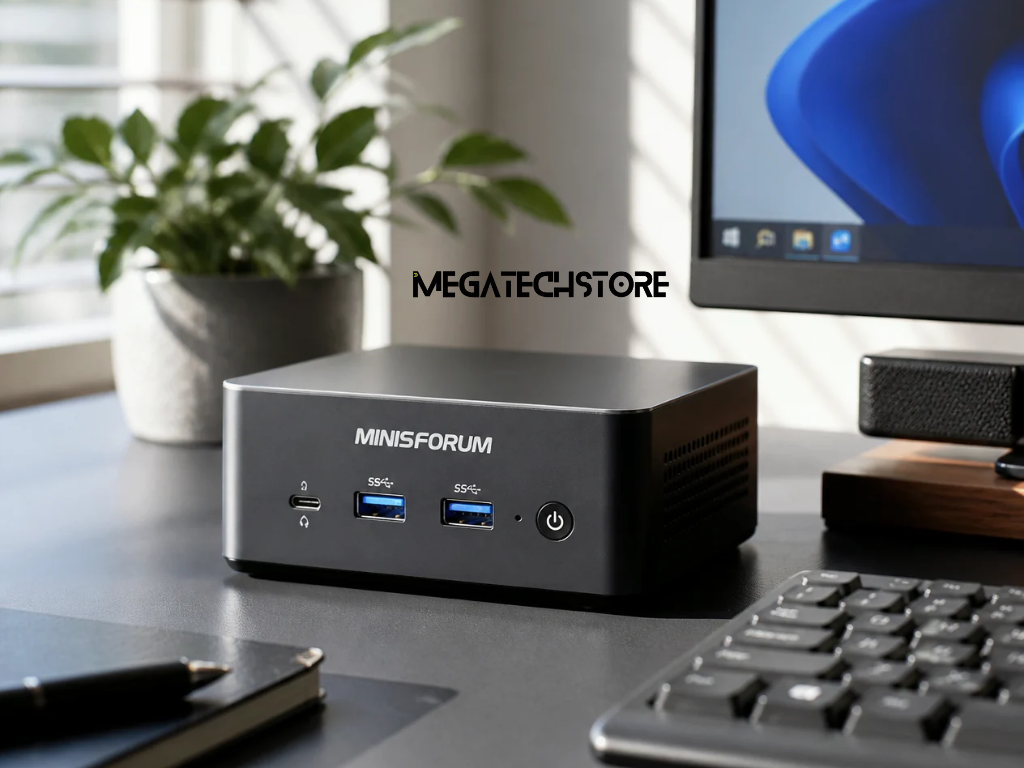
MINISFORUM produces compact computing systems designed to provide desktop functionality in smaller enclosures.
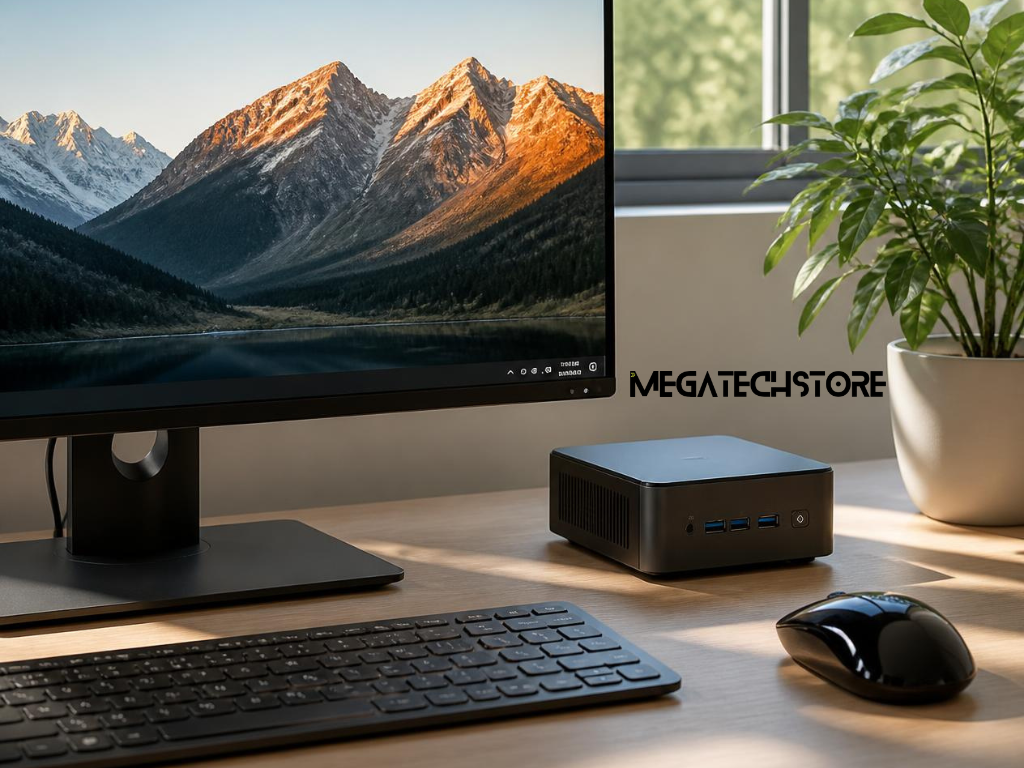
A mini pc can be useful for workplaces and homes where desk space is limited. These computers generally connect to external monitors, keyboards, mice and other peripherals, much like traditional desktop systems.
Different models are designed for different workloads. Some are suitable for office applications and everyday browsing, while higher-performance systems target gaming, development and professional computing.
However, the processor, graphics hardware, memory and available connections vary considerably between products.
When exploring minisforum australia, begin by identifying your main applications. This helps narrow down which systems offer useful specifications without paying for capabilities you may never use.
The most noticeable difference between a minisforum pc and a conventional desktop computer is physical size.
Mini PCs occupy less desk space and may be easier to position behind a monitor or within a compact workstation, depending on their mounting options.
They also generally use smaller cooling systems and offer fewer internal expansion opportunities than full-sized desktop towers.
However, compact size does not automatically mean poor performance. Some mini PCs include powerful processors, fast storage and capable integrated graphics.
Traditional desktops may be preferable when extensive hardware upgrades, large dedicated graphics cards or specialised expansion cards are required.
The better choice depends on how much performance, flexibility and physical space you need.
For everyday computing, a mini PC should comfortably handle the applications you use regularly.
Common tasks include web browsing, spreadsheets, video meetings, document editing and online learning.
For many general users, 16GB of RAM provides a practical starting point, while 32GB may be useful for heavier multitasking. Actual requirements depend on your software.
An SSD helps applications and files load quickly. Buyers should also consider storage capacity, particularly if they keep large documents, photos or videos locally.
When researching minisforum australia models, look for a suitable processor, enough memory and the connections required for your monitor and accessories.
A well-matched computer is often more useful than an expensive system with specifications that do not benefit your daily tasks.
Gaming, video editing and other demanding applications place greater pressure on computer hardware.
For gaming, graphics capability is particularly important.
Integrated graphics share system resources and may suit lighter games, depending on the processor and settings. More demanding titles may benefit from dedicated graphics hardware.
Content creation also requires careful consideration of memory, processor capability and storage performance.
Video editing projects involving high-resolution footage may need considerably more resources than everyday office work.
Professional users should check the requirements of their specific applications before selecting hardware.
Some MINISFORUM systems are designed for higher-performance workloads, but buyers should compare independent testing, thermal performance and software compatibility rather than assuming every compact computer is suitable for demanding tasks.
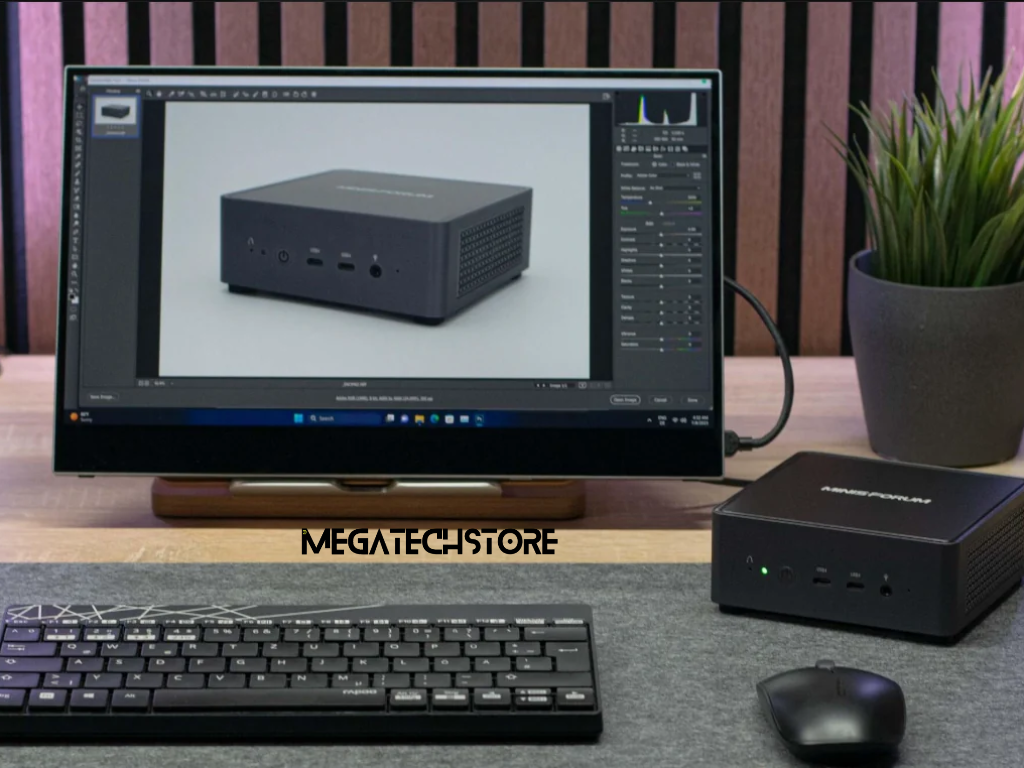
Three specifications deserve particular attention when comparing compact computers: the processor, RAM and storage.
The processor, or CPU, handles instructions and calculations. Its architecture, generation, core count and sustained performance can influence how efficiently applications run.
Both AMD Ryzen and Intel processors are available across different mini PC ranges. Neither brand is automatically better for every application.
RAM affects how much information a computer can work with at once. Insufficient memory can make multitasking less responsive, particularly when several demanding applications are open.
SSD storage affects file access and application loading. NVMe SSDs can provide high transfer speeds, although real-world benefits depend on the workload.
When reviewing minisforum australia products, compare complete configurations rather than relying on processor names alone.
Graphics hardware affects gaming, visual applications and certain professional workloads.
Some compact computers use integrated graphics, while others include dedicated GPUs or support particular external graphics solutions.
The correct choice depends on your applications, display requirements and performance expectations.
Cooling also matters.
Powerful processors produce heat, and compact enclosures have limited space for cooling components.
A computer may perform well during short tasks but behave differently under sustained workloads.
Fan noise, ventilation requirements and long-term thermal performance are therefore worth considering.
Independent performance reviews can provide useful information about how a particular model behaves during gaming, rendering or prolonged computing tasks.
Upgradeability varies significantly between compact computers.
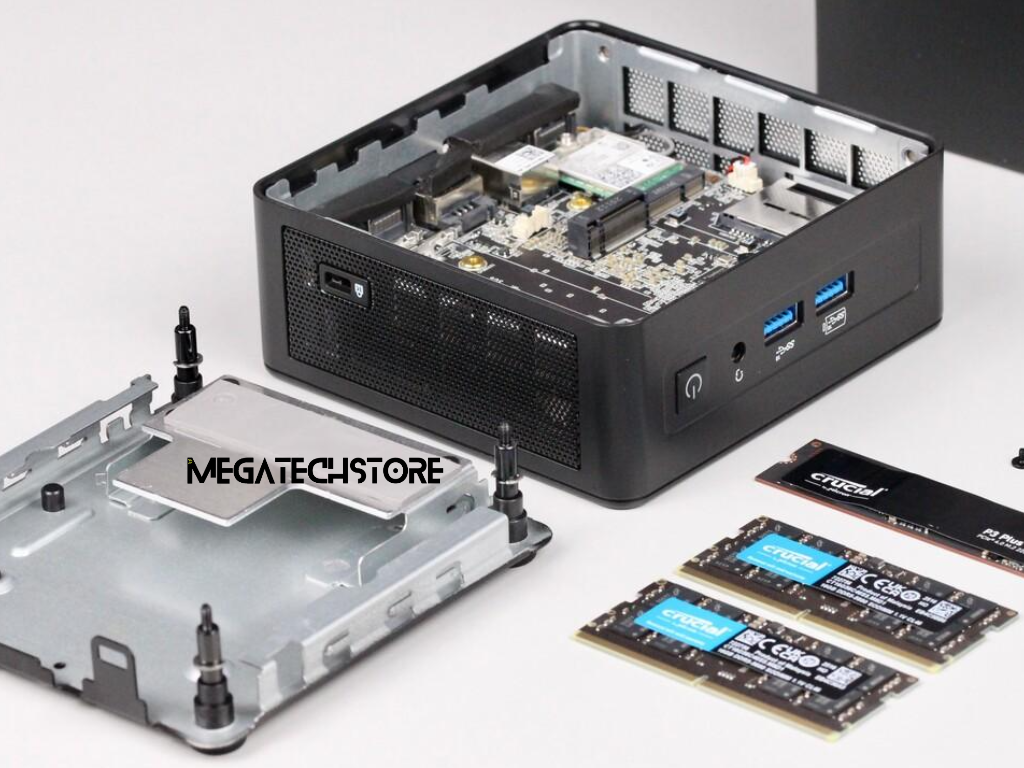
Some models allow users to replace or increase RAM and M.2 SSD storage. Others use soldered memory that cannot be upgraded after purchase.
Before buying mini pc parts, confirm the exact model’s supported memory type, maximum capacity, SSD format and available internal slots.
Buyers should also understand the difference between barebone and preconfigured systems.
A barebone mini PC may be supplied without RAM, storage or an operating system, depending on the product listing.
A preconfigured model typically includes specified hardware and may include an operating system.
Opening or modifying a computer can also involve technical risks. Follow manufacturer instructions and understand the applicable warranty conditions before making changes.
For minisforum australia buyers, checking upgrade limitations before purchase can prevent unnecessary replacement costs later.
A compact computer needs the right connections for your existing equipment.
Check the number and type of USB ports, video outputs, networking connections and audio interfaces.
Some models include HDMI, DisplayPort, USB-C or USB4, but available features vary.
Importantly, a USB-C connector does not automatically support video output, charging or high-speed data transfer.
If you use two or more monitors, verify the supported display count, resolution and refresh rate.
For business environments, wired Ethernet may be useful for stable network connections.
Wi-Fi and Bluetooth compatibility should also be confirmed, particularly if wireless accessories are essential.
Reviewing connectivity before buying helps avoid unnecessary adapters and compatibility problems.
The minisforum N5 Pro is a specialised network-attached storage system rather than a conventional mini desktop computer.
It is designed for applications such as centralised file storage, data backups, network services and managing shared information.
The N5 Pro uses an AMD Ryzen AI 9 HX PRO 370 processor and provides multiple drive bays, SSD expansion options and high-speed networking connections.
These features make it more relevant to users managing substantial storage requirements than someone simply looking for a computer for web browsing or office applications.
Although the system supports additional computing applications, its NAS-focused design introduces different setup and storage management considerations.
When comparing minisforum australia products, decide whether you need a personal desktop computer or a system intended for network storage and related workloads.
The Minix ER 939 AI Pro is a compact workstation from MINIX, a separate computer manufacturer.
It provides another option for buyers exploring powerful small-form-factor computers.
The MINIX ER939-AI Pro features an AMD Ryzen AI Max+ 395 processor, Radeon 8060S graphics and 128GB of LPDDR5X memory in the manufacturer’s published configuration.
However, its onboard memory is not installed in conventional replaceable RAM slots. Buyers should therefore consider the supplied memory configuration carefully.
Unlike the storage-focused MINISFORUM N5 Pro, the MINIX system is positioned as a high-performance mini workstation.
These products serve different purposes and should not be compared using processor performance alone.
For a meaningful comparison, consider intended use, graphics capability, storage, memory upgradeability, software compatibility and overall system cost.
Choosing a compact computer becomes easier when you prioritise the work it must perform.
For students and general home users, a responsive processor, adequate RAM and reliable storage may be sufficient.
Home-office users should also consider multiple-monitor support, video conferencing and peripheral connectivity.
Gamers need to examine graphics performance, cooling and results from tests involving the games they actually play.
Content creators may require additional memory, fast storage and stronger processing or graphics capabilities.
Business users should also consider system management, networking, reliability and compatibility with existing software.
When comparing minisforum australia models, look beyond individual hardware specifications.
A more expensive processor is not necessarily the best investment if the system lacks sufficient memory, appropriate graphics or the connections required for your workspace.
Purchasing from an Australian tech store involves several considerations beyond the computer itself.
Compare the complete product configuration, GST-inclusive pricing, delivery costs and expected availability.
Check whether the computer includes RAM, an SSD, an operating system and the required power accessories.
Warranty arrangements, returns and technical support are also important.
Australian consumer guarantees may provide rights in addition to any manufacturer’s voluntary warranty, depending on the circumstances.
MegaTech Store is a Sydney-based retailer offering mini computers and related IT equipment, including MINISFORUM and MINIX products.
Customers can review its available product listings and enquire about specific configurations, compatibility and purchasing arrangements.
Before placing an order, confirm the exact model, included components and current availability.
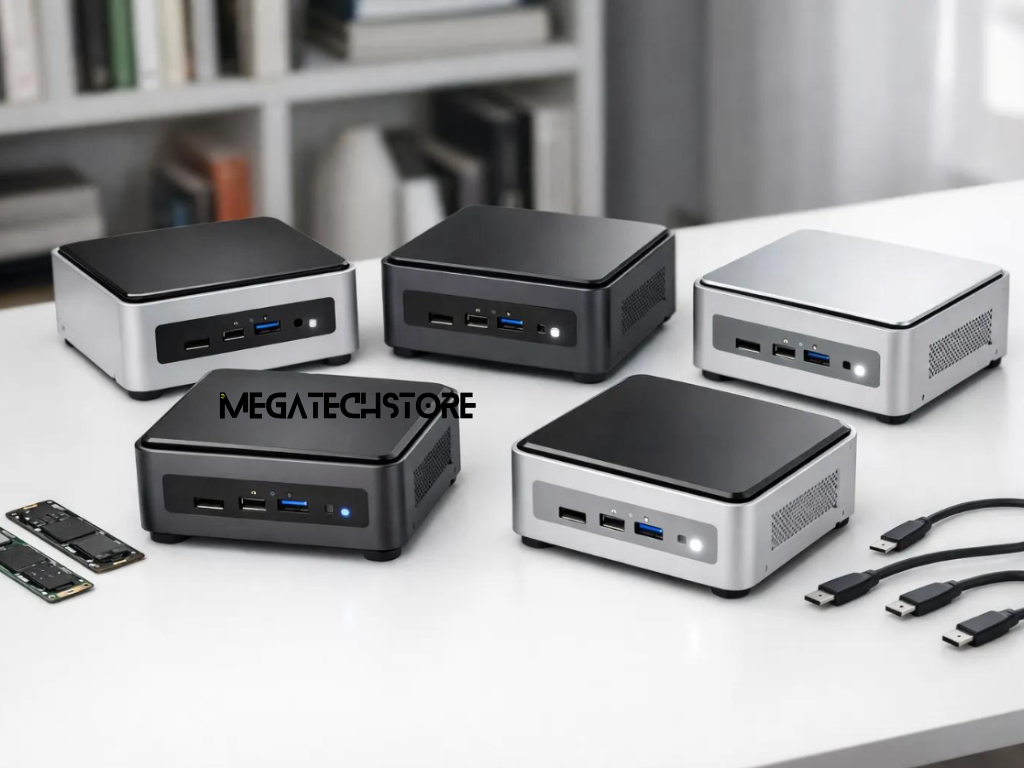
Before purchasing a compact computer, review whether its specifications match your intended applications.
Start with the processor and ensure its performance is appropriate for your workload.
Next, check RAM capacity and whether future upgrades are supported.
Review SSD storage capacity and determine whether additional internal or external storage may be needed.
Graphics capabilities should match your gaming, creative or professional software requirements.
Also verify the available ports, monitor support, network connections and cooling characteristics.
Finally, check the operating system, power adapter, included accessories and warranty information.
For minisforum australia buyers, these details are more useful than focusing on processor speed or promotional specifications alone.
A suitable mini PC should support the way you work today while allowing reasonable room for changing requirements.
For everyday users, this may mean selecting a practical configuration with enough memory and storage for regular applications.
Gamers and creative professionals should pay closer attention to graphics capability and sustained performance.
Businesses may prioritise compatibility, support arrangements and reliable connectivity.
If you are considering several models, compare their complete specifications alongside the total purchase cost.
Remember that compact computers, mini workstations and network-attached storage systems are not always interchangeable.
Customers exploring minisforum australia products can review available options through MegaTech Store and contact the retailer to clarify hardware configurations or compatibility requirements.
Choosing the right mini PC is ultimately about matching performance, features and budget to your actual computing needs. Taking time to understand these differences can help you purchase a system that remains practical for years to come.