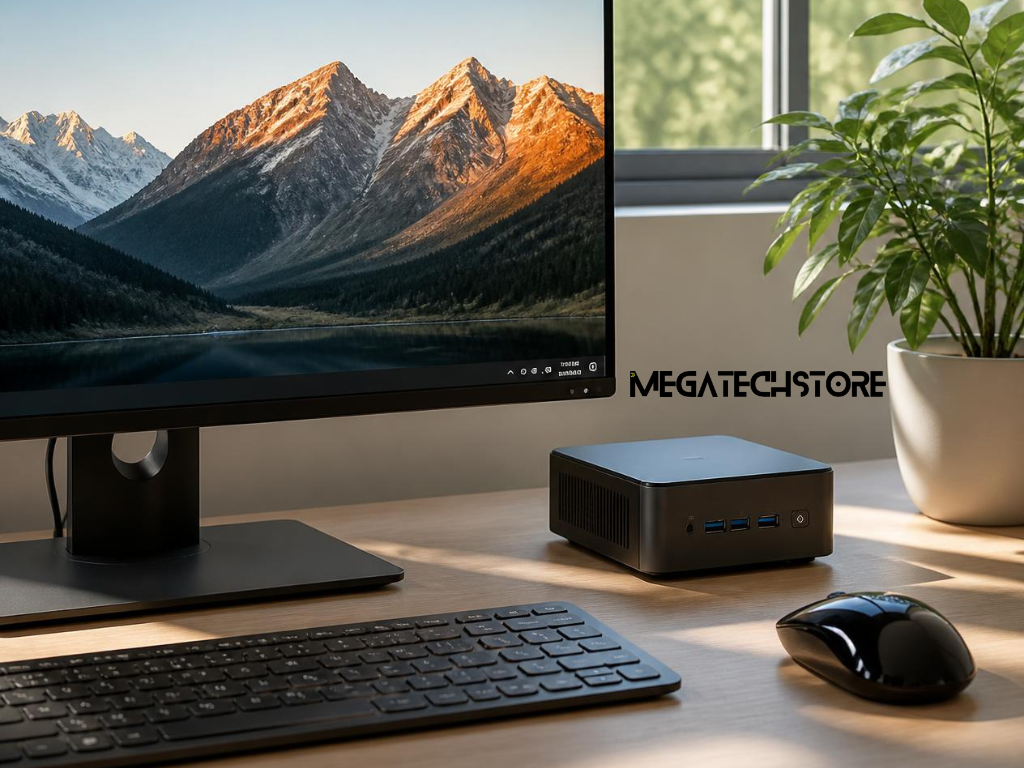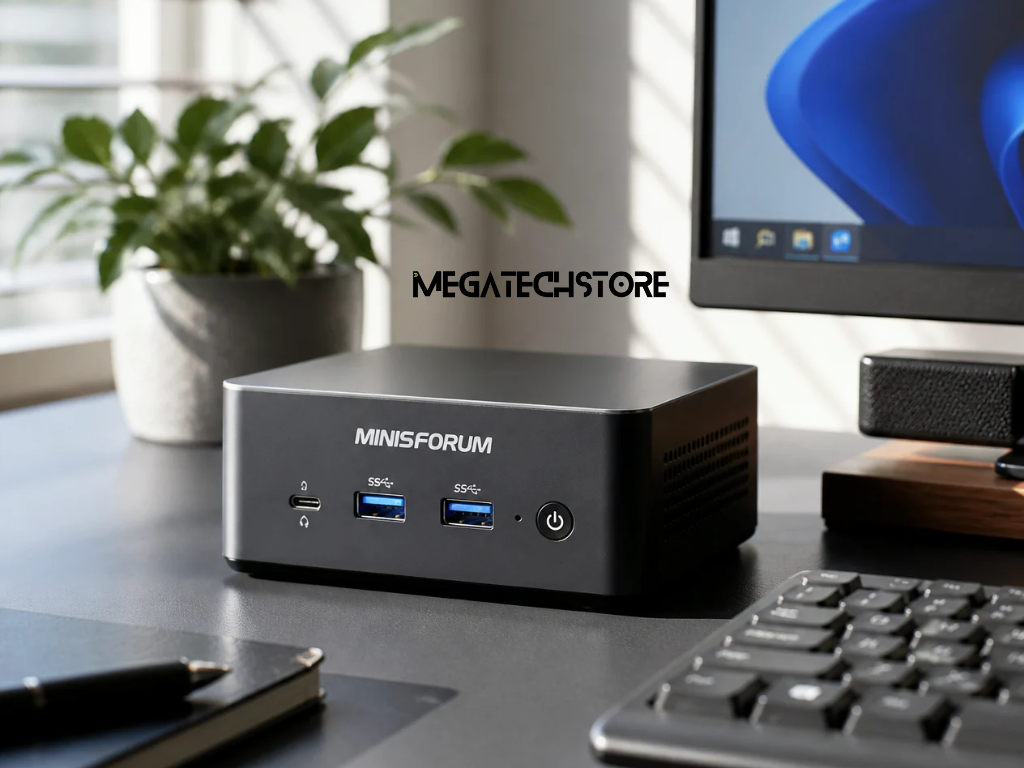

One of the biggest advantages of a Minisforum PC is its ability to deliver high-speed performance in a compact size. These mini PCs are designed with modern SSD technology, ensuring faster boot times, quick application launches, and smooth multitasking.
Unlike traditional HDDs, SSDs in Minisforum Australia models significantly reduce load times for operating systems and applications. This makes them an excellent choice for professionals, gamers, and content creators who require instant responsiveness. Additionally, NVMe SSD options take performance a step further, providing lightning-fast data transfer speeds compared to standard SATA SSDs.
When choosing between SSD and HDD storage in a Minisforum PC, it’s important to consider speed, capacity, and budget.
Many Minisforum Australia models come with dual-storage options, allowing users to install both SSD and HDD. This configuration ensures quick access to frequently used programs on an SSD while storing large files on an HDD.
For those looking for optimal performance, upgrading to an NVMe SSD is highly recommended. It provides faster read and write speeds, reducing loading times in high-performance applications.
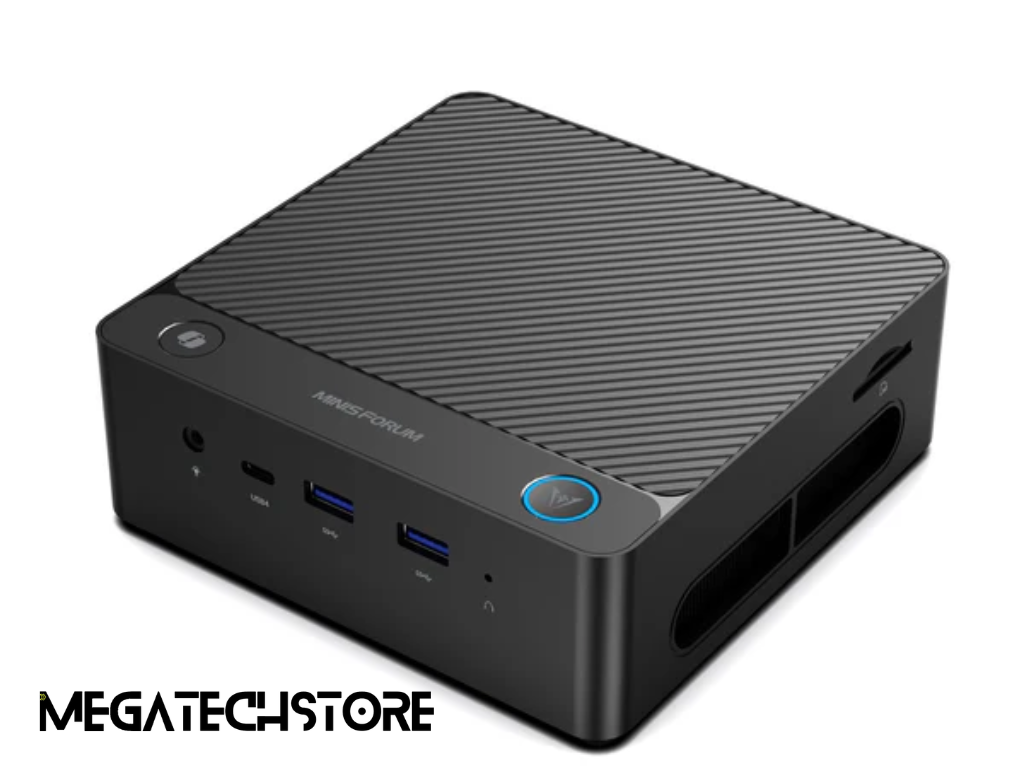
One of the key features of Minisforum PC models is their expandable storage options. Many mini PCs are designed with M.2 NVMe SSD slots, SATA ports, and additional RAM slots, allowing users to upgrade their storage capacity as needed.
Unlike some compact PC brands that have fixed internal storage, Minisforum Australia ensures that users can increase storage without replacing the entire system. This makes these mini PCs a long-term investment, as users can start with a basic configuration and upgrade later based on their storage requirements.
For those needing high-capacity storage, certain Minisforum PC models support up to 2TB SSDs and additional HDD storage, making them ideal for workstations, gaming setups, and media servers.
Upgrading storage in a Minisforum is a straightforward process that doesn’t require advanced technical skills. Here’s how users can enhance their mini PC storage while maintaining top-tier performance:
This upgrade process helps users expand their storage capacity without slowing down their system, ensuring seamless performance for years to come.
For users looking to maximize their mini PC’s speed, upgrading both RAM and SSD storage can have a huge impact.
Many Minisforum PC models allow users to upgrade RAM up to 64GB, which is ideal for high-performance tasks like gaming, video editing, and 3D rendering. Combining fast RAM and SSD upgrades ensures a smooth, lag-free experience.
If users need additional portable storage, external solutions provide a convenient way to store large files without modifying the internal hardware.
Some of the best external storage options include:
These external storage options ensure users never run out of space while keeping their Minisforum PC running efficiently.
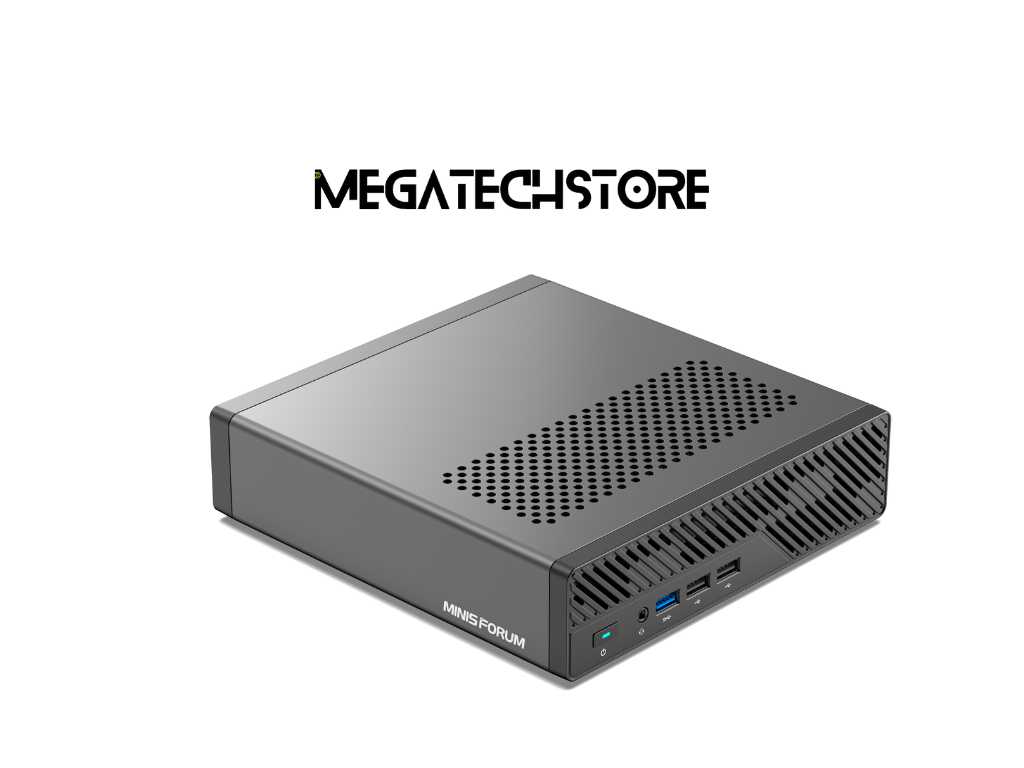
For users who need custom storage solutions, PC builders Sydney offer professional services to maximize storage capacity and speed in a Minisforum PC. Whether for gaming, professional work, or general use, setting up the right storage configuration ensures optimal performance.
A balanced storage setup includes:
By customizing storage layouts, PC builders Sydney help users achieve the perfect mix of speed and capacity, ensuring smooth operation without performance bottlenecks.
When upgrading storage in a Minisforum PC, NVMe SSDs are often the preferred choice due to their faster read and write speeds. Unlike traditional SATA SSDs, NVMe drives use the PCIe interface, allowing for significantly improved data transfer rates.
Some of the key benefits of NVMe SSDs for Minisforum Australia users include:
For users who need high-speed performance, upgrading to an NVMe SSD ensures their mini PC runs efficiently for years to come.
Different Minisforum PC models cater to varied storage requirements. Some come with pre-installed SSDs, while others offer upgradeable storage slots.
For users who need high-capacity storage, certain Minisforum Australia models support:
For content creators, video editors, and professionals, choosing a Minisforum PC with high-capacity storage helps them manage large files and run demanding software efficiently.
Storage plays a key role in everyday computing and gaming performance. A Minisforum PC with limited storage may struggle with slow boot times, laggy applications, and restricted space for files.
For casual users, a 256GB or 512GB SSD is usually enough. However, gamers and professionals should consider:
Selecting the right Minisforum PC storage configuration ensures a seamless user experience, whether for gaming, office work, or multimedia editing.
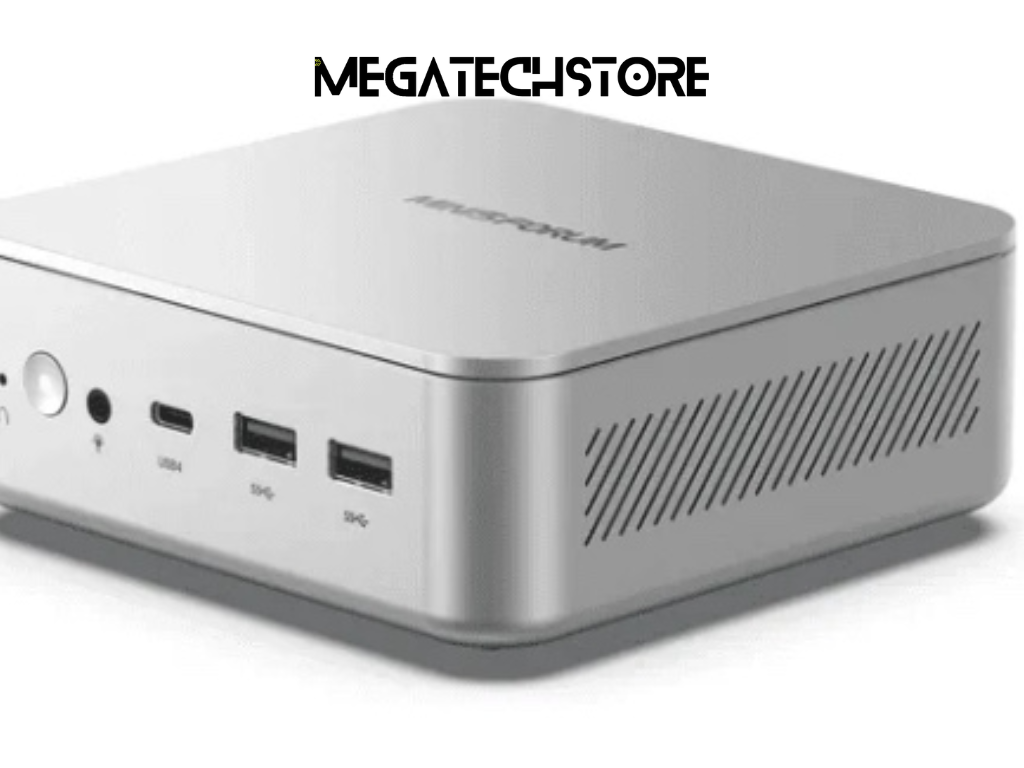
As technology advances, storage needs increase. A Minisforum PC should be future-proofed to ensure it remains efficient over time.
Key factors to consider when planning for future storage expansion:
By planning storage upgrades early, users can avoid performance slowdowns and maximize their mini PC’s potential.
One of the biggest advantages of Minisforum PCs is their expandability. Unlike traditional mini PCs with fixed storage, many Minisforum Australia models offer easy access to upgradeable storage slots.
Investing in expandable storage ensures:
With proper storage planning and upgrades, a Minisforum PC remains a powerful and efficient device for years, whether used for gaming, work, or entertainment.