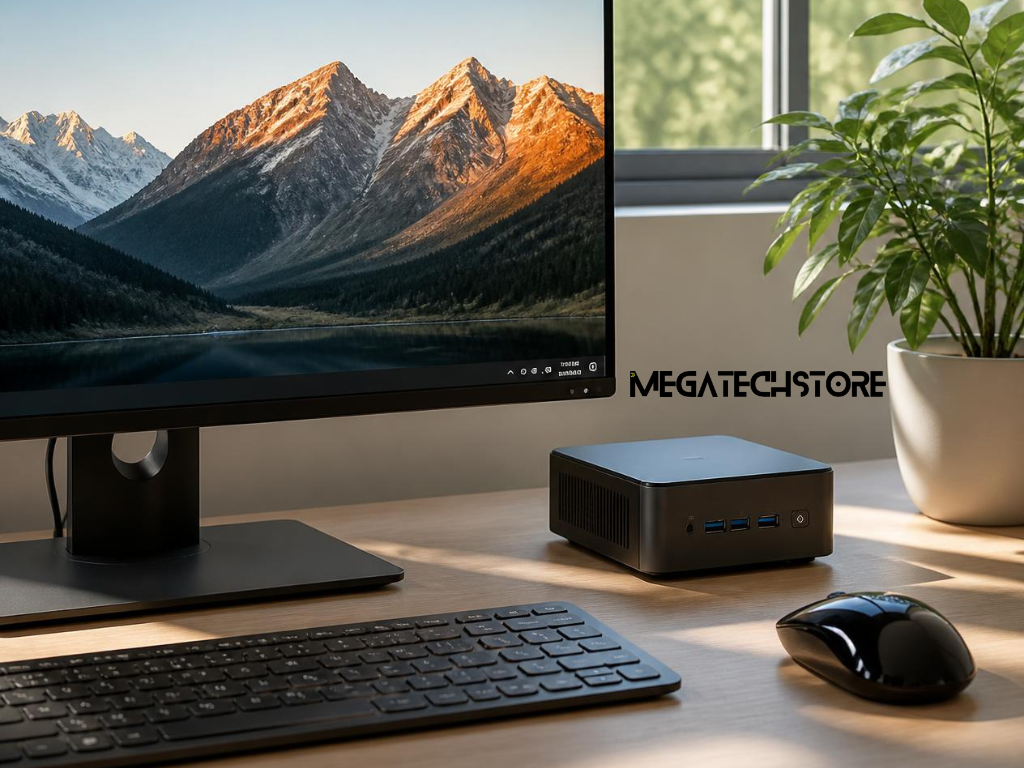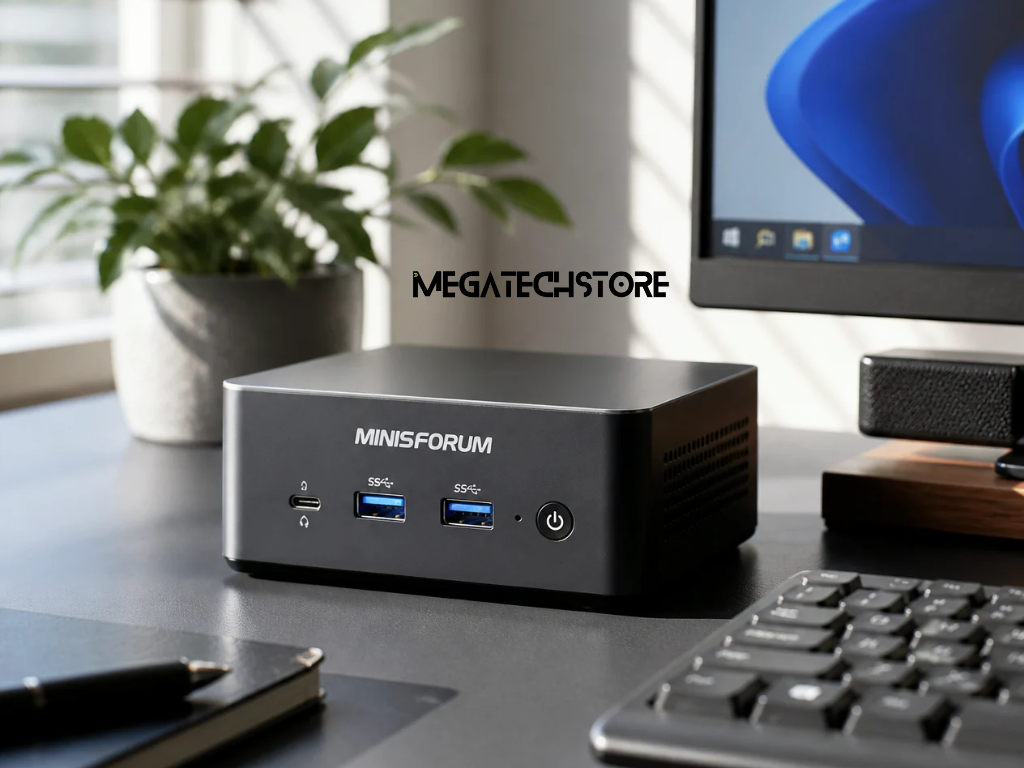

If you’re looking for an affordable yet powerful computing solution, a mini pc is a great choice. Unlike traditional desktops, mini pc offer impressive performance without the high price tag. Whether you need a device for work, entertainment, or casual gaming, a mini pc can handle essential tasks like web browsing, office applications, and streaming with ease.
Most mini pcs come equipped with efficient processors, solid-state drives (SSDs), and ample RAM, ensuring smooth multitasking and quick performance. They provide desktop-level power while being significantly more budget-friendly than a pre build pc or custom desktop setup.
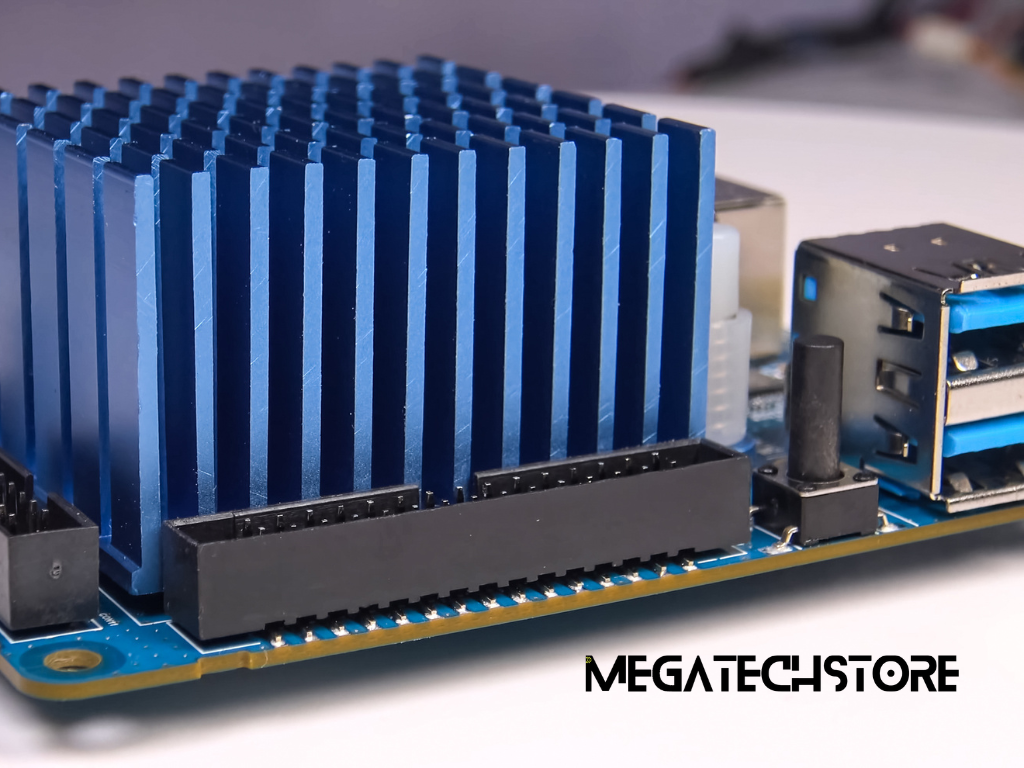
Aside from being affordable, a mini pc is compact, energy-efficient, and space-saving. Unlike traditional desktops that take up a lot of room, mini pcs fit in small office spaces, living rooms, or even behind monitors. Their low power consumption also means reduced electricity costs, making them an excellent long-term investment.
For people who don’t need a high-end pre build pc with excessive features, a mini pc provides everything necessary for a seamless computing experience without the extra cost. Its combination of portability, affordability, and efficiency makes it a smart choice for students, professionals, and home users alike.
When choosing between a pre build pc and a mini pc, cost is often a deciding factor. While pre build pcs come with high-end components and customizable options, they also tend to be expensive, especially for users who don’t need high-performance gaming rigs or workstation-level power.
A mini pc, on the other hand, offers a cost-effective solution for users who need a functional and reliable system without unnecessary extras. Since mini pcs often come with pre-installed operating systems and optimized configurations, they save users from spending extra on upgrades that are common with a pre build pc.
For everyday tasks like browsing, video conferencing, light gaming, and media streaming, a mini pc is just as capable as a traditional desktop. Thanks to advances in compact computing technology, budget-friendly mini pcs now offer multi-core processors, SSD storage, and fast RAM, making them a practical alternative to bulky desktops.
Additionally, with wireless connectivity, multiple ports, and expandable storage options, a mini pc meets the needs of home users, remote workers, and small business owners—all without the high cost and space requirements of a pre build pc.
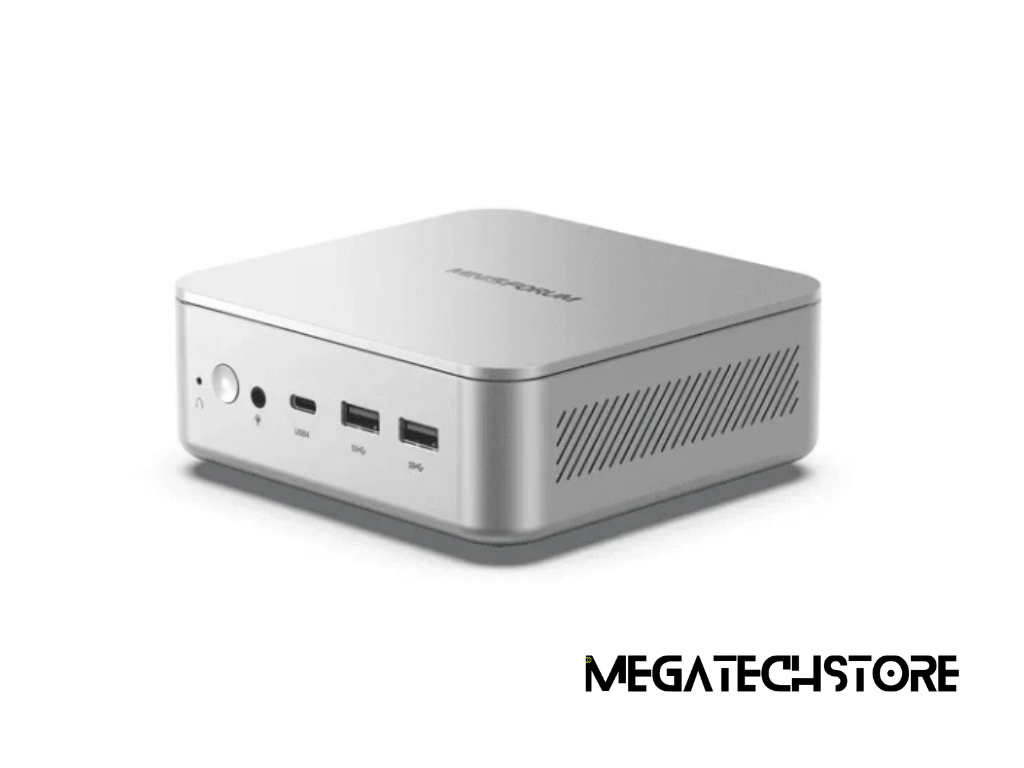
Among budget-friendly mini pcs, the minisforum pc stands out as an affordable yet powerful option. Minisforum Australia offers a variety of models suited for different needs, whether it’s business productivity, light gaming, or media streaming.
Key advantages of a minisforum pc include:
For those who need a budget-friendly alternative to a traditional pre build pc, a minisforum pc delivers the best mix of performance, affordability, and efficiency.
If you’re looking to buy a minisforum pc, it’s worth considering the features that make them unique compared to other mini pc brands.
With its balance of affordability, strong performance, and modern features, a minisforum pc is a great choice for anyone looking for a budget-friendly computing solution without compromising on power.
Finding a budget-friendly mini pc in Australia is easier than ever, thanks to a variety of online and local retailers. Whether you’re looking for an entry-level model for everyday tasks or a more powerful minisforum pc, there are plenty of options available.
When buying a mini pc, consider factors like warranty, return policies, and included accessories to ensure you’re getting the best value for your money.
If you’re unsure which mini pc best suits your needs, seeking help from pc builders sydney can make the decision easier. Experienced professionals can guide you based on:
For those who prefer a hands-on approach, visiting a PC builders Sydney store can provide peace of mind and help you find the best mini pc for your budget.
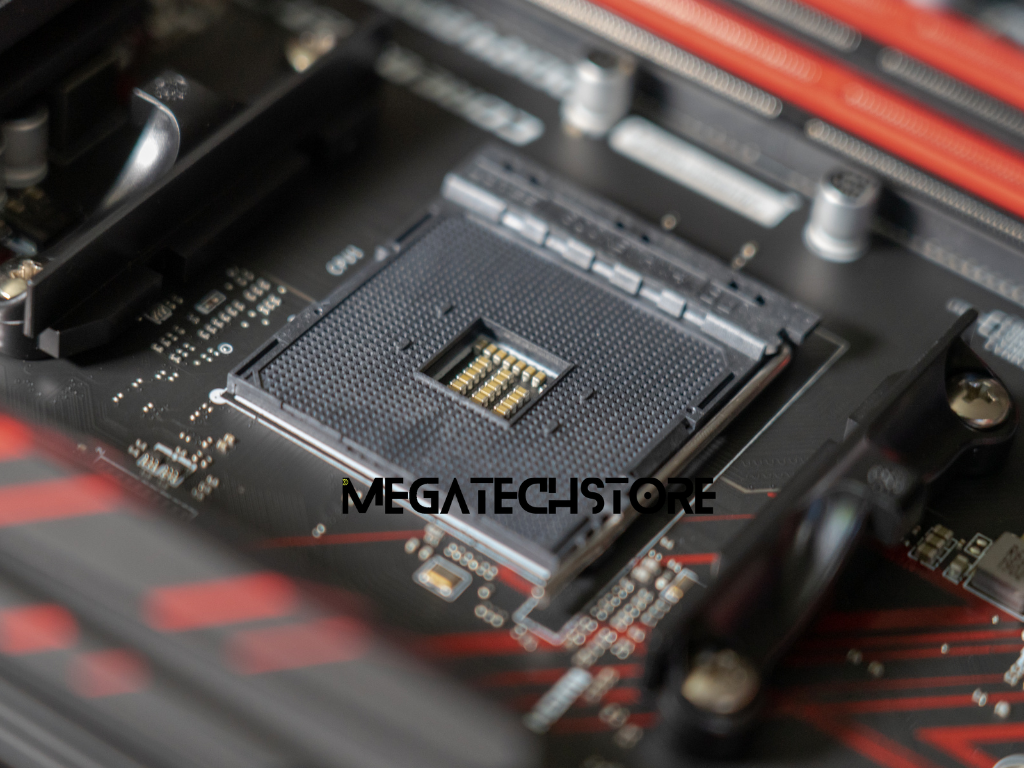
When shopping for a mini pc, it’s important to find the right balance between performance and affordability. Here are some key specs to consider:
Choosing a mini pc with the right specs ensures a smooth and reliable performance without spending too much.
A budget-friendly mini pc should offer good value while still meeting your needs. To make the right choice:
By focusing on essential features and long-term usability, you can find the perfect budget mini pc that delivers performance, efficiency, and affordability.