
If you’ve been hearing the term mega computer more often, there’s a good reason for it. These high-performance machines are designed to handle the kind of work that regular desktops struggle with. From 4K video editing to 3D rendering, machine learning, gaming, and multitasking across multiple screens — a mega computer can do it all without breaking a sweat. What makes it “mega” isn’t just about size or price. It’s the power inside. We’re talking top-end processors (like Intel i9 or AMD Ryzen 9), loads of RAM (32GB and up), powerful graphics cards (often multiple), fast SSD storage, and advanced cooling systems. Everything is built for speed, stability, and long-term performance.
For professionals working in architecture, animation, or AI, or for serious gamers and streamers, a mega computer is more of a tool than a luxury. It allows them to run demanding software, multitask without lag, and stay productive without crashes or slowdowns. But it’s also important to know that you don’t always need the biggest and baddest machine out there. The key is matching the computer’s power to your actual needs — which brings us to a very common comparison.
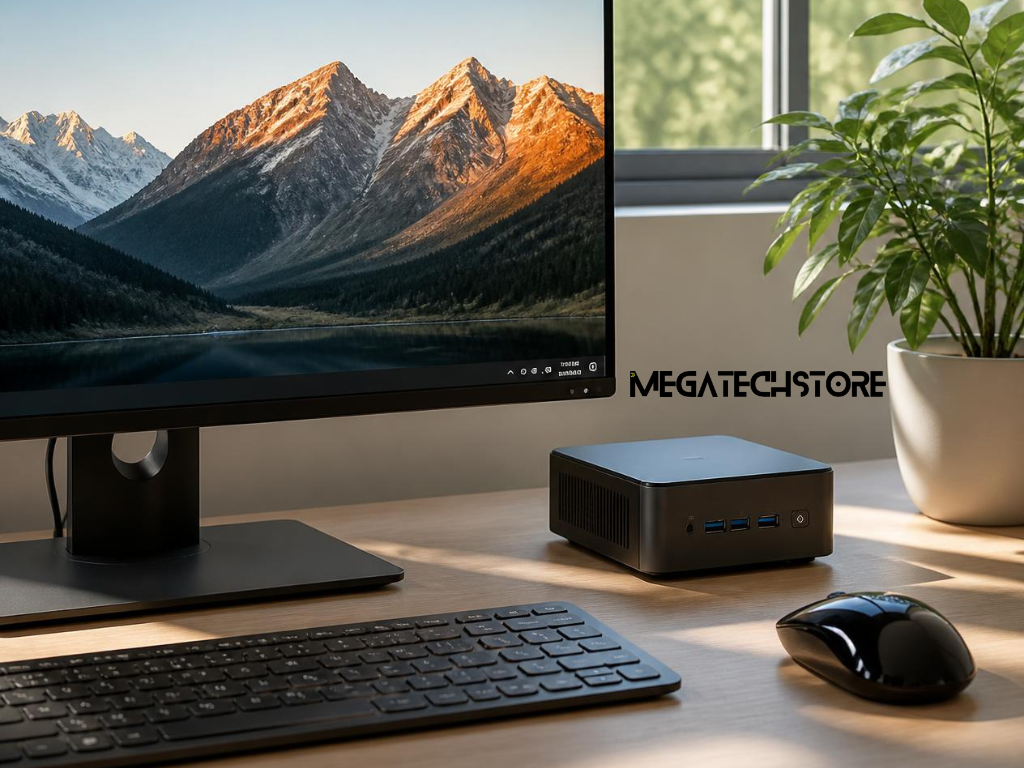
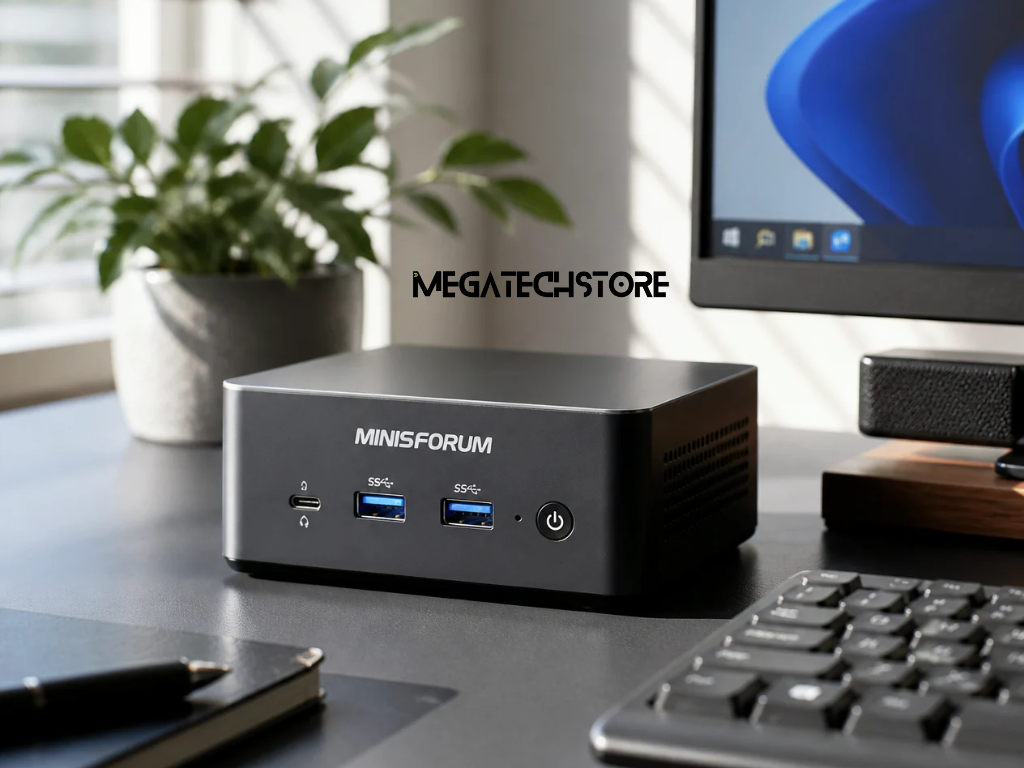
When choosing between a minisforum pc and a mega computer, you’re really choosing between portability and power. A minisforum pc is small, lightweight, and energy-efficient. It can fit in your hand or easily sit on a small desk without taking over your space. A mega computer, on the other hand, is typically a full-size tower — sometimes even larger. It’s not something you’ll want to move around. But it delivers serious performance that you won’t find in a compact device.
Think of it this way:
Specs are important, but they don’t tell the whole story. What really matters is what you plan to do with your machine. Are you editing short videos for social media? Then a mini pc like a minisforum might be more than enough. Are you building VR games or training machine learning models? That’s where a mega computer shines.
Also, consider your space. If you’re in a small apartment or shared office, a compact machine could save a lot of hassle. On the other hand, if you have a dedicated workspace, it’s worth going bigger.
The brand minisforum has built a strong reputation in the mini pc category. These machines offer a great balance between size and performance. They’re popular among remote workers, students, content creators, and even IT teams who need reliable, portable systems. minisforum pcs often come with decent CPUs, fast SSDs, and solid RAM — making them more powerful than most people expect from such a small box.
For everyday tasks, streaming, Zoom calls, light editing, and even some gaming, they get the job done comfortably. In fact, many people who don’t need full workstation power find a minisforum pc is all they need. It’s also a great second PC or a home office upgrade that doesn’t take over your whole desk.
If you’re not comfortable building a PC from parts, a pre build pc is a smart and stress-free option. You get a ready-to-use system with all the components properly installed, tested, and backed by warranty. Buying a pre build pc also saves time. There’s no need to research part compatibility, worry about static straps, or troubleshoot start-up issues.
For gamers, professionals, or even students who just want something that works out of the box, it’s a safe and solid choice. Plus, most good brands give you the option to customise the specs slightly — like upgrading storage or adding more RAM — without needing to build it yourself.
If you know exactly what you want and enjoy the hands-on process, building your own mega computer can be rewarding. It allows you to choose each part, fine-tune performance, and often get better value for your money. However, it’s not for everyone. It takes time, patience, and a bit of tech confidence. If your priority is getting the best performance with less effort, a pre build pc from a trusted brand is often the better choice.
Buying a minisforum system locally has its perks. When you buy through minisforum australia or a local tech store, you’ll usually get faster shipping, local warranty support, and easier returns or repairs.
Make sure to:
Some minisforum australia resellers even offer bundled deals with accessories, extended warranty options, or business pricing for bulk purchases. So if you’re after a mini pc that delivers without long delivery times, buying local is worth considering.
So how do you decide between a mini pc and a mega computer? It comes down to what you actually need the machine to do, how much you’re willing to spend, and how much space you have.
Ask yourself:
If your main tasks involve web browsing, document work, streaming, and light creative work, a minisforum pc or mini pc is probably perfect. But if you’re editing 4K video, running simulations, or gaming at high frame rates, the extra power of a mega computer will make a big difference.
It’s easy to get caught up in specs and marketing hype. But the truth is, not everyone needs the most powerful machine on the market. The best computer for you is the one that does what you need — reliably, efficiently, and within your budget. Take the time to understand your needs, compare options, and don’t be afraid to go compact if it fits your lifestyle.