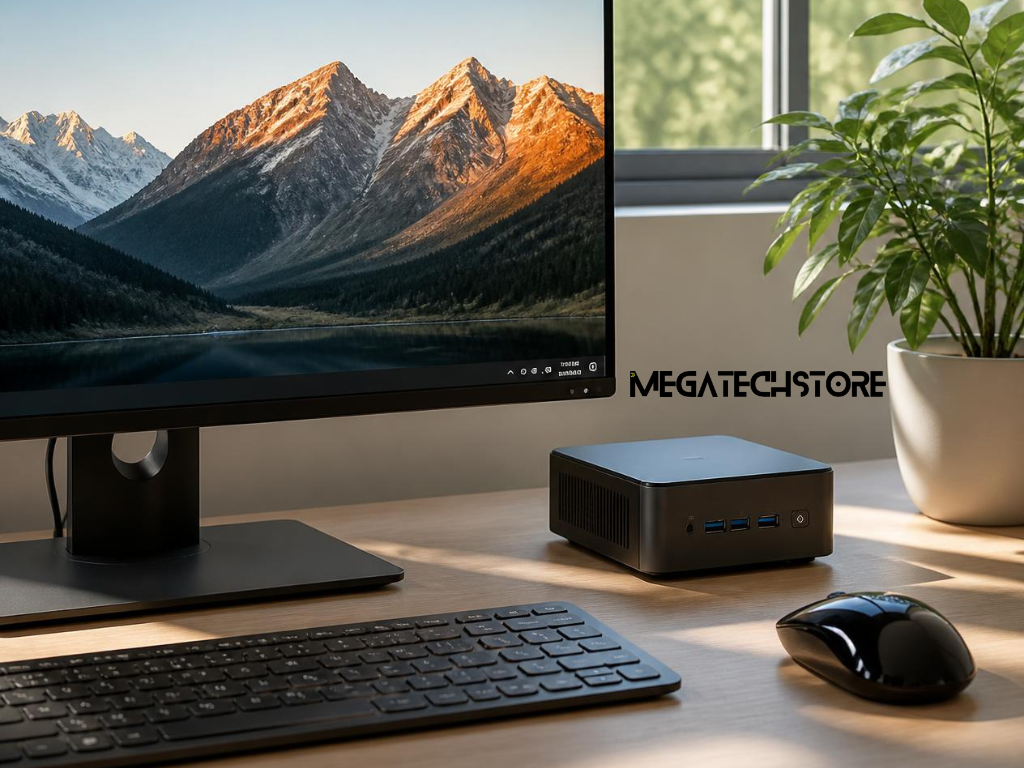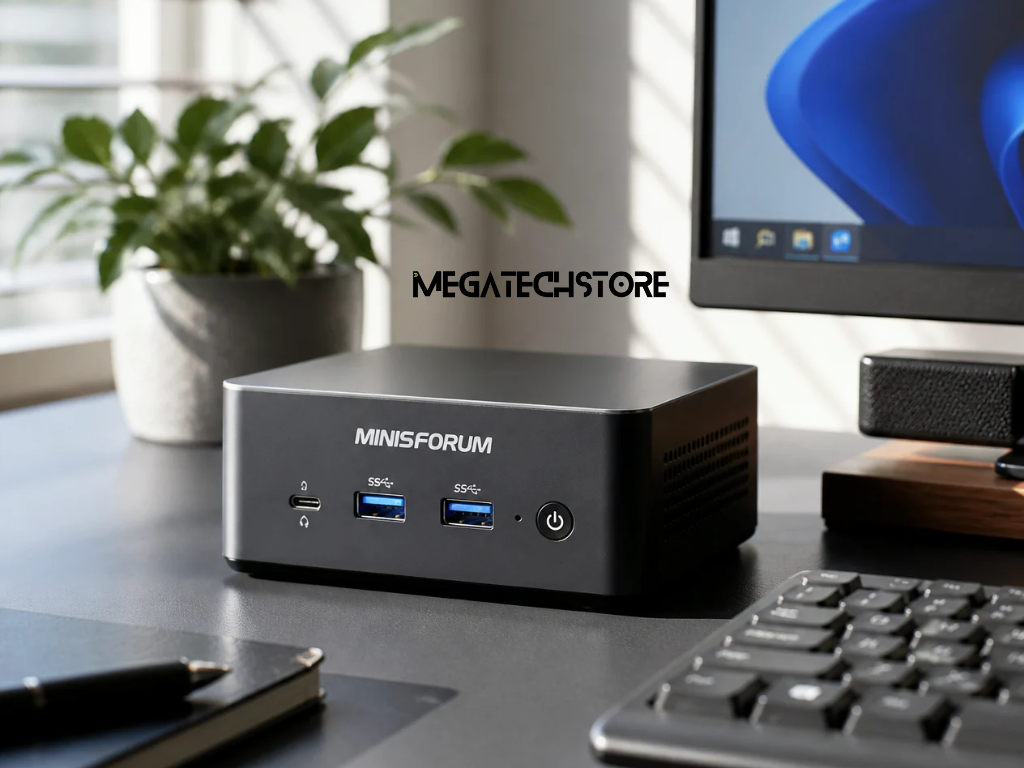

A mini PC can provide desktop performance without taking up much desk space.
However, compact size does not mean every model suits the same work. A basic office computer has different needs from a gaming system, creative workstation or home lab.
People searching for minisforum australia can now choose from several product types. The current Australian range includes mini PCs, AI-focused systems, compact workstations and network storage products.
The right choice depends on the workload.
Processor speed matters, but it is only one part of the decision. Memory, storage, cooling, ports and support can affect daily use just as much.
This guide explains how to compare a minisforum pc before buying.
Start with the tasks you perform each day.
Do not choose a computer only because it has a new processor or a low sale price. A system should match the software, files and devices you plan to use.
A clear workload makes the comparison easier.
Basic tasks need modest hardware.
Web browsing, email, documents and video meetings may run well on an entry-level mini pc. These users should still allow enough memory for several browser tabs and background applications.
Business users may need more.
Accounting software, large spreadsheets and customer systems can place greater demand on memory and storage. Several monitors may also affect the required display connections.
Creative work needs another level of planning.
Photo editing, video production and design software may benefit from a stronger processor and more memory. Some applications also rely heavily on graphics performance.
Developers and technical users may run code editors, containers or virtual machines. These workloads can use many processor cores and large amounts of memory.
Gaming has separate needs.
A system with integrated graphics may handle light or older games. Newer demanding games may need stronger graphics, fast dual-channel memory or an external graphics option.
Before shopping, list the main programs you use. Also note how many of them normally run together.
A mini PC can suit many locations.
It may sit on a small office desk, behind a monitor or beside a television. Businesses may also use compact systems at reception areas, digital displays or shared workstations.
Placement affects the buying decision.
A computer mounted behind a monitor needs easy access to power and display cables. It also needs enough airflow around the case.
Home theatre users may value quiet operation and HDMI support.
A home lab may need several Ethernet ports, more storage and support for virtual machines. Business users may prefer wired networking and simple service access.
Think about future changes too.
You may add another monitor, external drive or docking device later. A system with limited ports may need adapters sooner than expected.
Processor names can look confusing.
Instead of comparing one number, focus on the type of work the computer must complete. Core count, power limits and cooling can all affect real performance.
The graphics system also matters.
A newer processor is not always the best value for every buyer.
Office work may not need a high-end chip. A balanced mid-range system can provide a smooth experience while using less power.
Demanding work can benefit from more cores and threads.
Video encoding, software development and virtual machines may use several cores at once. These workloads can justify a stronger processor.
Single-core speed still matters.
Many everyday applications rely on fast response from a small number of cores. That is why buyers should review the full workload rather than core count alone.
Current Minisforum Australia models use both AMD and Intel platforms. The range includes compact systems for home and office use as well as higher-performance workstation models.
Check the exact processor in the product listing.
Similar model names may offer different processor options. Confirm the full specification before ordering.
Integrated graphics share the system’s memory.
They can support office applications, web video and general media playback. Many can also handle light photo editing and casual gaming.
However, performance varies between processors.
A newer integrated graphics unit may perform much better than an older one. Memory speed and configuration can also affect graphics performance.
Creative software may need more power.
Video effects, 3D work and some design applications may benefit from dedicated graphics. The same applies to demanding games.
Some Minisforum models support external expansion through OCuLink, USB4 or PCIe-based options. Support varies by model, so buyers should check the product page and compatibility before purchasing accessories.
Do not assume every mini PC supports an external graphics card.
The enclosure, connection type, power supply and software support all matter.
Memory and storage affect both performance and convenience.
A fast processor can still feel slow when the computer has too little memory. Limited storage can also create problems once applications and files begin to grow.
Choose the configuration before comparing prices.
Eight gigabytes may support basic computing.
However, modern browsers and business applications can use memory quickly. Many users will find 16GB more comfortable for general work and multitasking.
Creative users may need 32GB or more.
Large design files, video editing and development tools can consume significant memory. Virtual machines may need even more because each virtual system requires its own allocation.
Check the maximum supported memory.
Also confirm whether the system uses one or two memory modules. Dual-channel memory can improve performance, especially when integrated graphics uses system RAM.
Some high-end Minisforum workstations support several memory slots and much larger capacities than basic mini PCs. The exact limit depends on the model.
Avoid buying the highest capacity without a reason.
Unused memory does not improve normal tasks. Match the amount to the real workload and future plans.
A pre build PC usually arrives with memory and storage installed.
It may also include an operating system. This option can suit buyers who want a system that needs little setup.
A barebone computer works differently.
It may include the case, motherboard, cooling and processor but exclude memory and storage. Some models may also exclude the operating system.
Barebone buyers need compatible mini pc parts.
These may include laptop-style memory modules and M.2 solid-state drives. The exact generation, speed and capacity limits depend on the model.
Check the product description carefully.
A low advertised price may refer to a barebone version rather than a complete computer.
The buyer should include the cost of memory, storage and software when comparing value.
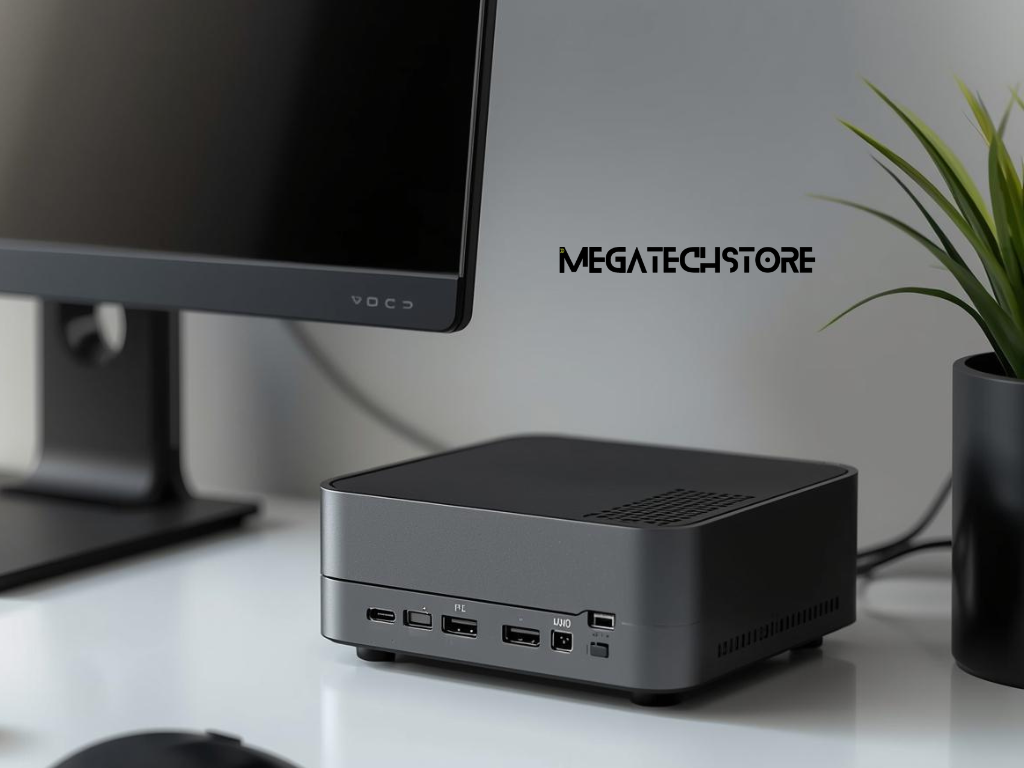
Ports affect how easily the computer connects to existing equipment.
A suitable processor will not solve a missing display or network connection.
Check the front and rear panels before ordering.
Count the monitors you plan to use.
Then check their connection types. Common options include HDMI, DisplayPort and USB-C display output.
Do not assume every USB-C port supports video.
Some ports carry data or power only. The product specification should state the supported functions.
Other devices matter too.
External drives, webcams, microphones and keyboards all need suitable connections. A limited number of USB ports may require a hub or dock.
Creative users may need fast external storage.
USB4 or another high-speed connection can improve transfers when the drive also supports the same standard.
Current Minisforum systems vary widely in port selection. Some models offer multiple display outputs, USB4 and higher-speed expansion connections.
Match the ports to the actual equipment on your desk.
Wireless networking provides flexibility.
However, wired Ethernet may offer a more stable connection for offices, file transfers and home labs.
Check the Ethernet speed.
Basic systems may provide standard Gigabit Ethernet. Workstation or server-focused models may include 2.5GbE, 10GbE or faster specialised connections.
The current MS-02 Ultra specification, for example, lists several high-speed network options. The available ports depend on the chosen processor and configuration.
Storage expansion also differs.
Some systems have one M.2 slot. Others support several internal drives.
Confirm whether adding storage requires removing the original drive.
Also check how difficult the case is to open. Buyers who plan to upgrade should understand the service process and warranty conditions first.
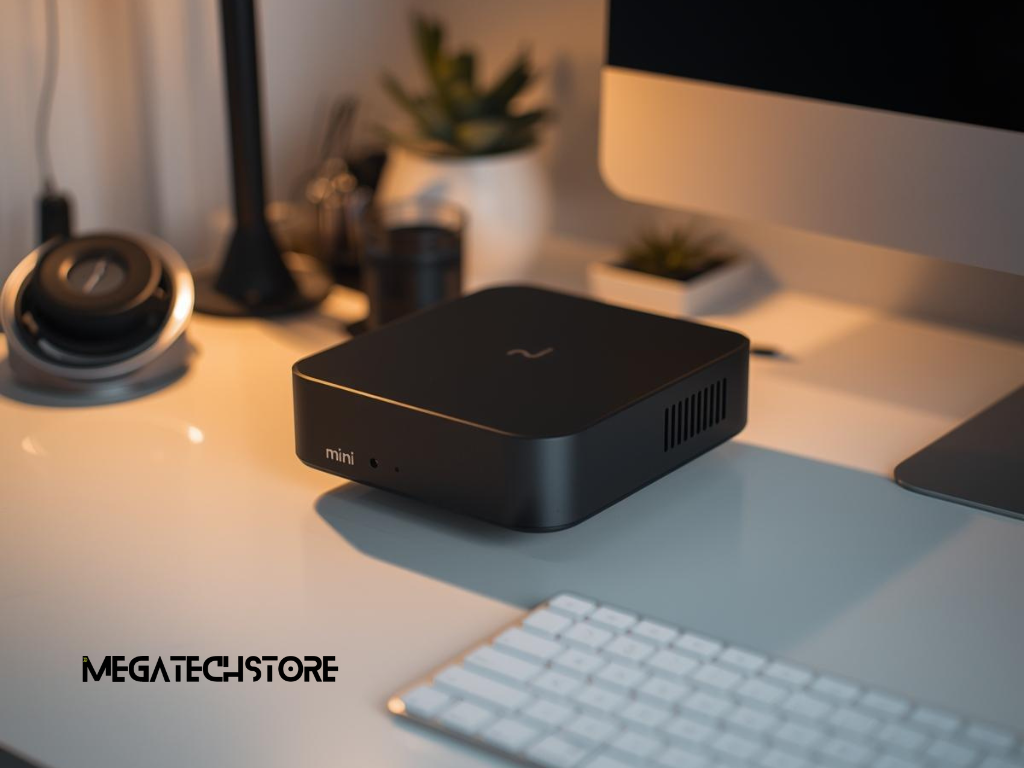
Compact computers place powerful components inside a small case.
Cooling therefore matters during long workloads.
A system may perform well during a short task but become warmer and louder under sustained use.
Office applications usually create a light load.
Video rendering, gaming and virtual machines can keep the processor busy for much longer. These tasks generate more heat.
Review independent testing where available.
Look for information about sustained performance, fan noise and surface temperature. A short benchmark may not show how the computer behaves after extended use.
Room conditions also matter.
Australian summers can increase ambient temperature. The computer needs clear air intake and exhaust areas.
Do not place the unit inside a closed cabinet unless the space has suitable airflow.
Dust can also reduce cooling over time.
Choose a location that allows basic cleaning. Ask whether the fan or filter can be serviced without damaging the system.
Measure the space before ordering.
Include the computer, power adapter and cable connections. Some compact systems use a large external power supply.
Allow room behind the unit.
HDMI, Ethernet and USB cables can extend beyond the case. Tight cable bends may place stress on the connectors.
Monitor mounting can free desk space.
However, a rear-mounted computer may be harder to reach when you need the power button or USB ports.
Think about service access.
Memory and storage upgrades may require the computer to be removed from its mount. Choose a setup that allows this without disconnecting the full workspace.
Specifications do not always answer every question.
Contact a retailer when software, accessories or upgrade parts create uncertainty.
Early advice may prevent an incompatible order.
Speak with the seller before ordering a barebone system.
Confirm the required memory type and supported capacities. Ask which solid-state drive sizes and standards fit the model.
Operating system support also matters.
Some buyers need Windows for business applications. Others may plan to run Linux, virtualisation software or a specialised platform.
Confirm support for your monitors.
This is important when using several displays or high resolutions. The port type alone does not always show the maximum supported setup.
A local tech store may also help with installation and testing.
When contacting mega tech store, ask whether the required Minisforum model is currently stocked. Also confirm whether the listed price covers a barebone system or a complete build.
Explain how you will use the computer.
Name the main software and any demanding tasks. Mention gaming, editing or virtual machines where relevant.
State how many monitors you have.
Include their resolution and connection type. This helps the store check display compatibility.
Describe your storage needs.
A user with large video files may need more internal storage than someone who keeps most files in the cloud.
Also provide a budget.
The seller can then compare a basic mini pc with a higher-performance mega computer setup or workstation.
Finally, explain whether you want a ready-to-use system.
This helps the store decide whether a prebuilt configuration or barebone model suits you better.
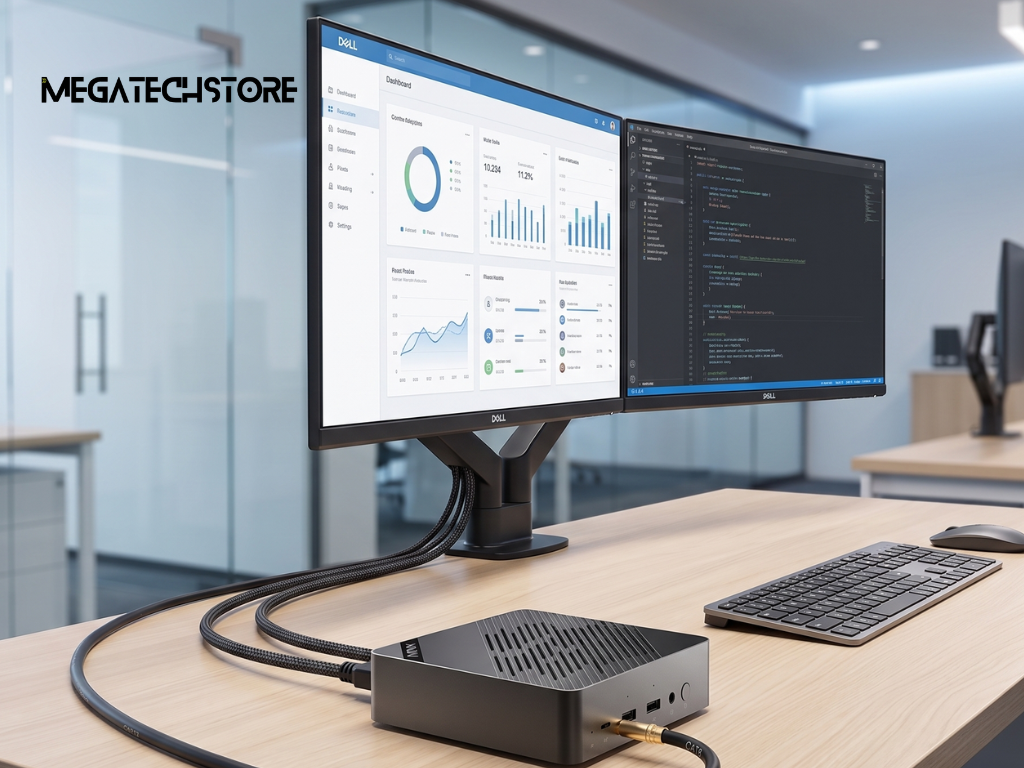
The lowest product price may not provide the best overall value.
A local seller may offer installation, testing or easier warranty support. Another retailer may provide only the original boxed product.
Compare the complete offer.
Confirm who handles faults.
Ask whether the retailer manages warranty claims or sends the buyer to the manufacturer.
Minisforum’s Australian store currently advertises a three-year product warranty and technical support. Buyers should still read the exact terms for the selected product.
Australian Consumer Law also provides automatic consumer guarantees.
These rights apply separately from a voluntary manufacturer warranty. Products must be of acceptable quality and perform as reasonably expected. Depending on the problem, a consumer may have a right to repair, replacement or refund.
Check return conditions before buying.
A change-of-mind return policy is different from rights that apply when a product is faulty.
Confirm the exact model number.
Similar Minisforum names may refer to different processors or configurations.
Review the installed memory and storage.
Check whether the operating system is included and activated. A barebone listing may not include any of these items.
Confirm every required port.
This includes display, network, audio and external storage connections.
Add the cost of accessories.
You may need a monitor cable, keyboard, mounting bracket or memory upgrade.
When comparing minisforum australia sellers, ask for the complete specification in writing. A clear order reduces the risk of receiving the wrong configuration.
Mega tech store can review your workload, monitor setup and upgrade needs before purchase. Provide those details when requesting a Minisforum recommendation or complete pre build PC quote.