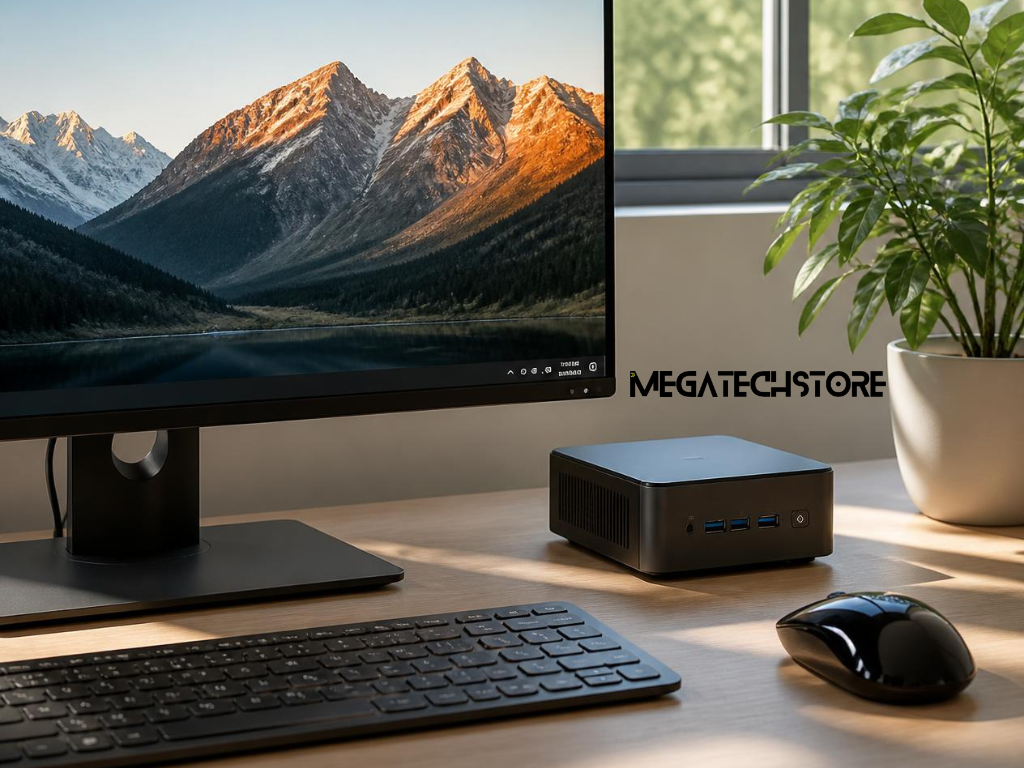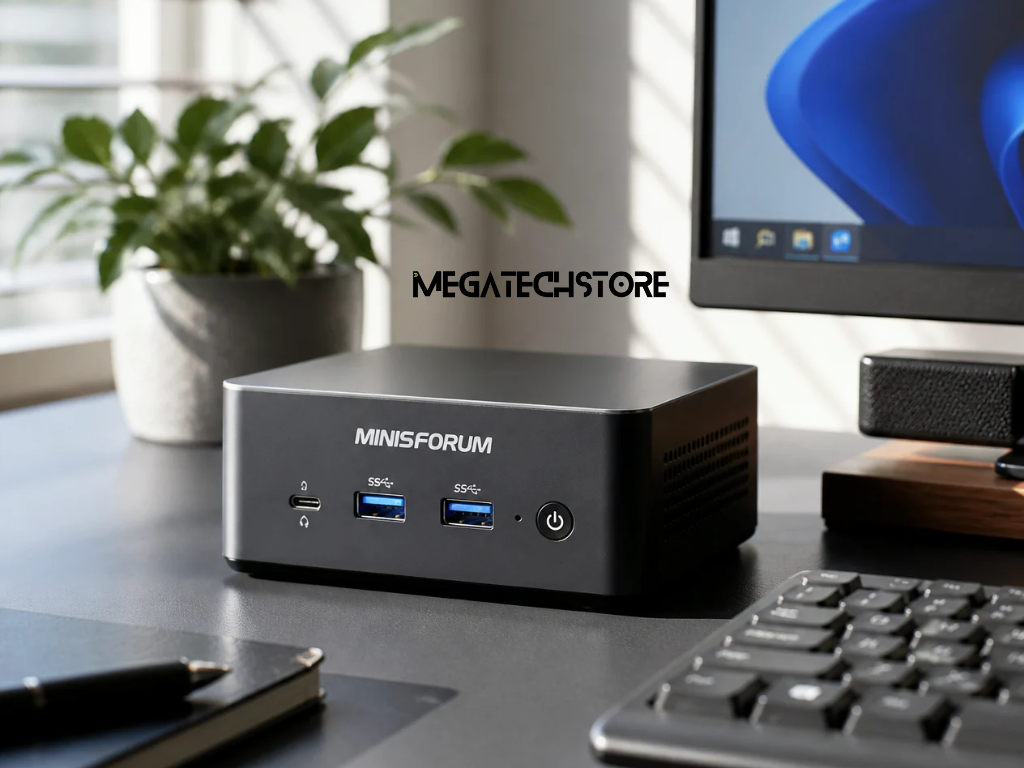

Mini PCs have moved beyond simple web browsing and basic office work. Current Minisforum ranges include everyday desktops, AI-focused systems, gaming models, compact workstations and network-storage products. Australian listings also show systems ranging from barebone units to configurations supplied with substantial memory and storage.
This wider choice is useful, but it can make buying more complicated. Two Minisforum computers may look similar in photographs while using different processors, graphics, memory arrangements, storage options and connections. One may be supplied as a barebone system, while another may include RAM and an SSD.
For shoppers researching Minisforum Australia, the best approach is to begin with the work the computer must perform. The smallest machine, newest processor or largest specification is not automatically the best choice.
The following guide explains how to compare barebone and configured systems, choose suitable components and evaluate an Australian retailer before purchasing.
Start by listing the programs and tasks the computer will handle each week.
A system for email, web applications, video calls and office documents does not require the same hardware as a computer used for video editing, software development, virtual machines or gaming. Buying for the actual workload helps prevent both underpowered and unnecessarily expensive choices.
For general office use, priorities may include quiet operation, reliable networking, several display outputs and enough memory for many browser tabs and applications. A creative user may place more importance on processor performance, graphics acceleration, storage capacity and fast external connections.
Gaming needs depend heavily on the titles, resolution and quality settings involved. Integrated graphics may support lighter or older games, while demanding modern titles can require a system with stronger graphics or compatibility with an external GPU.
A workstation user may need high memory capacity, several SSDs, multiple network connections or support for specialised software. Current Minisforum products are marketed across office, gaming, creative and workstation scenarios, but the suitability of an individual model still depends on its exact configuration.
Some shoppers use broad phrases such as mega computer when they really mean a compact workstation with strong performance. Turning that general idea into a list of actual programs, displays and workloads produces a more useful buying decision.
Check the recommended hardware requirements for the main software before comparing computers.
The processor architecture, graphics hardware and operating system may affect whether a program runs correctly. Specialist accounting, design, engineering or production software may also depend on particular drivers, security features or licensing arrangements.
Consider how several applications will be used together. A processor that handles one program comfortably may feel different when the system is simultaneously running video calls, browser tabs, cloud synchronisation and creative software.
Sustained performance also matters. A short benchmark result does not always represent several hours of rendering, compiling or data processing. Buyers with demanding workloads should look for testing that reflects the type and duration of work they expect to perform.
Business buyers should also check whether their IT team requires a particular edition of Windows, security feature, network interface or device-management system. These details can matter more than a small difference in benchmark scores.
A barebone mini PC generally provides the main computer platform while leaving some components for the buyer to supply. However, the exact inclusions vary by model and should never be assumed.
Some Minisforum barebone listings include the case, motherboard, cooling system and processor but require the customer to add RAM, storage and an operating system. Other workstation-style products may also exclude the processor.
For example, current AI X1 Pro Australian listings offer both a barebone option and configurations with RAM and SSD storage. By comparison, the MS-A1 listing describes a barebone version that can exclude the CPU and operating-system licence. These examples show why buyers must read the exact variant description rather than relying only on the word “barebone.”
A barebone system may suit someone who already owns compatible mini PC parts or wants to choose a specific memory and storage combination. It can also provide greater control over component brands and capacities.
However, the buyer needs to confirm compatibility. Memory generation, module type, maximum capacity, SSD size, interface and supported drive count can differ between models.
The buyer should also determine who will install the components and operating system. Incorrect installation, physical damage or unsupported parts may complicate troubleshooting or warranty claims.
A configured or pre-built PC can be more convenient when the buyer wants a working system without selecting and installing individual components.
These systems may be offered with combinations such as 16GB, 32GB or 64GB of RAM and different SSD capacities. Current Australian retailer listings show several Minisforum models with multiple configuration choices, although the available combinations vary by product and stock level.
Before purchasing, confirm exactly what “prebuilt” means. The system may include installed memory and storage but still require operating-system setup, activation or updates. Ask whether Windows is installed, whether a genuine licence is included and whether the computer has been tested in its final configuration.
A configured system can also simplify support because the retailer supplied the complete hardware combination. If the machine develops a problem, the customer is less likely to be asked whether a separately sourced memory module or SSD caused the issue.
The convenience may come at an additional cost. Compare the configured price with the cost of compatible parts, installation time and the support you expect to need.

Processor names can be difficult to compare because a newer family or higher number does not always produce the best result for every task.
Look at the processor’s intended class, number of cores, sustained power and performance in the applications you use. Office work generally benefits from responsive single-core performance, while rendering, compiling and virtual machines may use more cores and threads.
Graphics requirements need separate attention. Many compact systems use integrated graphics, which share system memory. Modern integrated graphics can handle everyday displays, media and some gaming, but they should not automatically be treated as equivalent to a dedicated desktop graphics card.
Some higher-performance mini PCs include stronger graphics or provide an external graphics connection. Current Minisforum product categories include dedicated gaming models as well as AI and workstation systems, demonstrating that “mini PC” now covers several performance levels.
An AI-labelled processor may include a neural processing unit designed to accelerate supported local AI tasks. This can be useful for compatible software, but NPU performance should not replace a review of ordinary processor, graphics and memory requirements.
Memory requirements depend on the number and type of programs running together.
For routine office work, 16GB can provide a practical starting point. Buyers who regularly use large spreadsheets, many browser tabs, creative tools or development software may benefit from 32GB. More demanding workstation, virtualisation or local AI workloads may justify 64GB or more.
The system’s maximum supported memory should be checked before buying. Also confirm whether it uses one or two memory modules, whether both slots are occupied and whether replacing the existing modules will be required for a future upgrade.
Storage should be chosen according to current files, applications and expected growth. A 512GB SSD may suit light use, while 1TB or more can provide greater room for games, media and project files.
Several Minisforum models support more than one storage device, but the number and type of slots vary. The NAB9S, for example, advertises M.2 storage together with support for a 2.5-inch SATA drive. Other models may provide several M.2 slots without a 2.5-inch bay.
Do not assume that every drive position supports the same speed or capacity. Check the model documentation and confirm whether additional mounting hardware or thermal pads are required.
Count the monitors and peripherals that will be connected before selecting a model.
Display connections may include HDMI, DisplayPort or USB-C. A USB-C connector does not automatically support video, charging or every USB standard, so its functions need to be checked individually.
The Minisforum M1 Lite, for example, advertises three independent display connections through HDMI, DisplayPort and USB4. Other models provide different combinations and may support different resolutions or refresh rates.
Check the connectors on the monitors as well as the computer. Adapters can solve some compatibility issues, but they may introduce limitations around resolution, refresh rate or features such as variable refresh.
Consider the number and placement of USB ports required for keyboards, mice, storage, webcams, audio interfaces and other devices. A model with many ports on paper may still be inconvenient when most are positioned on the rear or use a connector type your equipment does not support.
Buyers planning to use a docking station should confirm compatibility rather than assuming that every USB-C dock will provide full display, power and peripheral support.
Some mini PCs include connections designed for external graphics or high-speed storage.
OCuLink can provide a direct PCIe connection for compatible external GPU docks, while USB4 may support a broader range of docks and external devices. The exact performance and compatibility depend on the computer, dock, graphics card and software.
The current AI X1 Pro range includes USB4, OCuLink and 2.5-gigabit Ethernet, while Minisforum also sells dedicated external-GPU accessories. These features can make future expansion possible, but they add little value when the user only needs office applications and a single display.
Network requirements should also be checked. A home user may be satisfied with standard Wi-Fi, while a business, NAS or media workflow may benefit from multiple Ethernet ports or faster wired networking.
Confirm the supported Wi-Fi version, Bluetooth version and Ethernet speed for the exact model. Product families can contain several revisions with different network hardware.

A compact computer needs clear airflow around its intake and exhaust vents.
Avoid placing the mini PC inside a closed cabinet, against soft furnishings or in a location where cables block the ventilation openings. Dust, high room temperatures and restricted airflow can affect fan behaviour and sustained performance.
Fan noise should be considered in relation to the workload. A computer that is nearly silent during document editing may become more noticeable during gaming, rendering or software compilation.
Look for reviews that test the same processor and configuration you plan to buy. A barebone model fitted with different memory or storage may behave differently from the reviewed configuration.
The physical mounting location can also affect the experience. Some users place a mini PC behind a monitor or under a desk, but accessibility, ventilation and wireless reception should be considered before hiding the unit.
Where the computer will run continuously as a server or workstation, ask whether the model is designed and supported for that operating pattern.
Upgradeability varies substantially between mini PCs.
Many models allow the user to replace memory and SSD storage, while the processor and graphics are commonly integrated into the main system. Some workstation-style products offer more expansion than compact office models.
The NAB9S currently advertises tool-free access for memory and storage changes, together with dual-drive support. This does not mean every Minisforum PC uses the same access method or supports the same components.
Before purchasing, check how the case opens and whether doing so affects warranty conditions. Also confirm the supported memory, storage dimensions and thermal requirements.
Buyers should consider whether future upgrades are likely. A barebone model may make sense when memory and storage will be selected immediately, while a configured unit with spare capacity may provide a simpler long-term solution.
A small system should not be purchased on the assumption that it will eventually accept desktop graphics cards, full-size expansion cards or standard desktop cooling parts. Model-specific documentation should guide the decision.
Begin by comparing models that suit the same workload rather than simply sorting every product by price.
The total cost should include memory, storage, operating system, delivery, adapters and any accessories needed to connect existing monitors and peripherals. A low barebone price can become less competitive after suitable components are added.
Check whether the power adapter has an Australian plug and whether the product is supplied through an Australian channel. Imported variants may use a different adapter, keyboard layout, warranty arrangement or return process.
Current Mega Tech Store listings include Minisforum mini PCs across office, AI, gaming and workstation uses, with some products offering barebone or customised RAM and SSD configurations. The retailer states that it is based in Sydney and is an authorised Minisforum distributor, but current stock, configuration times and product availability should be confirmed before ordering.
A tech store should also explain whether the final system is supplied as a factory configuration or assembled locally. Ask what testing is completed after memory and storage are installed.
Warranty conditions can differ according to where the product is purchased.
The MINISFORUM Australian official store states that eligible PCs, workstations and NAS products purchased directly from that store on or after 9 March 2026 receive a three-year warranty. It also states that this direct-store warranty does not apply to products purchased through distributors, Amazon or other third-party marketplaces. Customers buying elsewhere should therefore review the retailer’s own warranty and support arrangements.
A manufacturer or retailer warranty exists alongside Australian Consumer Law. The ACCC states that consumer guarantees apply automatically and cannot be removed or replaced by a voluntary warranty. Depending on the problem, a consumer may be entitled to a repair, replacement or refund.
Ask who handles the first support request, where faulty equipment is assessed and whether the customer must remove personal storage before returning the computer.
Also review the return policy for change-of-mind purchases, opened products and customised systems. Consumer guarantees cover faults and failures but do not automatically create a general change-of-mind right.
Keep the invoice, serial number and configuration details. These records can help establish what was supplied and when the purchase occurred.
Contacting Mega Tech Store can be useful when a buyer has selected a Minisforum model but is unsure whether to choose barebone or configured hardware.
Advice may also help when the customer wants to reuse existing RAM or SSDs, connect several monitors, add an external GPU or confirm whether specialised software will work with the proposed hardware.
The retailer currently lists Minisforum systems and related storage, memory and external-GPU products. Product compatibility, stock and local assembly options should be confirmed for the specific order.
Business buyers may wish to contact the store when ordering several matching systems. They should ask whether the same model and component configuration can be supplied consistently and how future replacement units will be handled.
A retailer can provide product and configuration advice, but the buyer should still confirm specialist software requirements with the software developer or internal IT provider.
Begin by explaining what the computer will be used for.
Provide the names of important applications and describe whether the work involves ordinary office tasks, creative production, gaming, software development, virtual machines, local AI or continuous server use.
State how many monitors will be connected, together with their resolution, refresh rate and available inputs. Also list important peripherals, docks and external storage.
Explain whether a barebone system is acceptable or whether you need RAM, storage and Windows prepared before delivery. Mention any compatible parts you already own.
Give an approximate storage requirement and describe whether future upgrades are likely. Where network performance matters, state whether the system will use Wi-Fi, standard Ethernet or a faster wired connection.
Finally, ask Mega Tech Store to confirm the exact model, processor, memory, storage, operating-system licence, power adapter, warranty, current price and expected dispatch time in writing.
Choosing a Minisforum PC becomes easier when the decision begins with the workload rather than the smallest case or newest specification. By checking the configuration, ports, upgrade options and Australian support before ordering, buyers can select a compact computer that suits both their current work and realistic future needs.