
Working from home changes what matters in a computer. You may spend hours switching between browser tabs, documents, video calls and cloud tools. A large desktop tower is not always necessary for that kind of work.
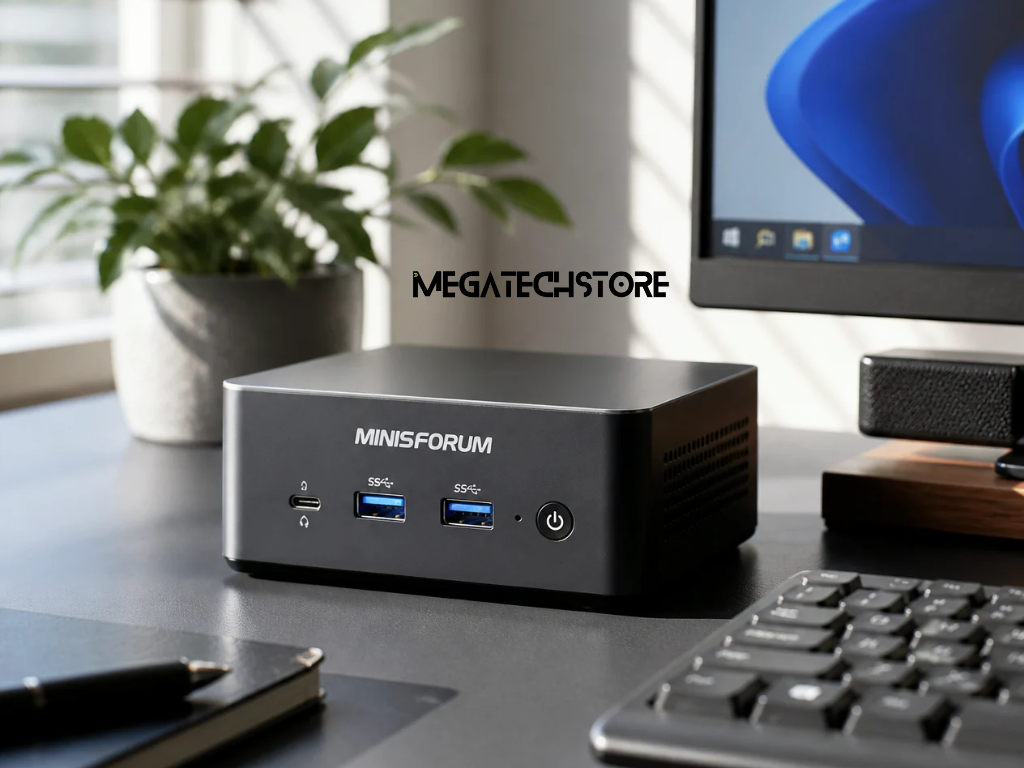
A minisforum pc can suit a home office where desk space matters. However, the smallest or fastest model is not automatically the right choice. Monitor support, ports, network connections, storage and noise can have a bigger effect on your working day.
Current minisforum australia models cover a wide range of needs. Some are designed for everyday productivity, while others offer stronger networking, graphics or workstation features. This makes it important to compare the whole specification rather than focusing on the processor alone.
A mini computer can make a home office feel less crowded. Instead of placing a large tower beside or under your desk, you can keep a compact system near your monitor.
This can be useful in apartments, study rooms and shared spaces. It also leaves more room for work equipment, notebooks or other devices.
Compact size does not mean every model has limited connectivity. For example, the current Minisforum Elite M1 Lite-125U includes HDMI, DisplayPort and USB4 connections. Minisforum positions it for tasks such as Office applications, video calls and general multitasking.
A compact computer can therefore make sense when your work mainly happens at a desk. You still use a separate monitor, keyboard and mouse, but you avoid the size of a full tower.
Before comparing models, write down what you do during a normal working day.
Someone using email, web applications, Microsoft Office and video meetings has different needs from a video editor or software developer.
The same applies to people who work with large design files, virtual machines or data-heavy applications. These users may need more memory, storage and processor performance.
Start with your workload rather than a benchmark score.
If most of your work happens in a browser and office applications, focus on smooth multitasking and useful connections. If you use demanding creative software, look further into processor, graphics and memory requirements.
This keeps the buying decision practical.
Noise is easy to ignore when reading specifications. It can become much more noticeable once the computer sits beside you for eight hours.
A mini pc uses a compact cooling system. Fans may become more active when the processor is working harder.
This does not mean mini PCs are always noisy. It means you should consider cooling as part of the purchase.
Think about where the computer will sit. If it will be close to your microphone during meetings, fan noise may matter more than it would under a large desk.
User reviews and independent tests can be useful here. Look for testing that measures noise under normal use as well as heavy loads.
Do not rely only on claims such as “quiet” or “silent”. Those terms can mean different things to different users.
A compact computer still needs airflow.
Avoid pushing the system against a wall or surrounding it with papers and other equipment. Blocking air vents can make cooling more difficult.
A cleaner desk setup can help. Leave enough room around the mini PC so air can move freely.
You should also think about the climate of the room. Australian home offices can become warm during summer, especially in rooms without strong ventilation.
If you regularly run demanding software for long periods, cooling becomes more important. For light office tasks, the system may spend much of its time under a lower load.
The key is to choose the cooling design around your real workload.
Multiple monitors can make a major difference to home-office productivity.
You might keep email or Teams on one screen while working on documents on another. Designers and developers may use three or more displays.
Before buying, check the exact display outputs.
Current Minisforum systems show why this matters. The Elite M1 Lite-125U supports HDMI, DisplayPort and USB4 output for a triple-display setup. The AI X1 also combines USB4, HDMI and DisplayPort connectivity for multi-monitor use.
However, do not assume every minisforum model has the same outputs.
Check the connection on each monitor first. You may have HDMI, DisplayPort or USB-C.
Next, compare those connections with the PC.
This simple check can prevent you from buying extra adapters or discovering that your preferred monitor setup will not work as expected.
Display ports are only part of the connection story.
Most home offices also use a keyboard, mouse and webcam. You may also have a microphone, printer, external drive, card reader or headset.
Count these devices before choosing a computer.
Then check how many USB-A and USB-C ports the model provides. Also consider where those ports sit.
Front ports are useful for devices you connect often. Rear ports may be better for items that stay connected all the time.
USB4 can also be useful for docks, fast external storage and some display connections. Still, not every device needs USB4.
A good setup gives you the connections you need without forcing you to rely on several hubs.
Video meetings, cloud storage and web-based software all depend on a reliable network.
Your internet plan is only one part of that connection. The computer’s wireless hardware and the position of your router also matter.
Current minisforum models can vary significantly in this area.
For example, the Elite M1 Lite-125U currently lists Wi-Fi 6E. The AI X1 lists Wi-Fi 7 and 2.5G Ethernet. The UM890 Pro lists Wi-Fi 6E and dual 2.5G Ethernet.
This does not mean you need the newest Wi-Fi standard.
A home office with a stable existing Wi-Fi connection may work perfectly well with an earlier standard. The important point is to check compatibility with your router and expected workload.
If your computer stays on the same desk every day, Ethernet is worth considering.
A wired connection can remove some of the variables that affect Wi-Fi. This may be useful for long video meetings or moving large files across a local network.
Many current Minisforum systems include 2.5G Ethernet. Some workstation models offer much faster networking for specialised use.
Most home workers do not need workstation-level networking.
However, an Ethernet port can still be valuable. It gives you another connection option if wireless performance becomes inconsistent.
Check the location of your router before buying. Running a cable across several rooms may not be practical.
In that situation, reliable Wi-Fi may matter more.
One important choice is whether you want a ready-to-use system or a barebone computer.
A configured pre build pc is usually easier for someone who wants to connect the machine and start working.
Barebone systems are different.
Minisforum Australia states that its barebone versions do not include RAM or an SSD. Windows 11 is also not preinstalled on those versions.
This gives experienced buyers more control over the final configuration. However, you must purchase compatible mini pc parts and complete more of the setup yourself.
That can include installing memory, storage and an operating system.
Compare the total cost before deciding.
A cheaper barebone price may look attractive at first. Once you add RAM, an SSD and any software you need, the final difference may become smaller.
For buyers who do not want to install computer parts, a configured system may be the simpler choice.
Storage needs vary greatly between home workers.
Someone who stores most files in Microsoft 365 or Google Drive may not need a huge local drive.
A photographer, video editor or designer may need far more local space. The same applies to developers working with large projects or virtual machines.
Think about current storage first.
Then allow some room for future files, software updates and applications.
Also check whether the model allows additional storage later. Upgrade options vary between systems.
Memory deserves the same attention.
Basic office tasks can run on modest amounts of RAM. Heavy multitasking and specialised software often benefit from more.
Check your main software requirements before choosing the final configuration.
There is no single Minisforum system that suits every home worker.
For general office use, features such as monitor support, enough memory and reliable networking may matter most.
The current Elite M1 Lite-125U is an example of a productivity-focused compact model. It combines triple-display capability, USB4, Wi-Fi 6E and 2.5GbE connectivity.
A user with heavier requirements may consider a higher-performance model.
For instance, the current AI X1 offers Wi-Fi 7, 2.5G Ethernet and multi-display connections. Minisforum also sells workstation models with more advanced expansion and networking options.
That does not make the more expensive system automatically better.
The right computer is the one that meets your software, display and storage needs without adding features you are unlikely to use.
A computer that works today should also give you reasonable flexibility.
You may add a second monitor next year. Your work could move towards larger files or more demanding software.
A new webcam, microphone or storage drive may also increase the number of ports you need.
Think about those likely changes before buying.
Upgradeable memory and storage can make a system more flexible. However, upgrade access and supported capacities differ between models.
Check the exact specification page rather than assuming all minisforum systems use the same mini pc parts.
This is especially important when comparing several generations of similar-looking computers.
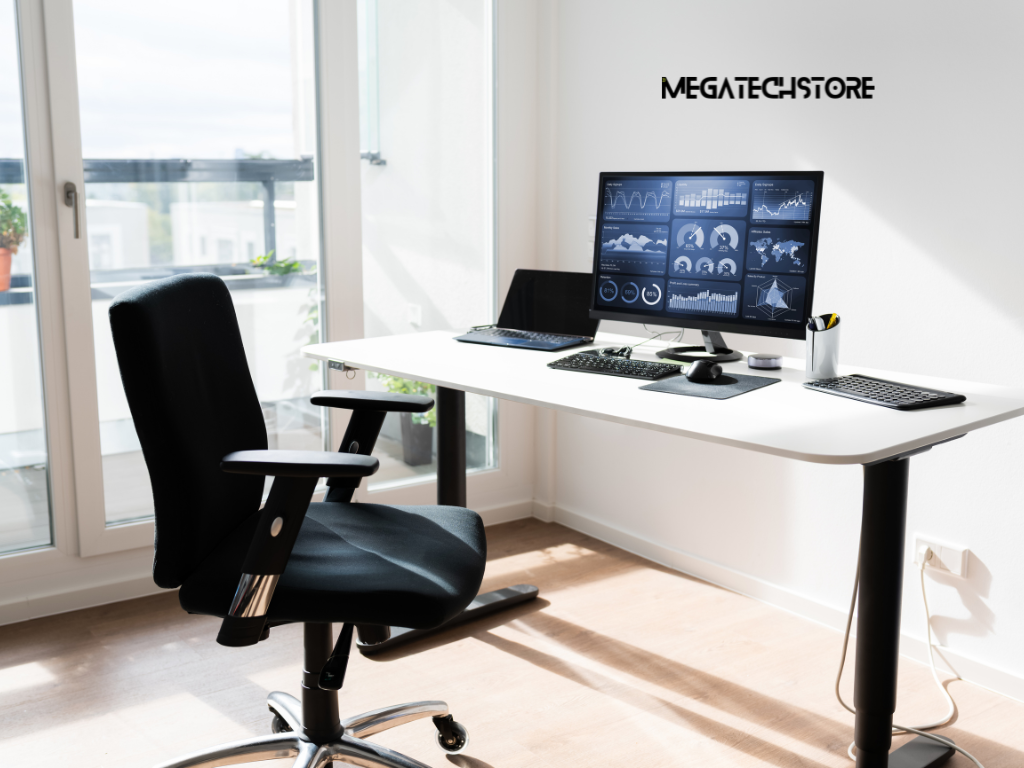
Mini PC specifications can become confusing quickly.
Two computers may look almost identical but have different processors, network ports, display outputs or upgrade limits.
This is a good point to speak with a supplier.
Explain what you actually need. Tell them which applications you use, how many monitors you have and which connections those monitors require.
Also mention whether you want a ready-to-use system or plan to install your own computer parts.
Mega Tech Store is based in Sydney and currently describes itself as an authorised MinisForum distributor. Its range includes mini PCs, pre-built computers and PC components.
For Australian buyers comparing a minisforum pc, this can provide another place to check available configurations and compatible components.
However, always confirm the exact model, current stock, included parts and warranty terms before ordering. Product ranges and availability can change.
Contacting a tech store can also help when you want to upgrade a system.
Do not buy RAM or an SSD based only on the fact that it fits another Minisforum model.
Check the exact computer model first.
A supplier can help confirm supported memory, storage type and available expansion slots. This becomes particularly important with barebone systems.
Mega Tech Store also currently advertises Minisforum repair and upgrade services in Australia. Its service information mentions replacement components such as SSDs, fans and modules.
The most useful question to ask is not simply, “Which mini PC is best?”
Instead, explain your complete home-office setup.
Describe your software, monitors, storage requirements, internet connection and accessories. This makes it easier to compare systems around the way you actually work.
For most home-office buyers, that approach is more useful than chasing the highest benchmark number.
Google’s own Search guidance recommends creating helpful, reliable, people-first content and using terms people search for naturally in prominent locations. This article follows that approach by answering the practical buying questions behind the keyword rather than repeating it throughout the page.
For internal linking, natural anchor text could connect readers to your Minisforum range, mini PC category, pre build pc options, computer parts, PC upgrades and contact or technical-support pages. These links fit the reader’s next step without forcing extra keywords.