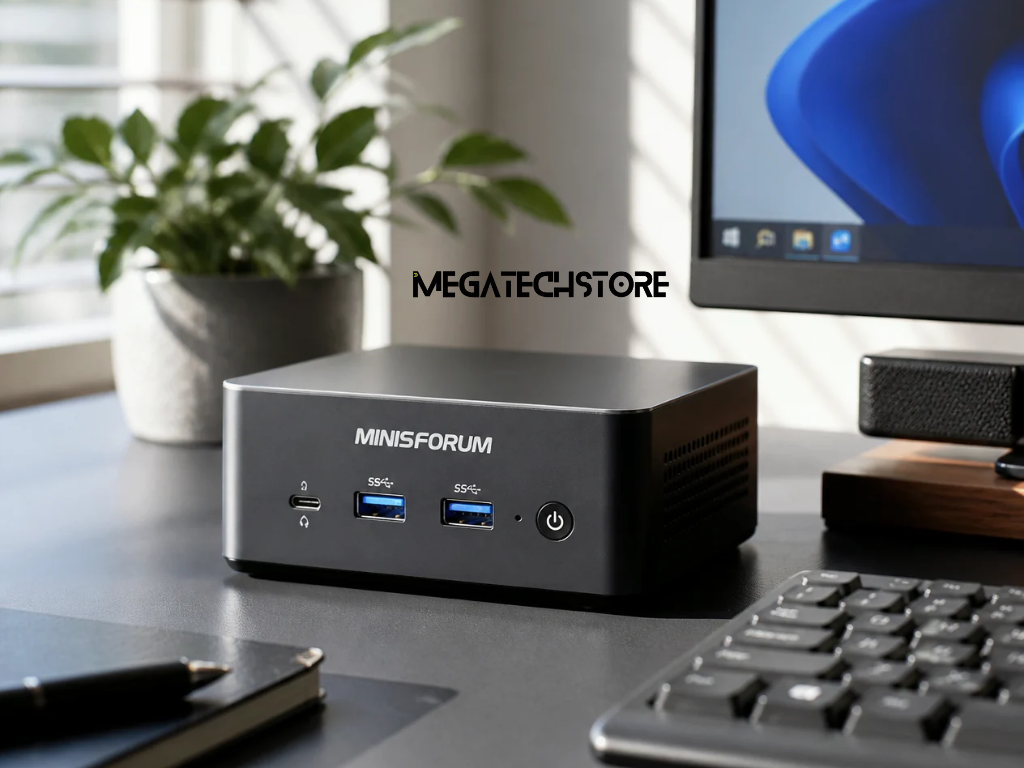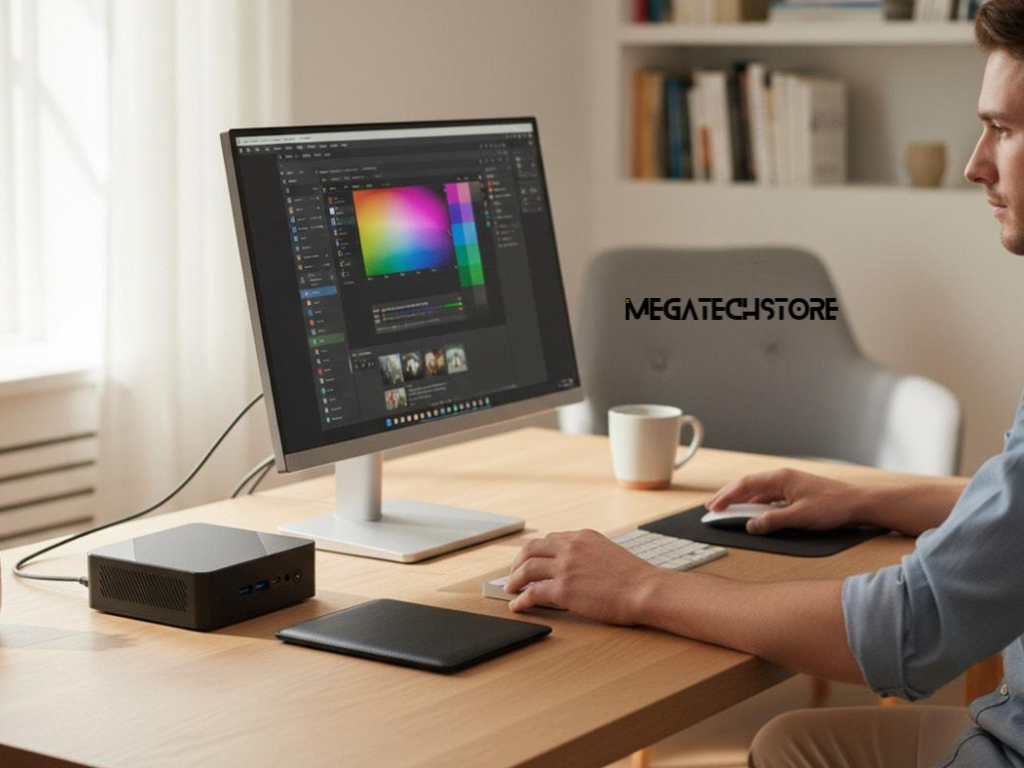

The growing availability of AI-powered computers has made Minix Australia an increasingly relevant search for buyers comparing compact desktop systems. From home offices and small businesses to creative professionals and developers, AI mini PCs offer new processing capabilities in computers designed to take up less desk space than traditional desktops.
However, not everyone needs a computer with dedicated AI hardware.
A conventional mini pc can still handle everyday tasks such as browsing, spreadsheets, email, video meetings and cloud-based applications. AI-enabled models become more interesting when users need compatible local AI processing, stronger integrated graphics or additional performance for demanding workloads.
For Australian buyers, the key is understanding what AI mini PCs actually do, how their specifications affect performance and whether the additional capabilities justify the purchase.
An AI mini PC is a compact computer equipped with processing capabilities designed to support artificial intelligence tasks.
Like conventional computers, these systems use a central processing unit (CPU) for general computing and a graphics processing unit (GPU) for visual processing and certain demanding calculations.
Some also include a neural processing unit (NPU), which is specialised hardware designed to accelerate supported AI workloads.
MINIX offers compact computers with different processor configurations, including models featuring AMD Ryzen AI and Intel Core Ultra processors.
When exploring Minix Australia products, buyers should understand that an AI processor does not automatically improve every application.
The benefits depend on whether the software can use the available hardware.
AI applications can operate through cloud services or directly on a computer.
Cloud-based AI tools process requests using remote infrastructure. Users generally need an internet connection, and performance depends partly on the service being accessed.
Local AI processing runs supported workloads on the user’s own device.
Depending on the software and hardware, this may include speech transcription, image enhancement, video effects or smaller AI models.
An NPU can improve efficiency for compatible tasks, but demanding local AI applications may rely heavily on the GPU and available memory.
This distinction matters because users who primarily access online AI tools may not require dedicated AI hardware.
Many Australian households and businesses use computers for relatively straightforward activities.
Typical examples include managing emails, attending video meetings, preparing documents, browsing websites and using cloud-based business applications.
These tasks generally do not require a high-performance AI processor.
A conventional Minix mini pc with suitable memory, storage and connectivity may provide everything needed for regular office work.
For buyers comparing Minix Australia options, the first question should be whether existing applications would genuinely benefit from specialised processing hardware.
If most activities involve standard office software, purchasing an expensive AI workstation may offer little immediate advantage.
However, buyers expecting to use more demanding applications should consider their future requirements before deciding.
AI-enabled mini PCs become more relevant when applications can take advantage of their specialised hardware.
Some productivity tools use local AI acceleration for supported camera effects, speech features and other functions.
Creative professionals may benefit from capable processors and graphics hardware when working with demanding editing or design software.
Developers experimenting with local AI models may also benefit from additional memory and processing resources.
However, an NPU is not a substitute for a powerful GPU in every workload.
For example, running large generative AI models locally can require substantial memory and suitable graphics or specialised computing hardware.
Buyers should therefore check their software’s actual hardware requirements before assuming that an AI-labelled computer will deliver the performance they need.
Processor selection is one of the most important considerations when comparing AI mini PCs.
AMD Ryzen AI and Intel Core Ultra processors offer different combinations of CPU performance, integrated graphics and AI acceleration.
However, performance varies between processor generations and individual models.
An older processor carrying AI branding may have different capabilities from a newer model in the same family.
Buyers researching Minix Australia products should compare exact processor specifications rather than relying on brand names alone.
One specification commonly associated with NPUs is TOPS, meaning trillions of operations per second.
This indicates a type of theoretical AI processing capability, but it does not provide a complete measure of real-world computer performance.
For example, Microsoft identifies an NPU capable of at least 40 TOPS as one of the requirements for Copilot+ PC experiences.
However, buyers must also confirm other hardware requirements, operating system compatibility and feature availability.
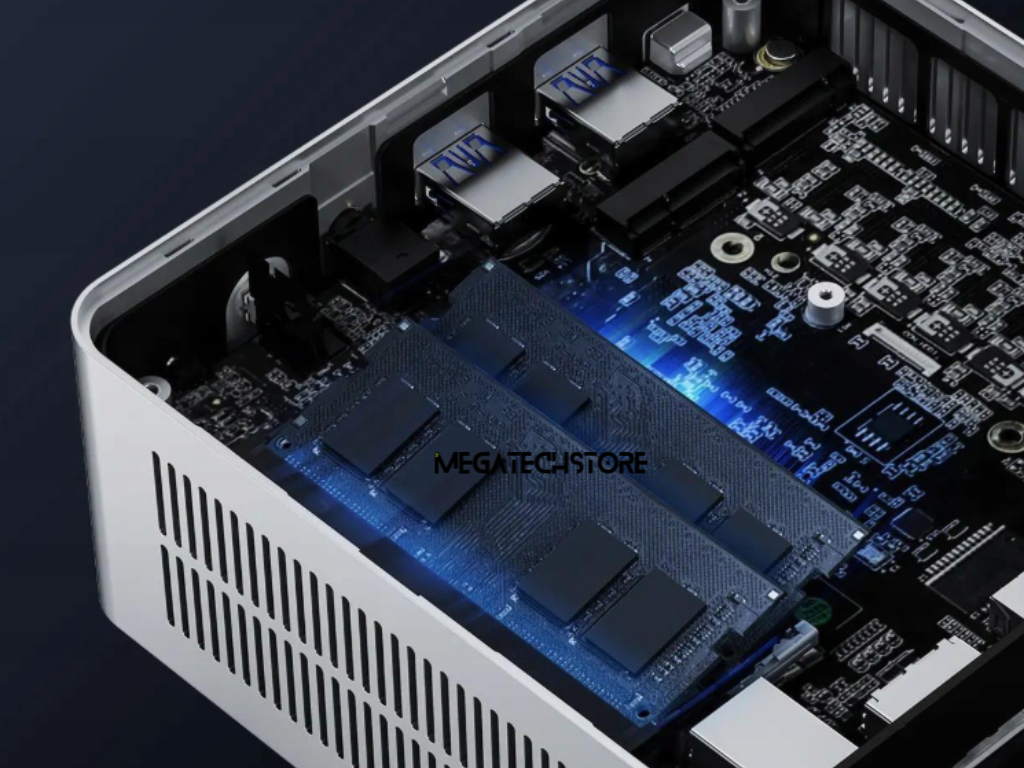
Memory affects how comfortably a computer handles applications and multitasking.
For general office use, 16GB RAM can be suitable for many users.
A 32GB configuration may provide greater flexibility for heavier multitasking, creative applications and some local AI workloads.
More demanding tasks, particularly certain AI models and professional applications, may require considerably more memory.
Storage requirements also depend on usage.
A 512GB SSD may be adequate for common productivity applications, while 1TB or more can be useful when managing large project files, media or local AI models.
Buyers should also investigate whether RAM and SSD storage can be upgraded.
Not all mini pc parts are interchangeable, and some systems have fixed memory or specific component limitations.
Checking compatibility before purchasing can help avoid unnecessary upgrade costs.
MINIX and MINISFORUM are separate manufacturers offering compact computing products.
Both brands have models designed around different processors, memory configurations and intended applications.
When comparing a MINIX system with a minisforum pc, buyers should focus on the specifications of the actual models rather than assuming that one brand always performs better.
Important considerations include processor generation, RAM capacity, storage configuration, networking, display outputs and cooling design.
Australian customers researching minisforum australia may also encounter specialised systems intended for different purposes from a standard desktop.
For shoppers comparing Minix Australia with minisforum products, product category matters as much as individual specifications.
A compact office computer, an AI workstation and a storage-focused server may all use advanced processors while serving different practical needs.
The minisforum N5 Pro is a useful example of why buyers should understand a product’s intended purpose.
Rather than being primarily a conventional desktop mini PC, the N5 Pro is an AI-enabled network-attached storage system, commonly called NAS.
It uses an AMD Ryzen AI 9 HX PRO 370 processor and provides multiple storage drive bays and high-speed networking capabilities.
Its design is particularly relevant to users exploring centralised storage, file management and network-based computing.
Although its processor supports AI-related capabilities, that does not make it a direct replacement for every desktop-focused MINIX model.
Someone purchasing a computer mainly for office productivity may be better served by a traditional mini PC.
A business seeking shared storage infrastructure may have different requirements that make a NAS system more appropriate.
The correct comparison depends on the work the device is expected to perform.
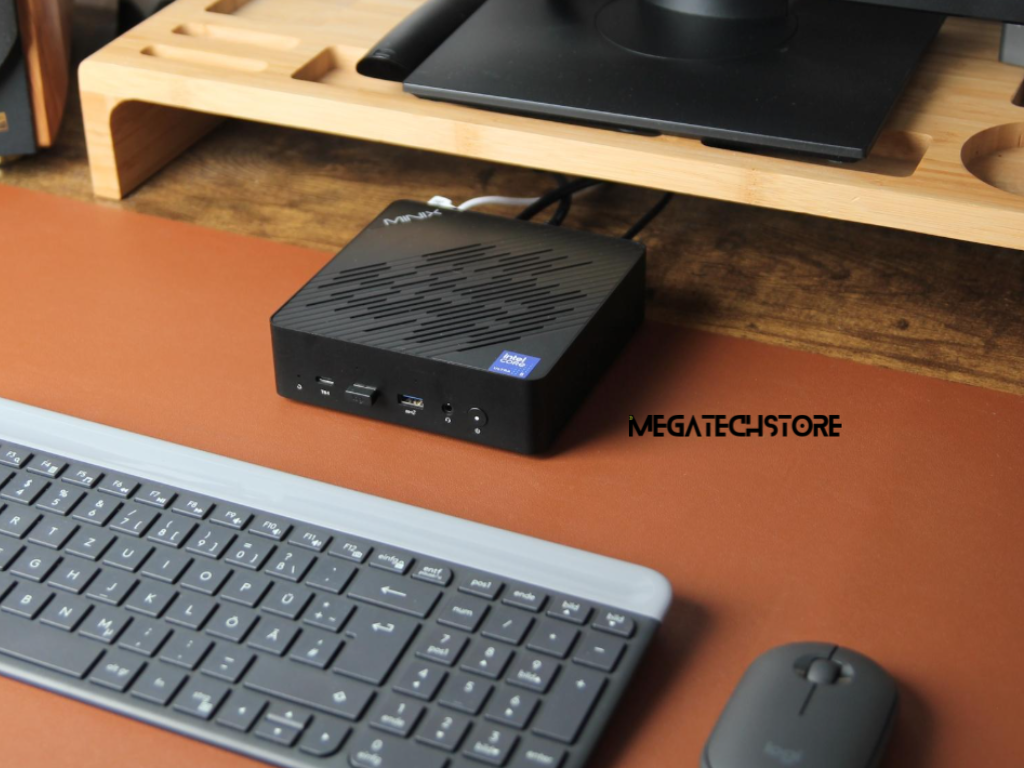
Several MINIX models offer different configurations for Australian buyers.
The MINIX EU512-AI, for example, is listed with an Intel Core Ultra 5 125H processor, 16GB RAM and 512GB SSD.
This makes it a relevant option to compare for everyday productivity, multitasking and supported AI-assisted features.
The MINIX ER937-AI uses an AMD Ryzen AI 9 HX 370 processor and is listed with 32GB RAM and 1TB SSD.
It may be more relevant to buyers seeking additional processing resources and newer NPU capabilities.
For more demanding workloads, the MINIX Elite ER939 AI range provides another category of compact workstation hardware worth investigating.
These examples illustrate the different performance levels available through Minix Australia product listings.
However, processor specifications alone should not determine the purchase.
Buyers should confirm the operating system, compatible software, memory requirements, connectivity and available support before choosing a model.
When purchasing a mini pc, Australian buyers should look beyond the processor and advertised AI features.
Check whether the computer includes an operating system, installed RAM and SSD storage, or whether additional components are required.
Review the available USB ports, monitor connections, Ethernet capability, wireless connectivity and power requirements.
If future upgrades are important, confirm which mini pc parts are compatible with the model.
Buyers should also review warranty conditions, technical support arrangements and applicable rights under Australian Consumer Law.
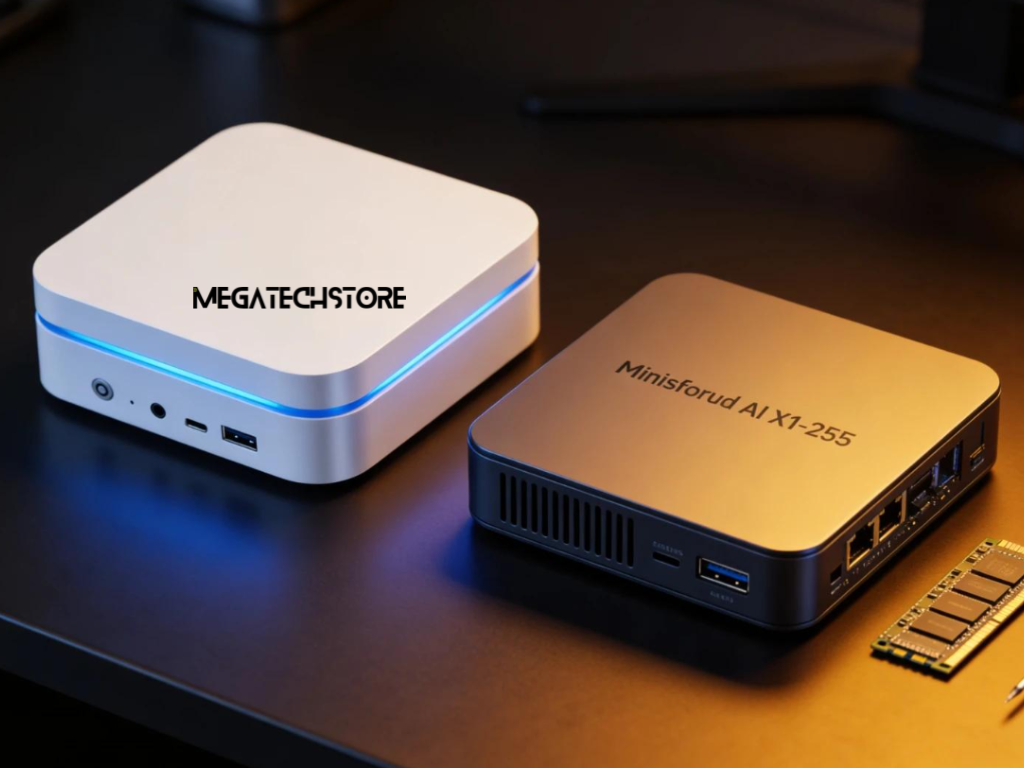
MegatechStore offers a range of MINIX mini PCs and workstations for customers comparing compact computing options.
Its product listings can help buyers review configurations and identify models suited to their requirements.
Stock availability, specifications and support conditions should be confirmed before ordering.
An AI mini PC is worth considering when its capabilities support applications the buyer regularly uses.
For example, a developer working with compatible local AI tools may benefit from an appropriate NPU, stronger graphics hardware or additional memory.
A creative professional may value a compact workstation capable of handling demanding applications without requiring a traditional desktop tower.
Businesses may also consider AI-enabled systems when planning hardware upgrades around supported applications.
However, buyers should not assume that a higher NPU rating automatically translates into faster overall performance.
For Minix Australia customers, the most useful comparison is between the intended workload and the actual capabilities of each device.
The additional cost is easier to justify when the hardware delivers a practical benefit rather than simply adding features that remain unused.
Conventional mini PCs remain suitable for many everyday computing tasks.
A business using browser-based software, accounting applications, cloud storage and online communication tools may not need a dedicated AI processor.
Similarly, home users focused on streaming, browsing and basic productivity may find an appropriately configured standard mini pc sufficient.
Cloud-based AI applications can also be accessed without owning a specialised AI computer, provided the device meets the application’s normal requirements.
This makes it important to compare total costs and expected usage.
A lower-priced system that comfortably handles existing applications may represent better value than a more expensive model purchased primarily for its AI branding.
Buyers should consider future needs, but they do not necessarily need the highest specifications available.
Before replacing an existing computer, review the applications that matter most.
Check their processor, operating system, graphics, RAM and storage requirements.
If particular AI capabilities are important, confirm whether the application supports the NPU or other hardware included in the chosen system.
For example, not every computer advertised as an AI PC meets the requirements for all Microsoft Copilot+ PC features.
Buyers researching Minix Australia should also consider whether their preferred applications depend on cloud services or can run locally.
This helps distinguish features that require specialised hardware from those available on conventional systems.
It is also worth considering whether the computer’s expansion options and connectivity will remain suitable as working requirements change.
Choosing an AI mini PC should begin with a clear understanding of how the computer will be used.
For routine administration and home-office tasks, a conventional compact computer may be sufficient.
For supported AI-assisted applications, demanding multitasking or certain development workloads, a more capable AI-enabled model may be worth considering.
Buyers comparing MINIX and MINISFORUM should also distinguish desktop-focused systems from specialised products such as the MINISFORUM N5 Pro.
MegatechStore provides Australian buyers with access to MINIX computing products and published technical specifications.
Explore the MINIX range at MegatechStore to compare available configurations, review relevant features and enquire about a suitable model.
Ultimately, AI mini PCs are worth buying when their additional processing capabilities match real computing requirements. The best choice is not necessarily the most powerful system, but the one that delivers the right balance of performance, compatibility, connectivity and value for its intended use.