
A Minisforum PC can be a capable gaming computer, but the experience depends heavily on the exact model, processor, graphics hardware, memory and the games you want to play. Some compact systems rely entirely on integrated graphics, while others provide stronger graphics options or expansion paths that can make higher-resolution gaming more realistic.
That distinction matters when comparing a mini PC with a traditional gaming desktop. A compact computer may save significant desk space and still provide enough performance for esports, indie games and many mainstream titles, but demanding games at high settings can require considerably more graphics power.
Australian buyers should therefore look beyond the Minisforum name and compare the actual hardware inside each model. Minisforum Australia’s current range includes systems with Radeon integrated graphics as well as compact products designed with expansion and higher-performance workloads in mind.
A Minisforum PC should be matched to the type of games you actually play.
Someone mainly playing competitive esports titles has very different requirements from someone wanting to run new graphically demanding games at high settings and resolutions.
A Minisforum PC with capable modern integrated graphics can suit lighter gaming, indie games, older titles and many esports games.
Integrated graphics share system resources rather than using a separate graphics card, so gaming performance depends on the processor, memory configuration, cooling and the particular game.
For casual gaming, this can be more than enough.
For newer AAA games, however, you may need to lower graphical settings or use resolution scaling technologies where available to maintain smoother performance.
The important point is to start with the games you want to run and then look at the hardware needed for those titles.
A Minisforum PC is not one standard hardware configuration.
For example, Minisforum currently lists systems using Radeon 780M and Radeon 890M integrated graphics, while other products have more specialised expansion options.
That means a review of one Minisforum model should not automatically be applied to another.
Processor generation, integrated GPU, memory speed, cooling design and power limits can all affect performance.
When comparing Minisforum Australia options, check the complete specification rather than relying simply on the words “mini PC”.
A Minisforum PC with integrated graphics behaves differently from a gaming computer with a dedicated GPU.
Understanding that difference is one of the most important steps before buying.
A Minisforum PC using modern Radeon integrated graphics can handle a useful range of games without requiring a separate graphics card.
For example, Minisforum’s AI X1 Pro-370 pairs an AMD Ryzen AI 9 HX 370 processor with Radeon 890M graphics.
Hardware at this level can make compact gaming practical, particularly when expectations around resolution and graphical quality are sensible.
Integrated graphics also have advantages for buyers who value a smaller system with fewer components.
The trade-off is that demanding games can reach the limits of integrated graphics sooner than they would with a strong dedicated GPU.
A Minisforum PC setup with access to dedicated graphics becomes more attractive when gaming performance is a higher priority.
A separate GPU generally provides more graphics resources for demanding games, higher visual settings and higher resolutions.
Some compact Minisforum systems offer external or internal graphics expansion paths rather than including a conventional desktop GPU inside the small chassis.
For example, the N5 Pro supports OCuLink and PCIe expansion, and Minisforum describes graphics expansion options for 1080p to 1440p gaming. However, the N5 Pro itself is primarily an AI NAS platform rather than a conventional gaming mini PC, so buyers should not treat it as a direct replacement for a dedicated gaming system without considering the additional hardware required.
A Minisforum PC can make the most sense for gaming at 1080p, particularly where compact size matters.
However, the exact experience can range from light gaming at reduced settings to much stronger performance on higher-end hardware.
A Minisforum PC with capable integrated graphics may provide a good starting point for 1080p gaming.
Less demanding games can often run comfortably at this resolution, while newer or more graphically intensive titles may require adjustments.
Game optimisation also matters.
Two games that look similarly demanding can perform very differently because their engines, graphics options and processor requirements are not the same.
Rather than asking whether every Minisforum system is “good for 1080p”, it is more useful to check independent performance results for the exact model and the specific games you want to play.
A Minisforum PC using integrated graphics may benefit from reducing settings such as shadows, reflections, volumetric effects or other demanding visual features.
Upscaling technologies supported by the game can also help balance image quality and performance.
It is worth remembering that maximum graphical settings are not necessary for an enjoyable experience.
Medium or optimised settings can often look very good while placing substantially less demand on the graphics hardware.
For a compact system, finding that balance can be more useful than chasing the highest possible settings.
A Minisforum PC has more work to do when resolution increases from 1080p to 1440p.
The higher resolution requires the GPU to process considerably more pixels, so graphics capability becomes increasingly important.
A Minisforum PC with integrated graphics may be able to run some games at 1440p, particularly lighter or older titles.
However, demanding games can require lower settings, upscaling or a drop back to 1080p for smoother performance.
A stronger graphics solution changes that equation.
This is where a system with dedicated graphics or a suitable external GPU connection becomes more relevant.
Buyers should therefore treat 1440p as a separate performance target rather than assuming that a system performing well at 1080p will deliver the same experience at the higher resolution.
A Minisforum PC intended for 1440p gaming should be assessed primarily on its graphics capability, but memory, cooling and power limits also matter.
A powerful CPU cannot compensate indefinitely for a graphics processor that is struggling with the resolution.
Systems such as the MINIX ER939-AI Pro provide another example of how compact computers are becoming considerably more powerful. That model uses the AMD Ryzen AI Max+ 395 with Radeon 8060S graphics, showing how newer mini PCs can move beyond the performance expectations traditionally associated with small-form-factor machines.
It is still important to compare real gaming performance rather than assuming that a high-end processor automatically guarantees ideal 1440p results.
A larger mega computer or traditional gaming desktop may remain more appropriate where maximum GPU performance is the priority.
A Minisforum PC needs more than a capable processor to provide a good gaming experience.
Cooling, memory and storage can all influence how practical the system is over longer gaming sessions.
A Minisforum PC packs powerful components into a relatively small enclosure.
That makes thermal design important because both the CPU and graphics hardware can generate significant heat under sustained load.
Good cooling helps the system maintain its intended operating performance.
Buyers should look at the cooling system of the exact model and consider where the computer will be positioned.
Blocking ventilation or placing the system inside a poorly ventilated cabinet can work against the benefits of the compact design.
Noise may also matter if the mini PC will sit directly on the desk beside the monitor.
A Minisforum PC should have enough memory for both the game and everything running alongside it.
Gaming while keeping browsers, launchers, communication software and other applications open can increase memory requirements.
Storage capacity matters as well because modern game installations can occupy substantial SSD space.
Minisforum currently offers models with user-accessible SO-DIMM memory and M.2 storage options, although the exact upgradeability varies by system.
If future upgrades matter, compare the available mini PC parts, memory slots and SSD expansion before buying rather than assuming every compact system can be upgraded in the same way.
A Minisforum PC should be compared according to the workload it was designed to handle.
Not every high-performance compact computer is specifically a gaming computer, even when it contains powerful hardware.
A Minisforum PC for gaming should be chosen by looking at the GPU first, followed by CPU performance, memory, cooling, storage and connectivity.
For a light gaming setup, integrated Radeon graphics may be sufficient.
For demanding modern games, stronger graphics hardware or an expansion option can become much more important.
The Minisforum N5 Pro is a useful example of why product categories need to be understood carefully. It uses an AMD Ryzen AI 9 HX PRO 370 with Radeon 890M graphics and provides extensive storage and expansion capabilities, but Minisforum markets it primarily as an AI NAS.
It may have gaming possibilities, especially with additional graphics hardware, but it should not automatically be treated as a gaming-first machine.
A Minisforum PC now competes in a market where mini computers are available with increasingly powerful processors and graphics.
The MINIX ER939-AI Pro, sometimes searched for as the Minix ER 939 AI Pro, uses the Ryzen AI Max+ 395 and Radeon 8060S graphics, while current Minisforum systems include options based on Radeon 890M and other AMD platforms.
This wider choice is useful for Australian buyers, but it also makes direct specification comparisons important.
Mega Tech Store can be useful where buyers want to compare available compact computers, configurations or mini PC parts, but the final decision should still be based on the exact hardware required for the games and applications being used.
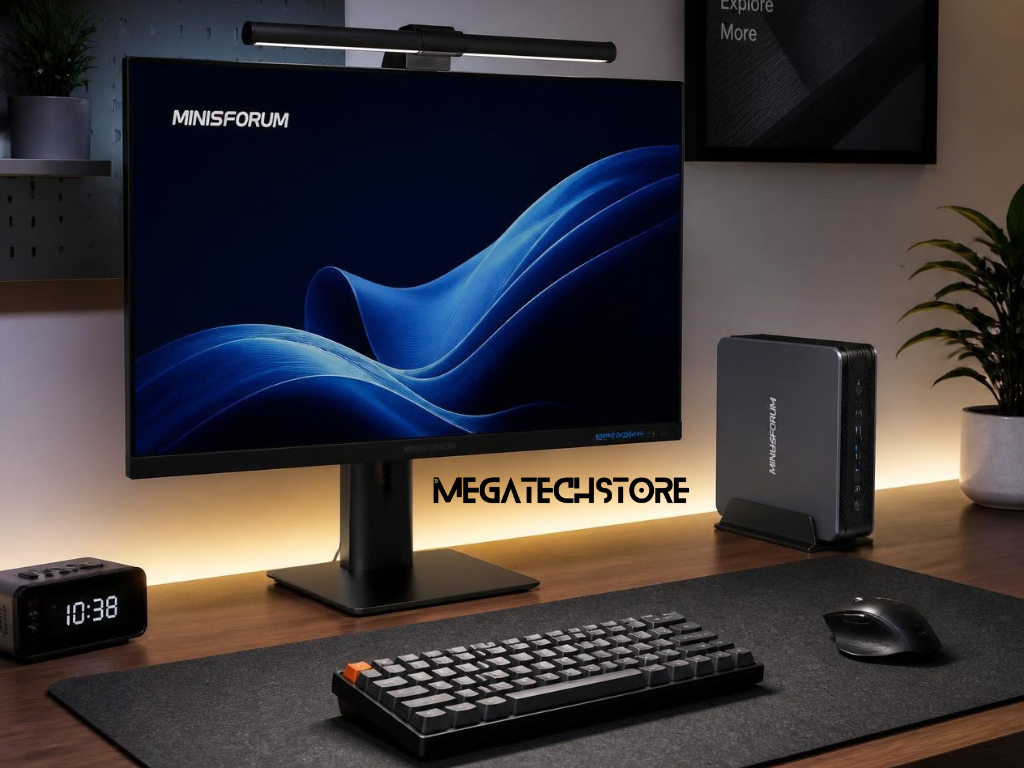
A Minisforum PC can be a strong gaming choice when compact dimensions are important and the selected hardware matches your expectations.
It is not automatically the best solution for every gamer.
A Minisforum PC can make sense for someone who wants a clean desk, a system that takes up little space and enough performance for the games they actually play.
It can also suit a combined computer used for work, media, general computing and gaming rather than a machine dedicated exclusively to maximum gaming performance.
Current Minisforum Australia products demonstrate how far mini PCs have moved beyond basic office computing, with Ryzen AI processors, modern Radeon graphics, fast DDR5 memory and substantial storage and connectivity options now available in compact systems.
For the right user, that combination can make a mini PC a practical alternative to a traditional desktop tower.
A Minisforum PC may be less suitable for gamers who want to install large desktop graphics cards, regularly upgrade major components or run demanding games at high resolutions and maximum visual settings.
Traditional desktops usually provide more room for cooling, larger power supplies and broader component replacement.
That flexibility can matter over several years of upgrades.
The decision therefore comes down to priorities.
If you value compact size, modern connectivity and capable everyday gaming, the right Minisforum PC can be an appealing option.
If you value maximum graphics performance, extensive component upgrades and fewer physical limitations, a full-size gaming desktop may still be the better fit.
Before buying, compare the exact Minisforum model against the games you intend to play, your target resolution and the upgrades you may want later. That approach gives a much more useful answer than simply asking whether every Minisforum PC is good for gaming.